
Horror
Explore unsettling stories, escape invisible mazes and solve point-and-click mysteries. Check each game’s content notes before you start.
- BLOODMONEY!On Nisu
- HUMAN EXPENDITURE PROGRAMOn Nisu
- Teeth of GlassOn Nisu
Play online with friends or share a keyboard for two. Browse more free browser games when you want a round on your own.
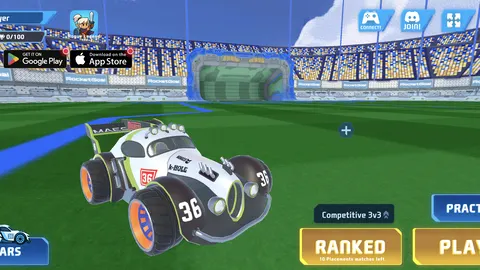
Boost into car soccer. Join matchmaking or open a party for friends.
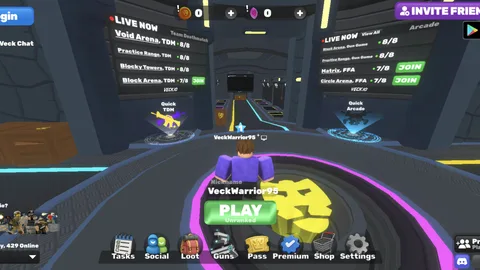
Fight in public FPS arenas or share a room code for a private match.
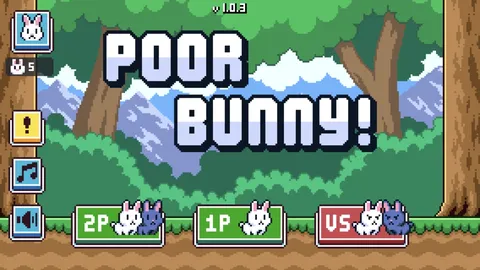
Share a keyboard for co-op survival or race each other for carrots in Versus.
Pick a game to play on Nisu or open its original browser release.
Explore unsettling stories, escape invisible mazes and solve point-and-click mysteries. Check each game’s content notes before you start.
Start with simple actions, buy upgrades and see what changes when a game starts doing some of the work for you.
Practice movement, time jumps and learn the hazards one short run at a time.
Work through number rules, falling blocks, word ladders and tile combinations at your own pace.
Compare online lobbies with same-keyboard games before inviting a friend.

A 67 meme idle clicker with click power, passive candy income, 11 upgrade tiers, achievements and golden-candy bonuses.
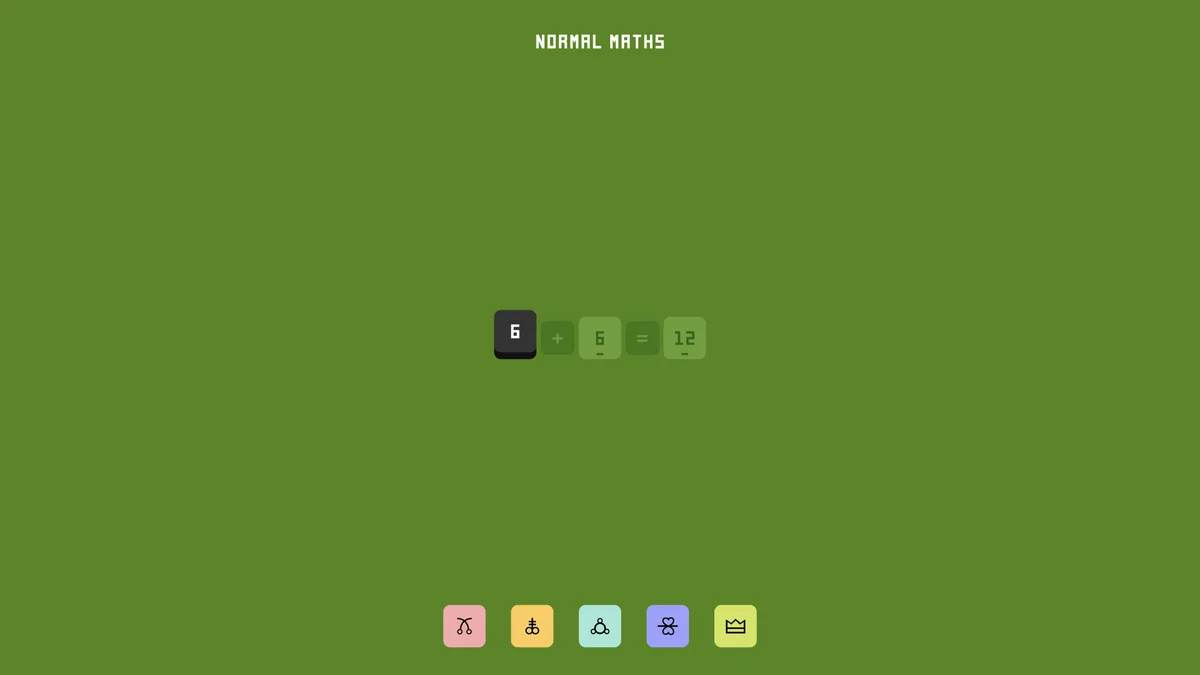
An abstract logic puzzle where draggable symbols transform numbers across one interconnected board.
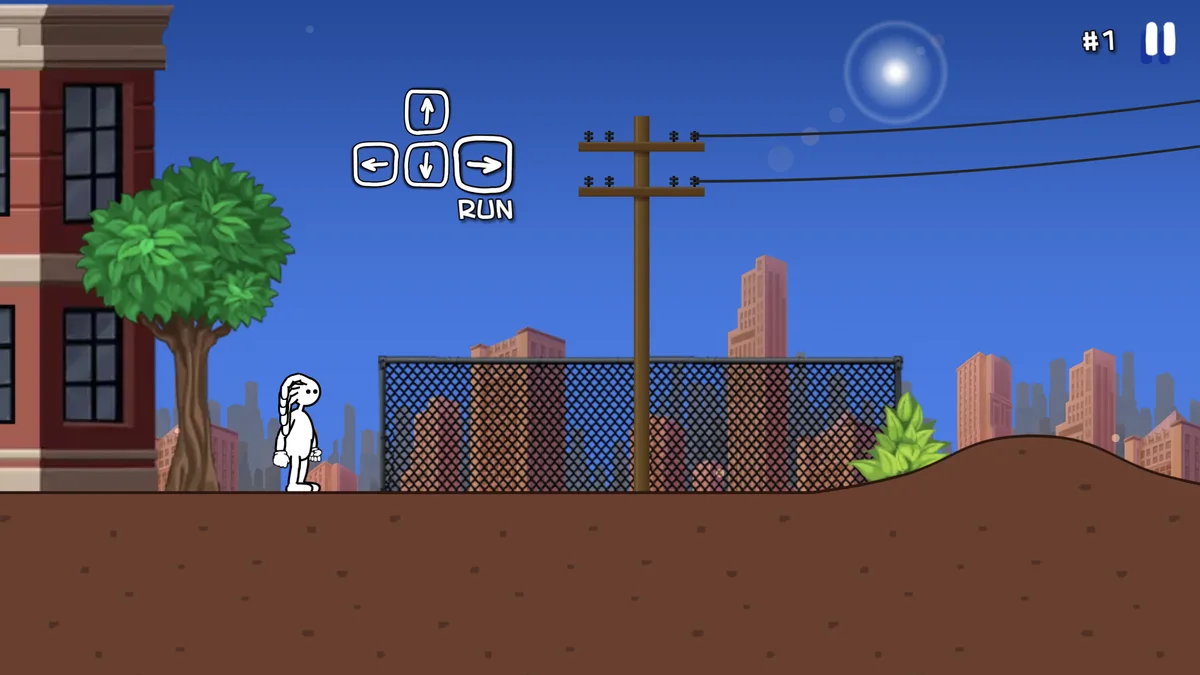
A side-scrolling parkour game built around running, jumping, sliding, stunts and obstacle-filled levels.
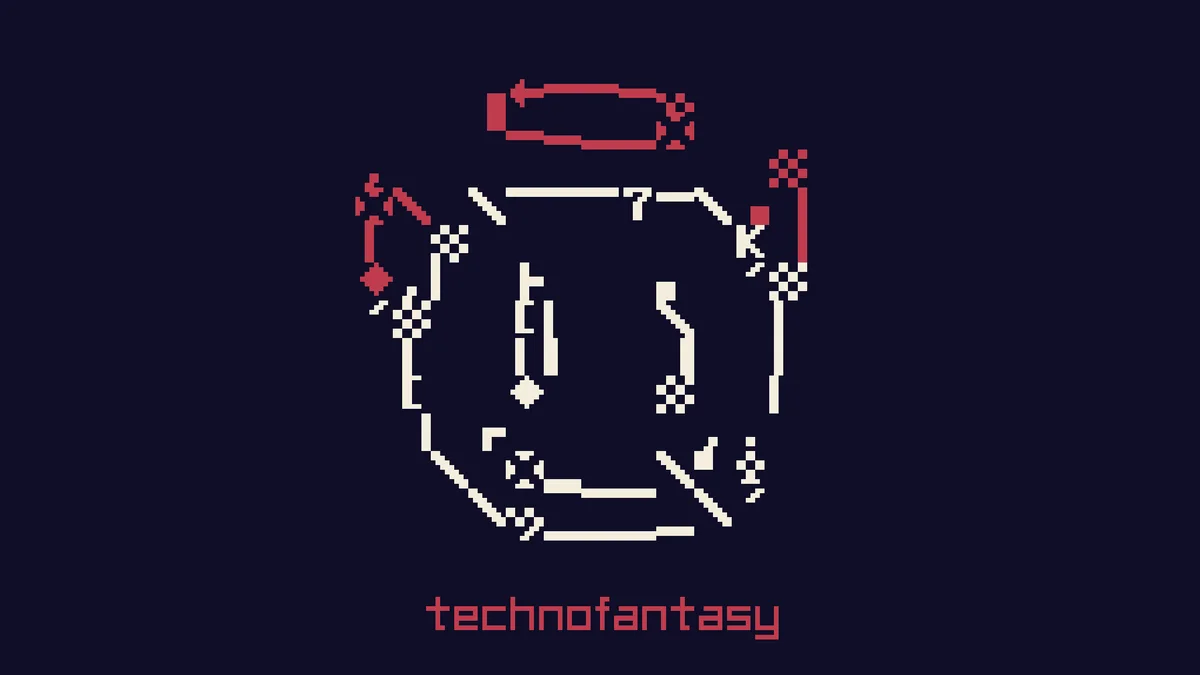
A Game Boy-style arcade puzzler that turns block placement into food for a worm and a growing round target.
A mouse-controlled survival shooter where your blood drains constantly and defeated enemies keep you alive.

A single-player platform adventure with Willie, Minnie, fireball flowers, invincibility stars and 18 levels.
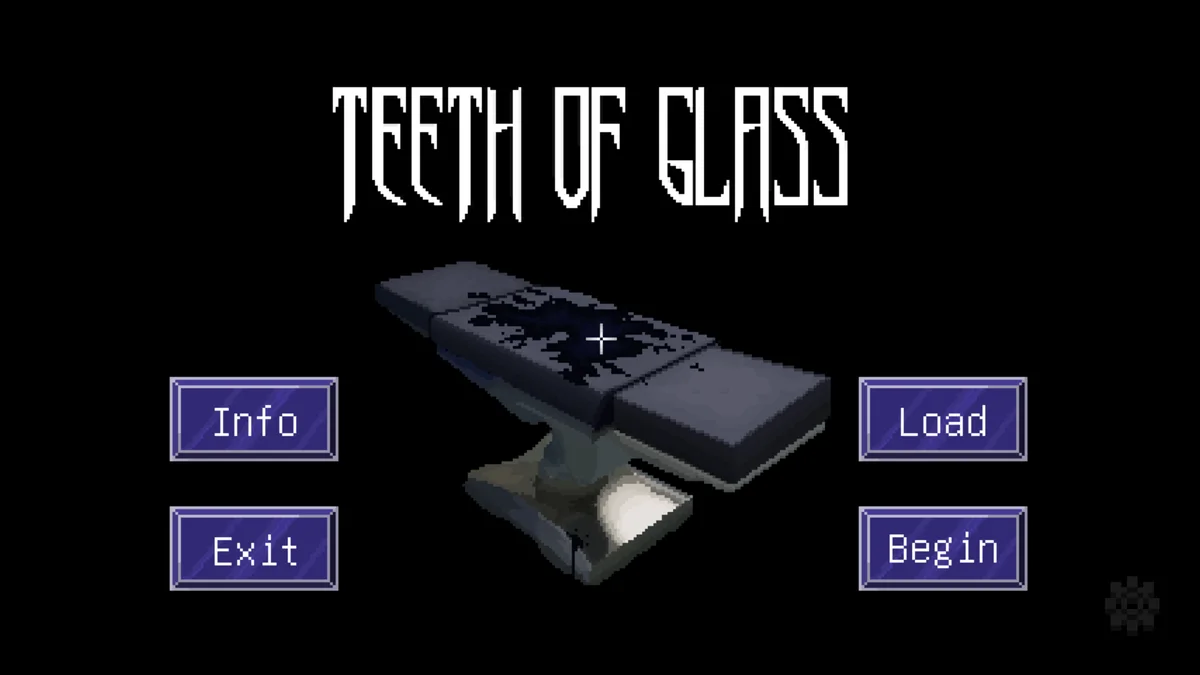
A short pixel-art horror adventure about a doctor, a mysterious patient and an otherworldly fever dream.

A browser take on the viral base-building loop of collecting brainrots, earning cash, using the shop and rebirthing for progression.
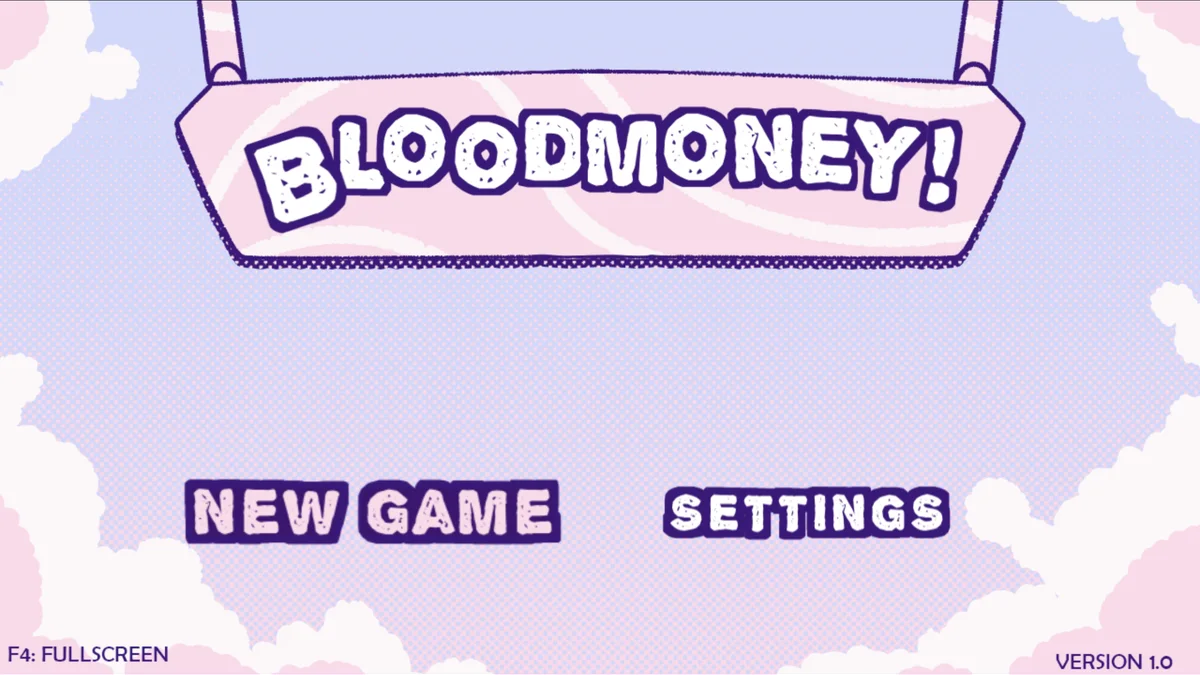
A pastel psychological-horror clicker about an urgent medical bill, escalating tools and three possible endings.
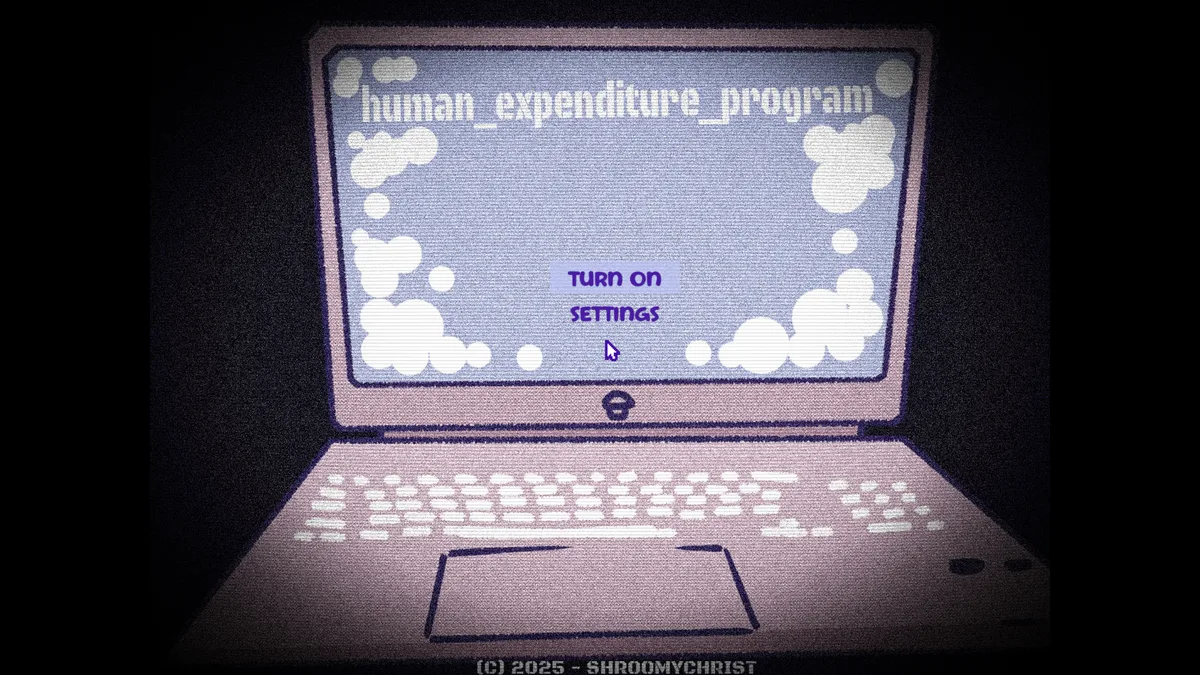
The official BLOODMONEY! follow-up turns Harvey into a virtual-pet responsibility with five minigames and two endings.

A hand-drawn horse puzzle about matching feed, unlocking larger horses and chasing a high score.
Experimental · The game may remain on its opening screen instead of reaching the pasture.

Buwu’s 18+ BLOODMONEY! fan sequel, combining the medical-bill premise with explicit interactions and hidden story content.
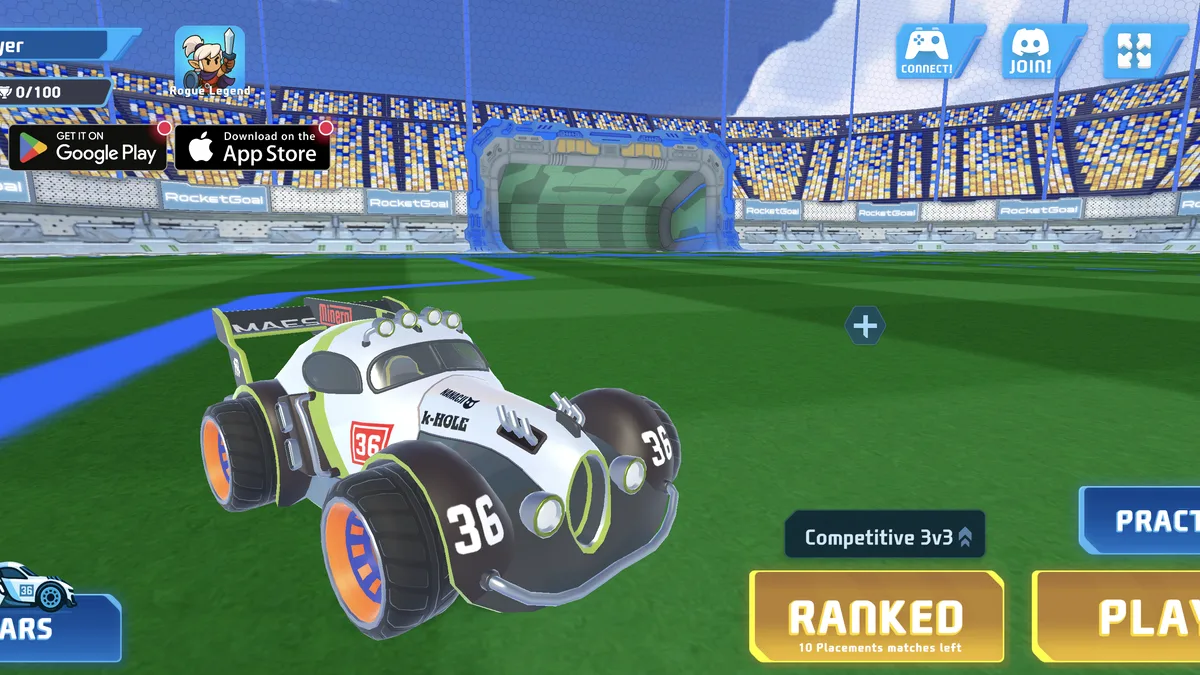
An online car-soccer game with practice, public matchmaking, private parties, rankings and unlockable vehicles.
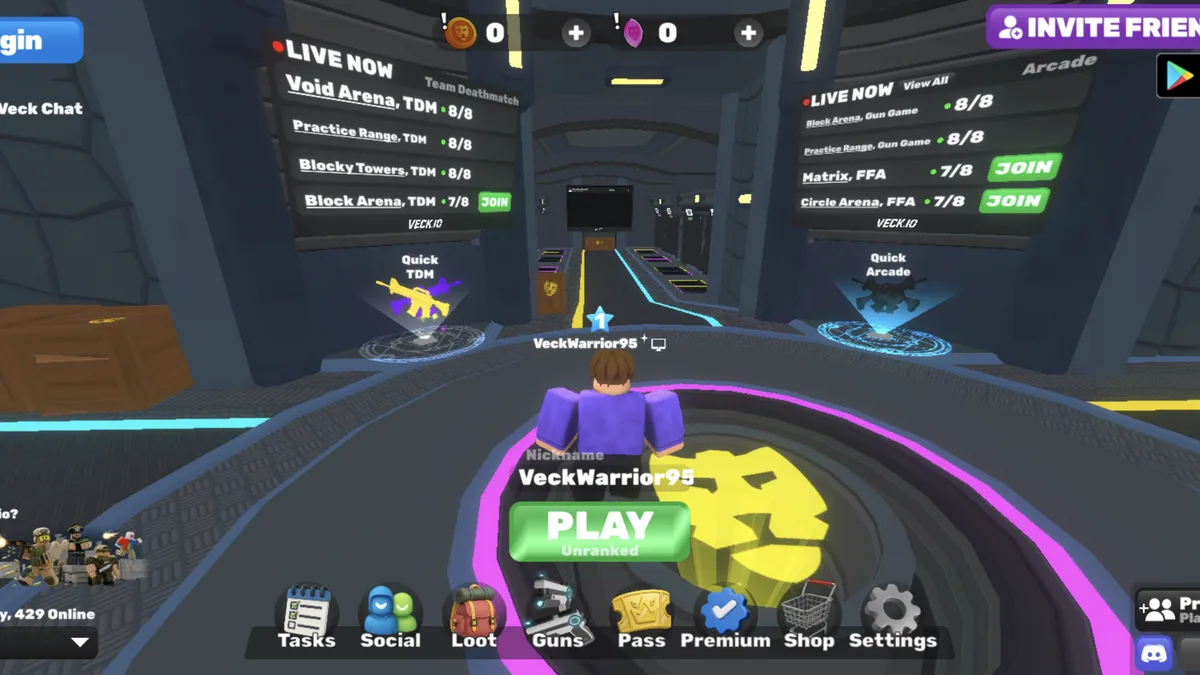
A free multiplayer browser FPS with live lobbies, several arena modes, private rooms and unlockable cosmetics.
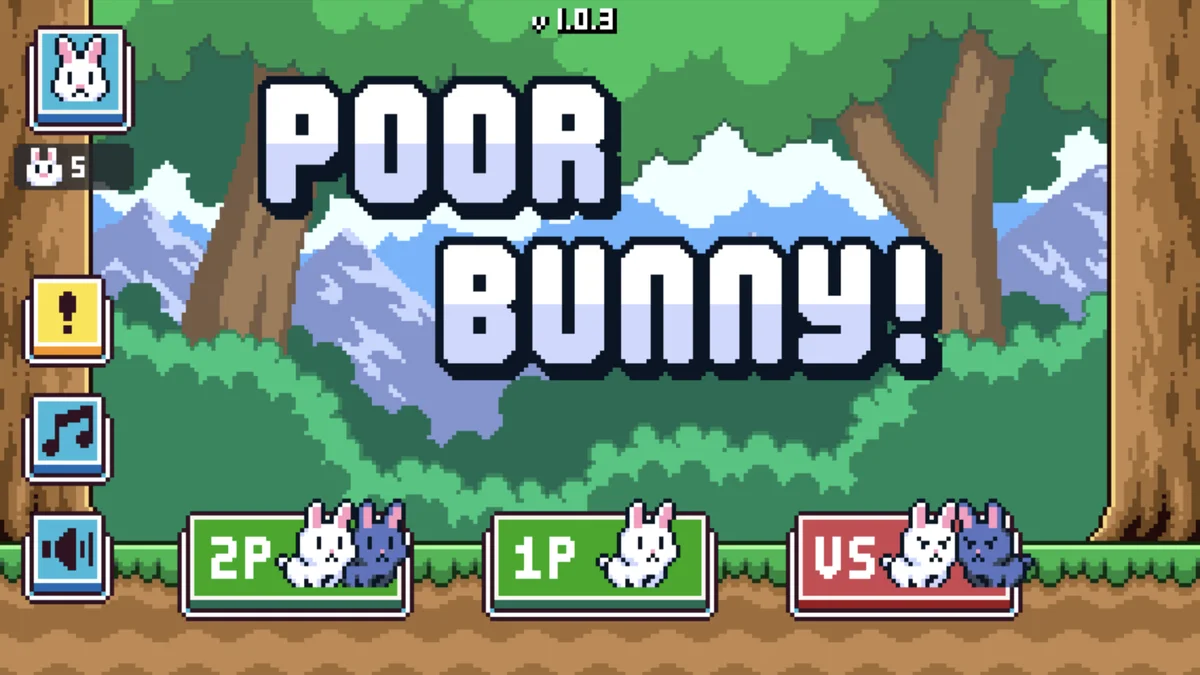
A one-screen high-score platformer with escalating traps, collectible carrots and local co-op or versus play.
Experimental · The core modes work, but some menu features may not respond.
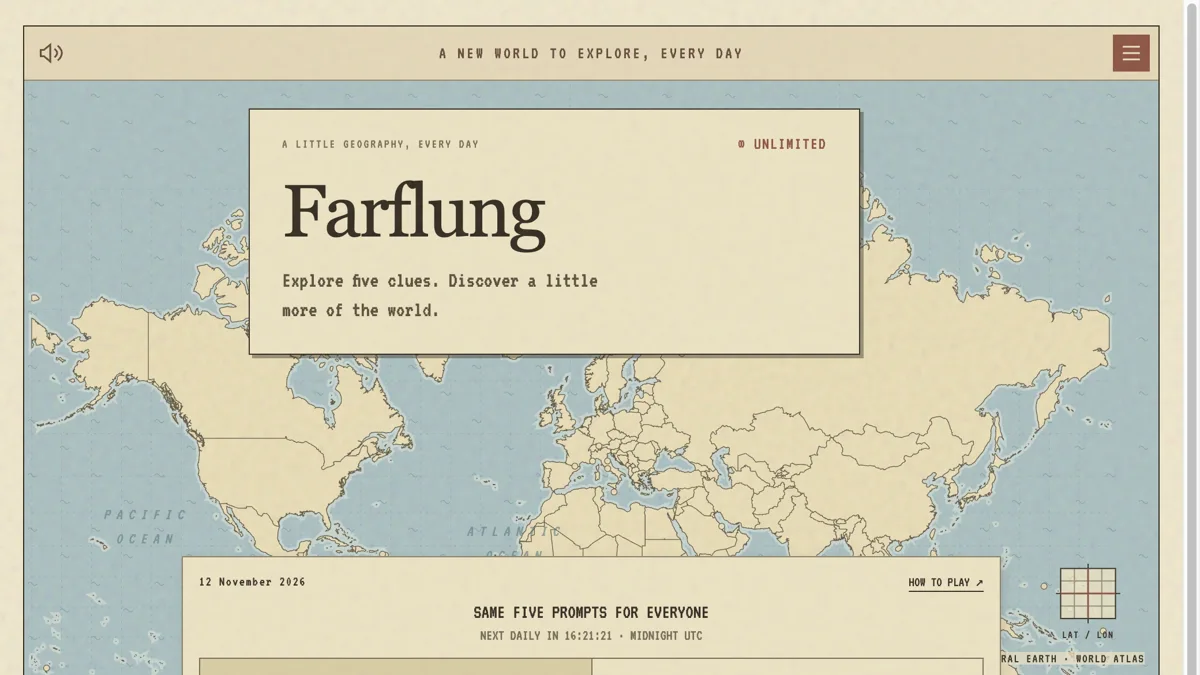
A free geography map quiz with five country clues, rarity-based scores, unlimited rounds and a separate daily challenge.
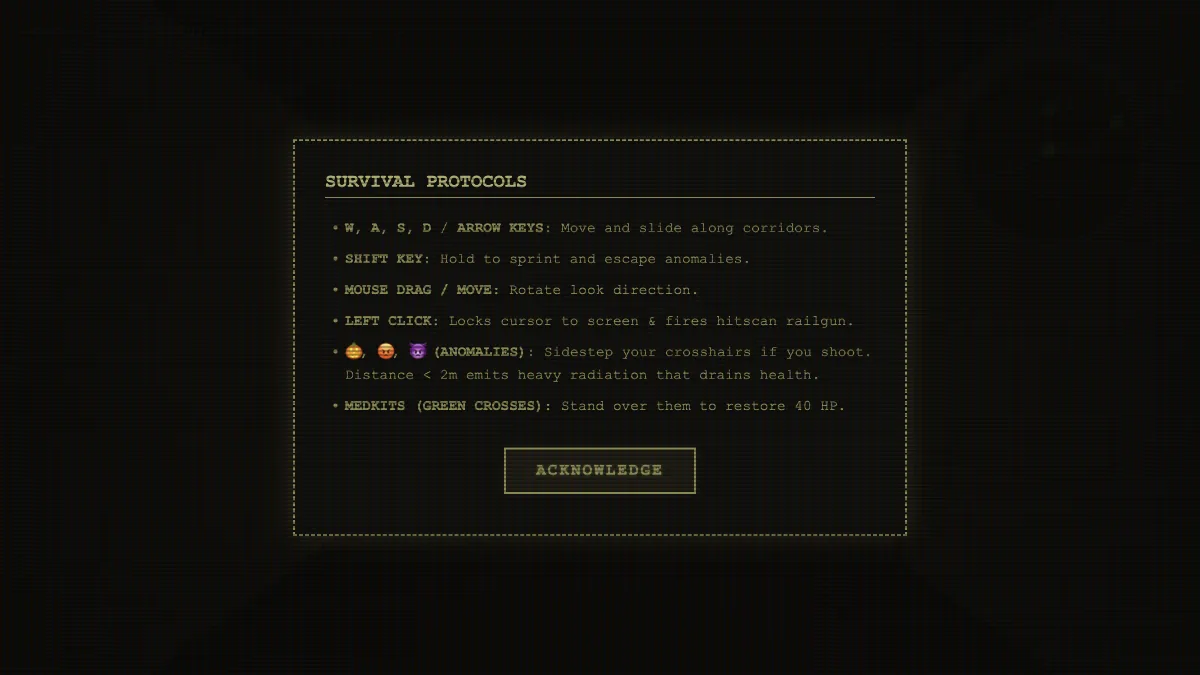
Descend into a procedurally generated maze and avoid the anomalies that patrol its corridors.
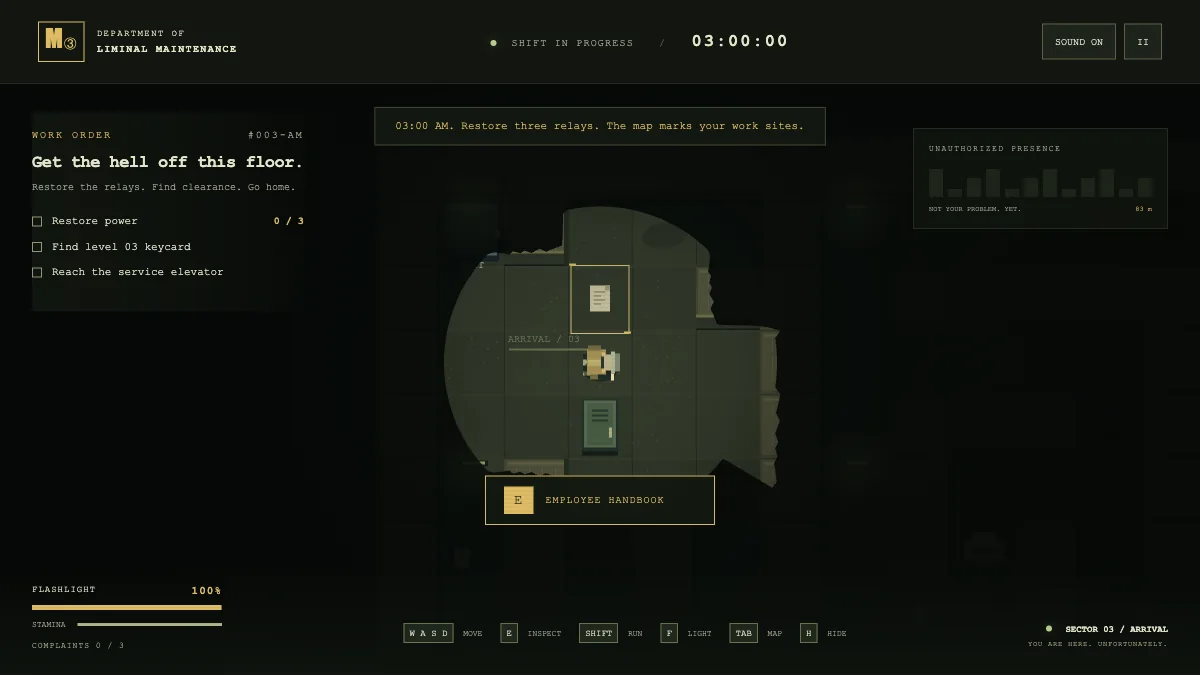
Clock in for a liminal maintenance shift and restore three terminals while an entity patrols the floor.
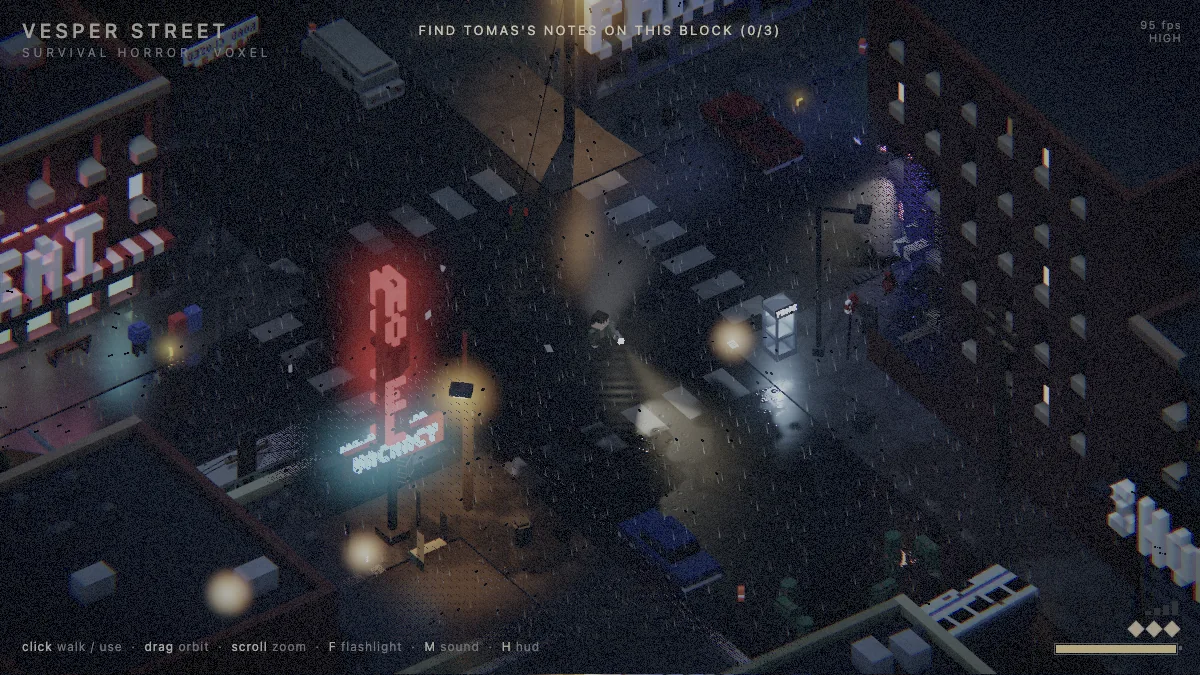
Explore a drowned town in an isometric voxel horror game where your flashlight holds threats at bay.
Search a first-person haunted house for three brass keys and a way out.
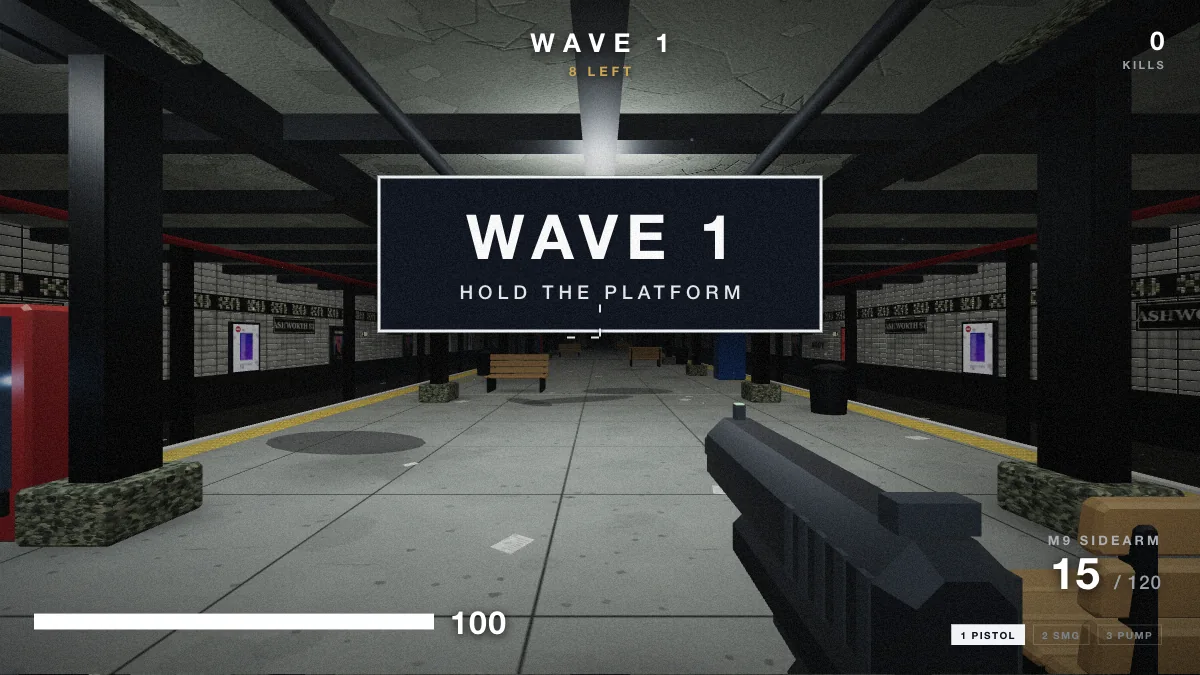
Hold a subway platform against waves of zombies in a first-person survival shooter.
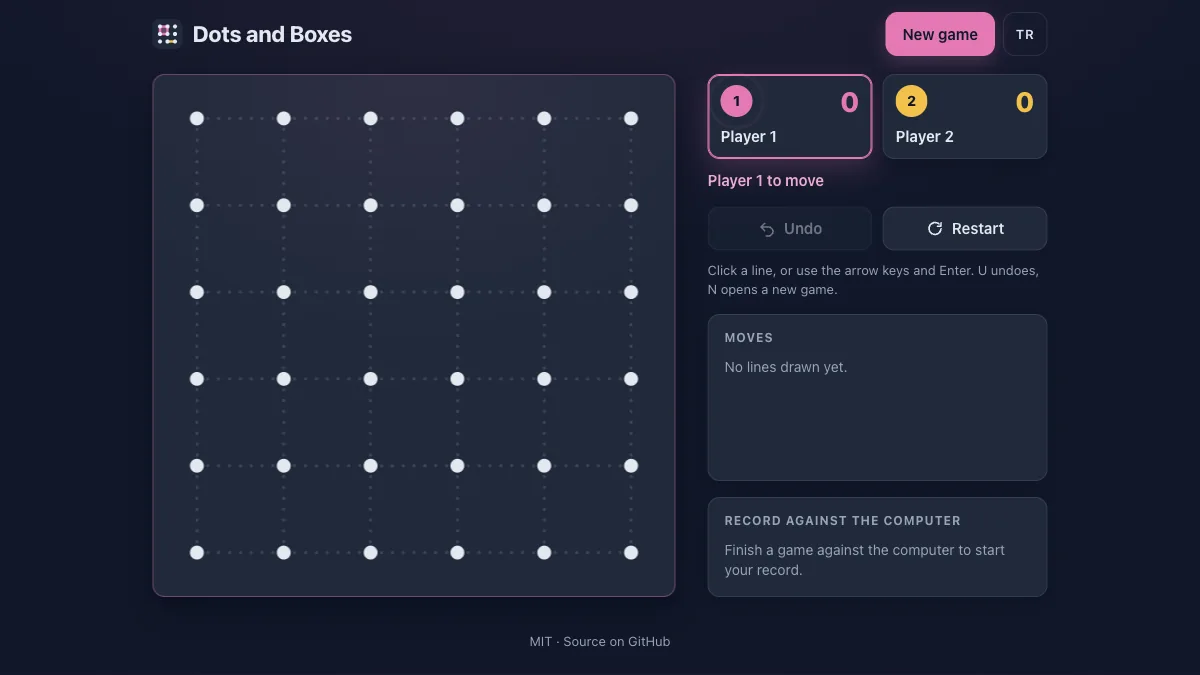
Take turns drawing lines, close boxes and try to finish with more completed squares.
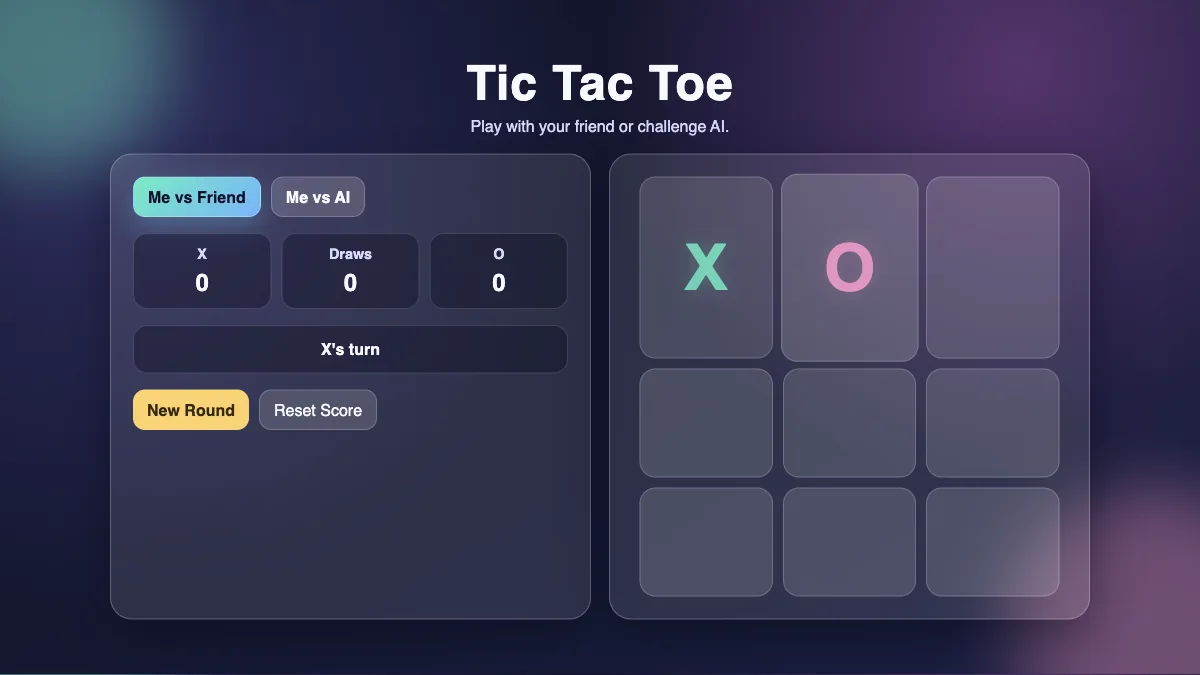
Share a three-by-three board and race to make a line of three marks.
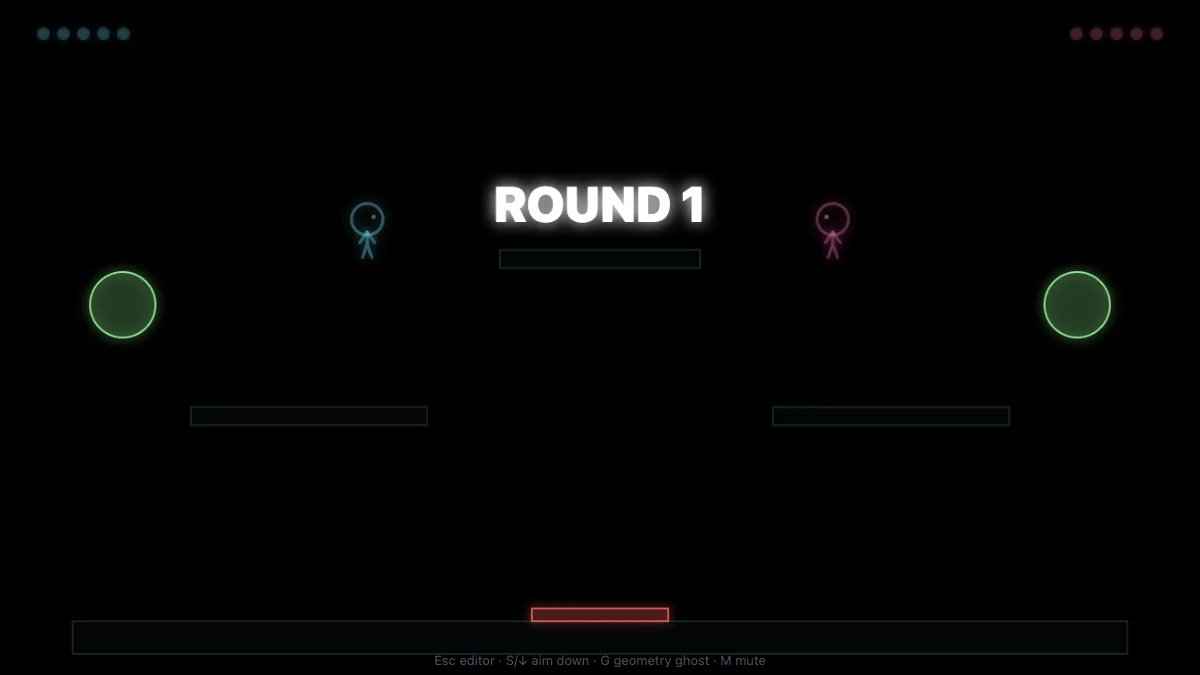
Build a stick-figure fighting arena or open a demo layout for a shared-keyboard duel.
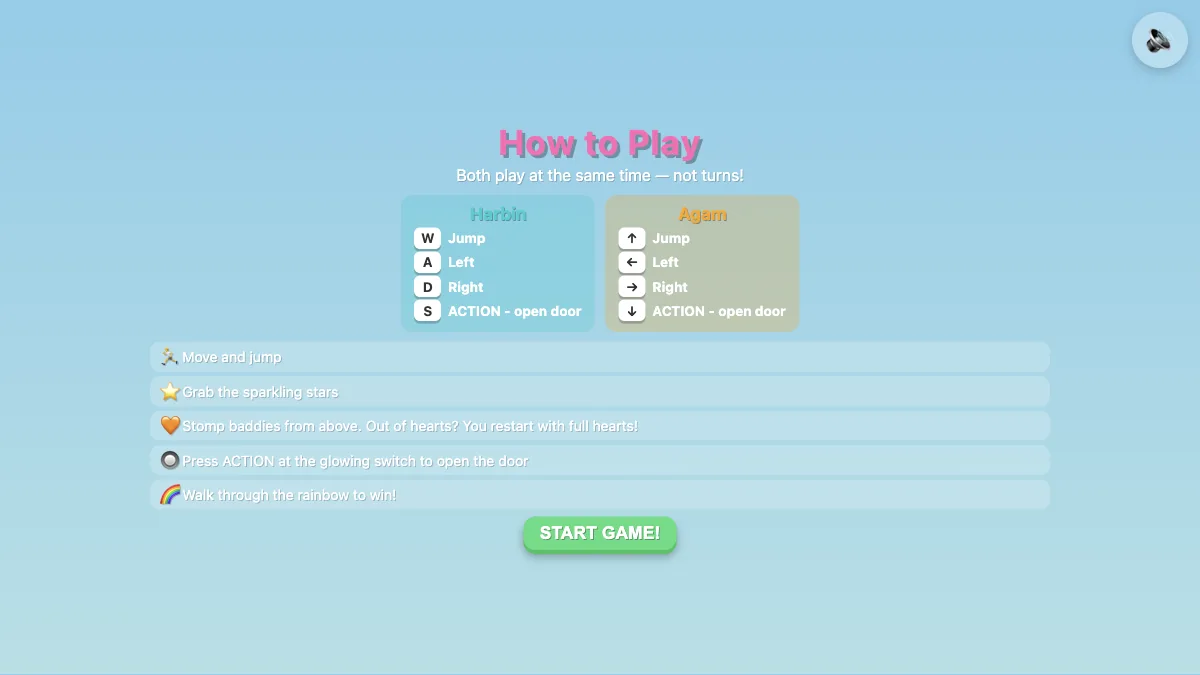
Share a keyboard in a co-op platformer with stars, switches, doors and hazards.
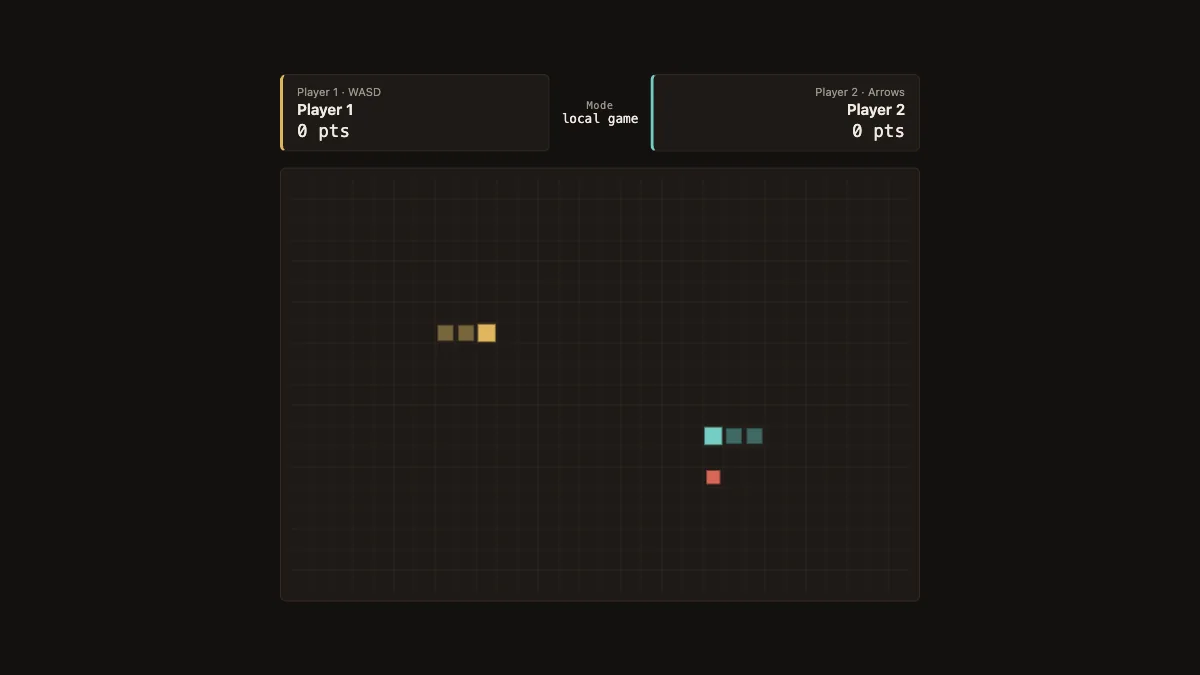
Steer two snakes on one keyboard and stay clear of walls, tails and your opponent.
Try a shorter title, a different tag or another category.
Nisu is a browser game library with guides and companion tools. Start with multiplayer if you have friends ready, or browse horror, clicker and idle games, platformers, and puzzles. Each game page shows the goal, controls and content notes before you load the player. The category lists also point to original games you can open on their creators’ sites.
For remote play, play RocketGoal.io car soccer online and use Party in the connected lobby. Veck.io has public arenas and a private game option. For two people on one keyboard, choose the local Co-op or Versus mode in Poor Bunny! If you are waiting for a group, play 67 Clicker and build up candy income at your own pace.
Use the game guide topics to find help with a particular game or task. Our weird browser games guide compares unusual stories and puzzles. The Roblox code guides separate dated reports from developer announcements, and the Pokémon GO guides explain when event encounters and research are available. Visit Game tools when you want to track Fortnite Sprites, work through a Krillion daily puzzle, or make a shareable grid of favorite games.
How Nisu compares with other game sites · Quick games with simple controls · Browser game access on restricted networks · How to play fullscreen
Rules, first-run plans and help for browser, Roblox and PC games.
See what HoYoverse confirms about Anastasya, the Tsaritsa, and why her ascension and talent materials remain unverified.
A source-backed Valeriy guide for Genshin Impact: Electro support builds, team ideas, ascension materials and wish availability.
Find Kristallfold collection areas, quest access, reported shop options and Mitya’s ascension total in Genshin Impact.
Genshin Impact 7.2 is available. Check its release schedule and the official first-phase event wish end notice.
Find Gigantamax Duraludon during Pokémon GO Wild Area, compare event dates and prepare with official Timed Research.
Compare Giratina’s formes in Pokémon GO, check its five listed weaknesses and prepare for a raid using official sources.
Learn how to activate the Pokémon GO Explorer Gadget, use it during active play, and check its daily and accessory limits.
Look for Minior during the October 19–24 Orionids event. The daily 5–9 p.m. window raises encounter chances; it is not the entire event.
Check reported Attack on Titan Revolution codes, source dates, rewards and redemption steps, with validity limits.
Match Champions TD’s Anime Galaxies (not Reunited). Read redeem strings corroborated by GamesRadar, Beebom, and Dexerto; mark untested; omit single-outlet codes.
Anime Piece codes for the correct Roblox experience: developer-source status, official entry and confirmed gameplay basics. No unverified working-code list.
Find REROLLS, SORRY, ZINO and THANKYOU in Irongrid Games’ current Project: Iron description, with dated source status and clear limits on reward claims.
A 27-sprite Chapter 7 Season 4 Override list cross-checked from Polygon and Beebom, with abilities summarized and incomplete future additions omitted.
Find the current Sprite Mastery reward route, access Gizmos through the pickaxe slot, and distinguish older locator, extractor and booster effects.
Identify FOAD’s Fortnite Star Wars Droid Tycoon island, read official Scourge Boss Fight notes, and keep third-party drop-rate guides clearly out of scope.
See the announced One Piece Fortnite cosmetics, Battle Pass versus Shop routes, November release dates, and why Chopper is a Sidekick.
A few useful things between rounds.
Choose RocketGoal.io for car soccer or Veck.io for an arena shooter. Each person opens the same game on their own device. Use RocketGoal.io’s Party option or Veck.io’s Play With Friends menu to set up a private session in the game.
Poor Bunny! has local Co-op and Versus modes. One player uses WASD and the other uses the arrow keys. Co-op is for surviving together, while Versus pits you against each other for the better carrot score.
Play RocketGoal.io for car soccer, Veck.io for an arena shooter, Poor Bunny! for local two-player play, or Normal Maths for a solo puzzle. Open the game page and choose Load game. Some games offer optional accounts or purchases. Check the page for controls and device requirements.
First check that you both opened the same game and that the lobby has connected. For a private match, use the invite or room information from inside the game. Live servers, network restrictions and connection quality can affect whether a session starts.
Try RocketGoal.io’s practice mode to get used to steering and boost. If you want a separate solo game, 67 Clicker starts with one button and lets you build up candy income. The library also has puzzles and short platform games.


