
 Play now


 Open direct
 Embed
 Pass it on
 Pick another
Arcade
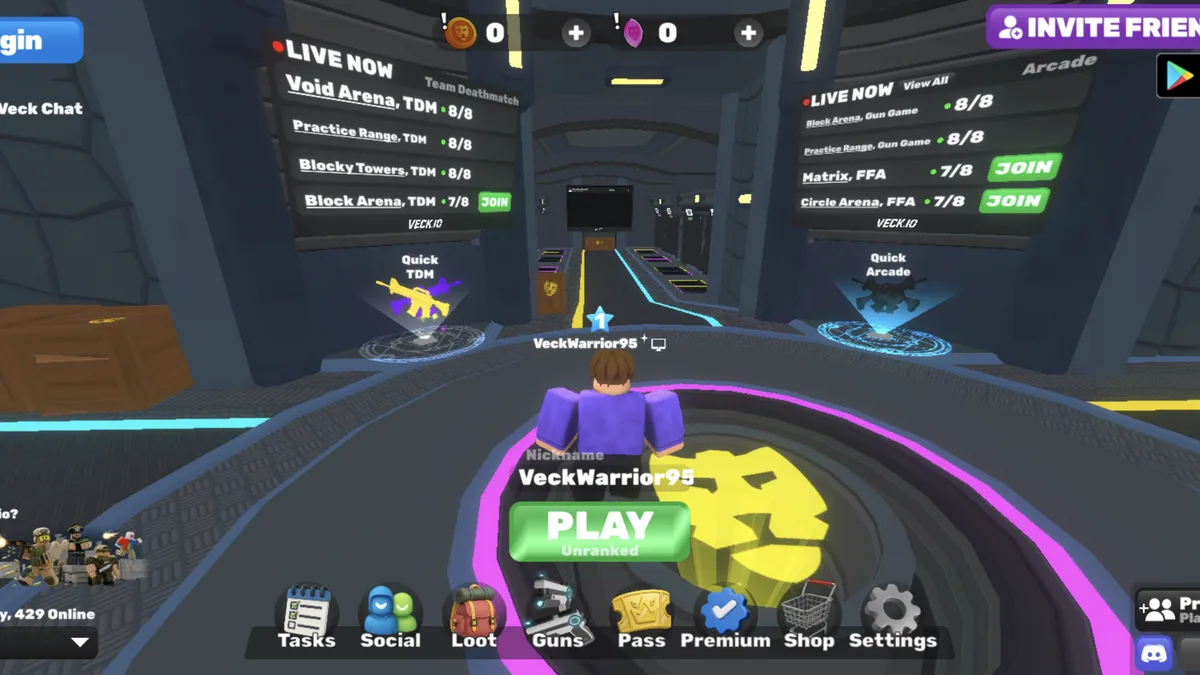
A live browser FPS lobby
Veck.io
A free multiplayer browser FPS with live lobbies, several arena modes, private rooms and unlockable cosmetics.
Play nowBoost, jump and drift through short vehicle-soccer matches, from solo practice to competitive team play.
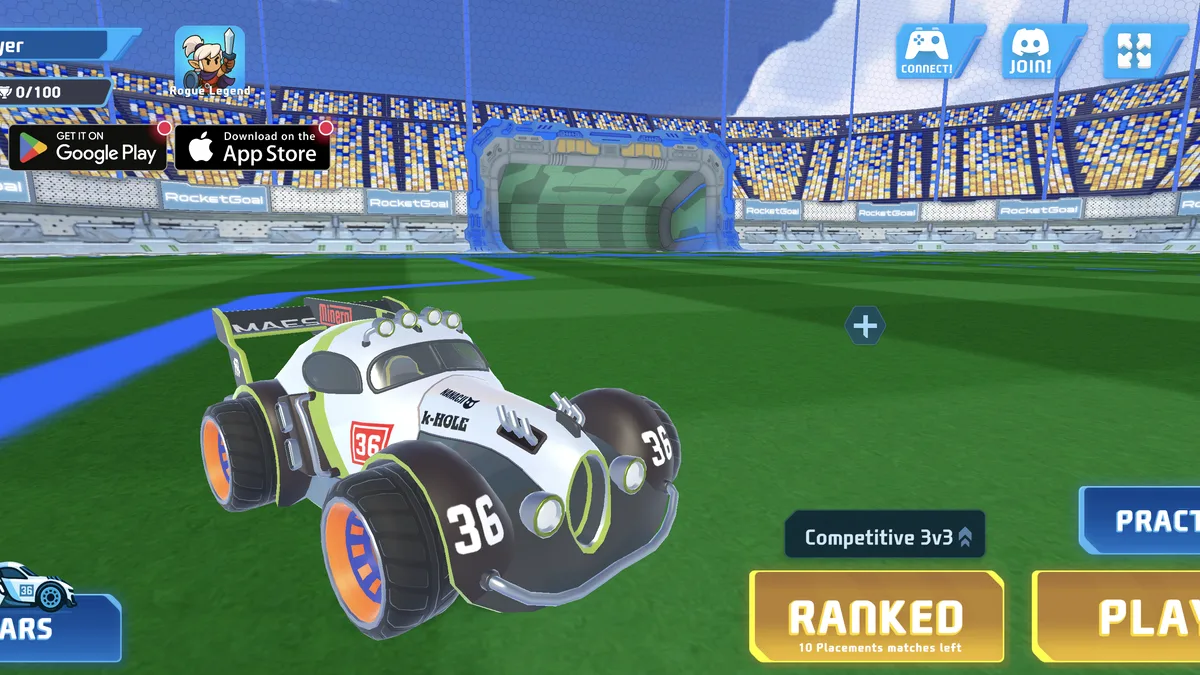
Boost, jump and drift through short vehicle-soccer matches, from solo practice to competitive team play.
The game does not begin loading until you press this button.
This game may need extra time on its first start. Keep this tab open.
This game is taking longer than expected. You can keep waiting, reveal the game’s own loader, or try again.
Know someone who would play this? Send them the game.
RocketGoal.io drops you into a stadium where the players are cars and the ball is almost as large as they are. Drive into the ball to push it toward the opposing goal, then recover quickly enough to defend your own net before the timer runs out.
Practice mode gives you room to learn steering, boost, jumps, flips and ball camera without immediately affecting a competitive result. Public matchmaking supports solo duels and team formats, while Party mode is intended for a private session with friends.
Wins award trophies used for ranking and vehicle progression. The lobby also includes cars, login and social options, but you can reach the connected guest lobby without creating an account. Because matches and party features are online, service availability and network latency can affect play.
After loading the game, wait for the connected lobby and choose Practice. Drive with WASD or the arrow keys, boost with J or left click, and jump with K or right click. Use Space to toggle the ball camera, Shift to drift, and Q or E to air roll.
Approach the ball from behind at low speed and aim for the middle of the goal. Repeat from each side. Add a short boost on the straight approach once you can line up the shot, then practice turning back toward your goal after contact.
Use Play for public matchmaking or Ranked when you want competitive play. For a session with friends, use Party in the lobby and follow its in-game invite options. Matchmaking and parties depend on the live service.
In a team match, give the car closest to the ball room to take the first touch. If a teammate is already attacking, hold a position where you can intercept a clearance. After your shot, turn back toward your goal when you cannot reach the next touch first.
Keep playing online with friends in a browser FPS with public arenas and private rooms.
Share one keyboard for local co-op or a head-to-head score challenge.
Try a different driving challenge focused on traffic, braking and lane changes.
A free multiplayer browser FPS with live lobbies, several arena modes, private rooms and unlockable cosmetics.
Play now
A one-screen high-score platformer with escalating traps, collectible carrots and local co-op or versus play.
Play now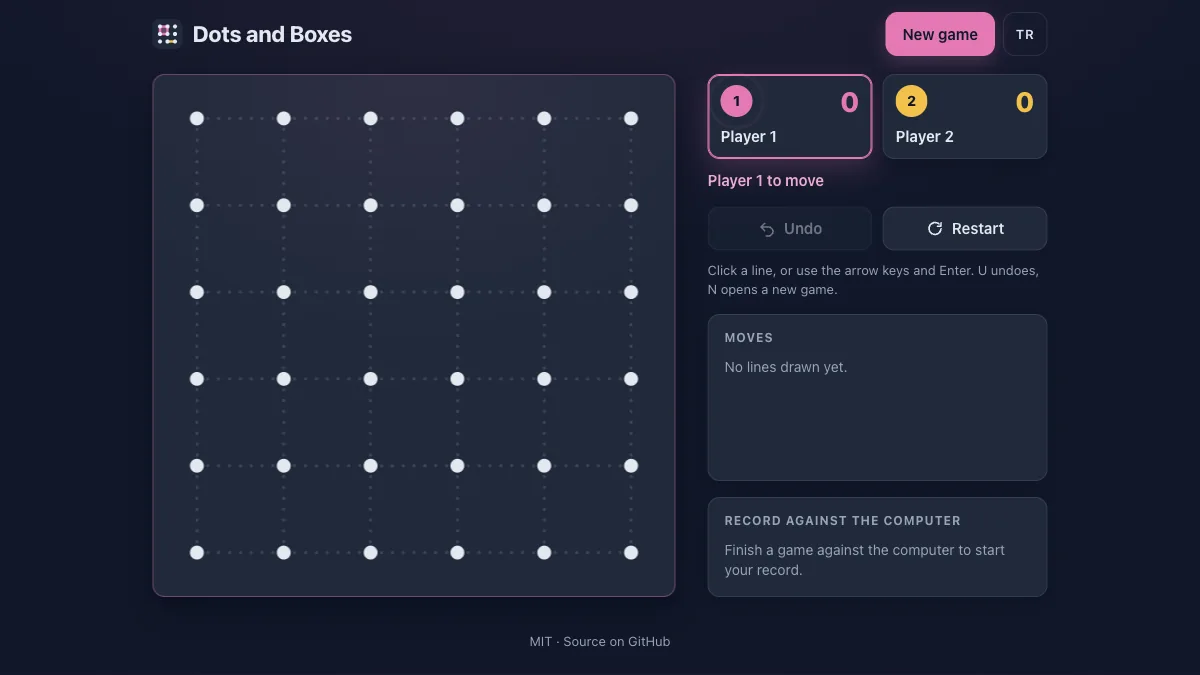
Take turns drawing lines, close boxes and try to finish with more completed squares.
Play nowSpoiler-light answers about gameplay, controls, modes and common first-run questions.
RocketGoal.io is an online vehicle-soccer game. You drive a rocket-powered car, hit a giant ball toward the opposing goal and try to outscore the other side before time expires.
Drive with WASD or the arrow keys. Use J or left click to boost, K or right click to jump, Shift to drift, Q and E to air-roll and Space to switch the ball camera.
Yes. Public matchmaking and private Party play use live online services. The connected lobby also offers Practice when you want to learn the car without joining a competitive match first.
Yes. Practice mode is available for solo training, and public matchmaking can place you into a one-versus-one duel when you want competition without forming a team.
Use Party mode for a private group. Create or join a party from the lobby, then share the party details with the friends you want in the same session.
The lobby offers Practice, public Play, Ranked competition and Party play. Matchmaking includes solo and team formats, with the lobby currently presenting competitive three-versus-three as one option.
Drive, boost or jump into the ball so that it crosses the opposing goal line. Positioning matters because a reckless hit can send the ball back toward your own net.
Winning matches earns trophies that contribute to rank and progression. The lobby displays your current trophy total and placement progress near the player panel.
No account was required to reach the connected guest lobby during Nisu’s live check. Login remains available for account-linked progress and social features.
The game depends on live matchmaking and backend services. If the lobby does not show that it connected to the master server, reload the player and check whether your browser or network is blocking third-party game connections.
