
 Play now


 Open direct
 Embed
Embed Pass it on
 Pick another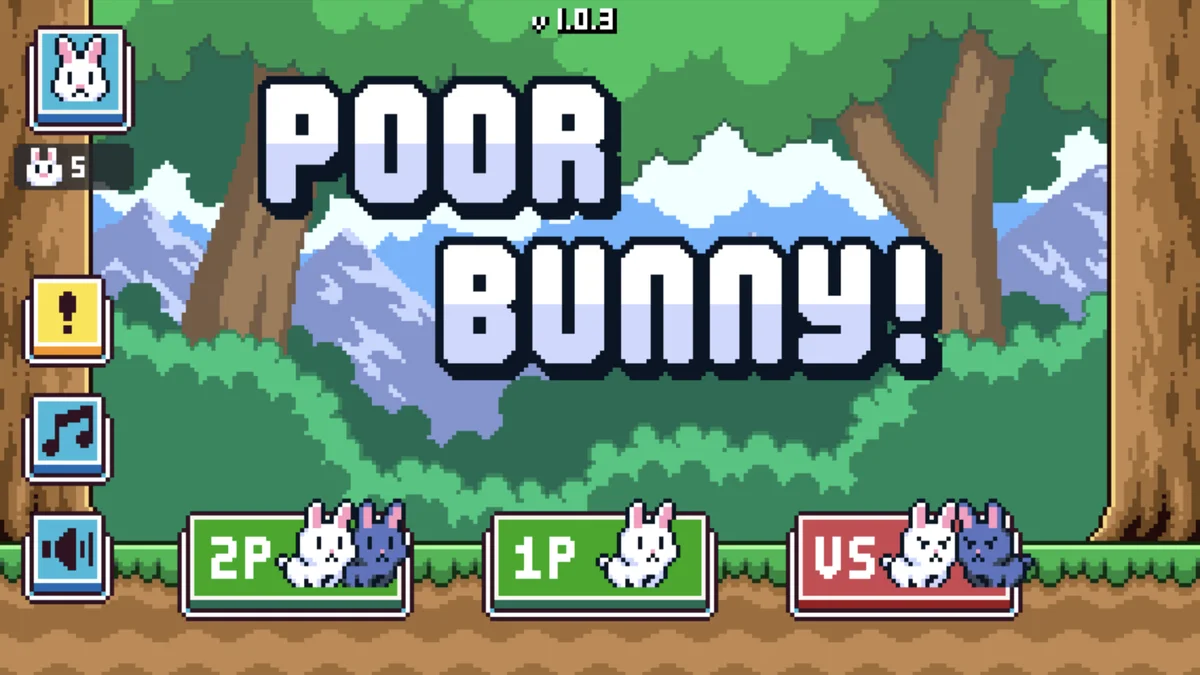
Arcade Experimental
One rabbit, too many traps
Poor Bunny!
A one-screen high-score platformer with escalating traps, collectible carrots and local co-op or versus play.
Play nowChoose a region, enter a fast multiplayer arena and fight through team, free-for-all and gun-game playlists.
Content note. Cartoon gun combat and unmoderated messages from other online players.
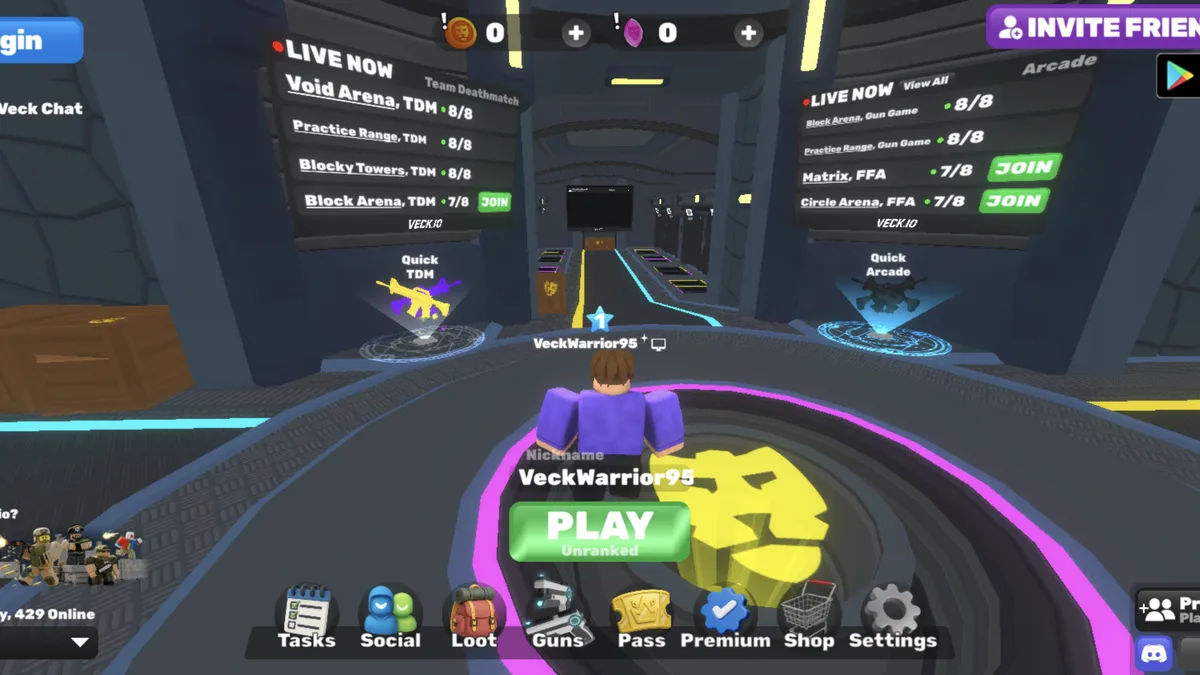
Choose a region, enter a fast multiplayer arena and fight through team, free-for-all and gun-game playlists.
The game does not begin loading until you press this button.
This game may need extra time on its first start. Keep this tab open.
This game is taking longer than expected. You can keep waiting, reveal the game’s own loader, or try again.
Know someone who would play this? Send them the game.
Veck.io opens in a live multiplayer lobby where you can join a match without installing a separate client. Pick a server region, use the quick-play portals or choose from the current rooms shown on the lobby boards.
The available playlists include team deathmatch, free-for-all, gun game, practice-range rooms and quick arcade options. Movement and aiming use familiar keyboard-and-mouse FPS controls, so the first decision is usually which mode and region to enter rather than how to move.
The lobby also includes tasks, social features, weapons, loot, a shop and an inventory for skins and other cosmetics. If you want a closed session, Play With Friends lets you create or join a room and share its code. Online chat is present, so other players’ messages are not controlled by Nisu.
A one-screen high-score platformer with escalating traps, collectible carrots and local co-op or versus play.
Play now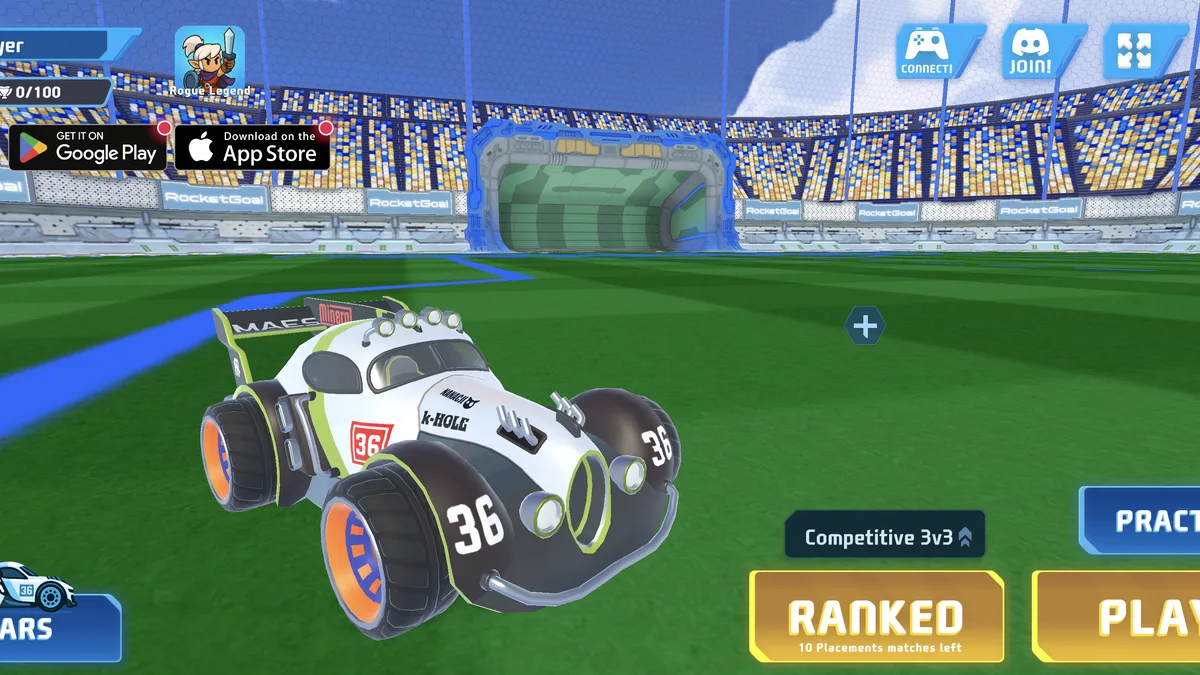
An online car-soccer game with practice, public matchmaking, private parties, rankings and unlockable vehicles.
Play now
A mouse-controlled survival shooter where your blood drains constantly and defeated enemies keep you alive.
Play nowSpoiler-light answers about gameplay, controls, modes and common first-run questions.
Veck.io is a free 3D multiplayer first-person shooter that runs in a browser. It places you in a shared lobby where you can choose a region, enter an arena and play against other people online.
Yes. You can enter the browser lobby and play without buying the game or installing a client. Optional account, cosmetic and premium systems appear inside the game.
Use WASD to move, the mouse to aim, left click to fire, right click to aim, Space to jump and R to reload. Shift is used for faster movement, Tab opens the scoreboard and Enter opens chat.
Yes. The main lobby, public rooms and playlists are built for online multiplayer. The room boards show active matches and their current player counts before you join.
Yes. Open Play With Friends to create or join a private room, then share the room code with the people you want to invite.
The live lobby currently shows team deathmatch, free-for-all, gun game, practice-range rooms and quick arcade choices. The exact room list can change as matches fill and rotate.
Use the region selector in the lower-left area of the lobby. Pick a nearby region for a better connection, then join a room from the boards or use the central Play button.
Yes. The Shop and Inventory let you unlock, equip and manage skins, items and bundles. The lobby also has Loot, Guns, Tasks and Pass sections.
No account was required to enter the public lobby during Nisu’s live check; the game assigned a guest nickname. Login is available for account-linked features and progress.
Yes. Load the game first, then use Nisu’s Fullscreen control above the player. Press Escape to leave fullscreen and return to the rest of the page.
