
The after-dark cabinet
Nine starting points for strange stories and sharp puzzles. A Nisu editorial collection to explore and remix.
The worlds you got lost in. The games that stayed with you.
Tap a slot to find a game. Drag to rearrange, or use the move buttons in the editor.
Paste a friend’s Nisu My 9 Games link to find the games you both picked.
Counted from Nisu cards whose authors opted into trends.
Games you can play here. Add one to your nine, or find your next favorite.
Nine starting points for strange stories and sharp puzzles. A Nisu editorial collection to explore and remix.
A nine-game mix for quick breaks, score chasing and playing with friends. Make it your own.
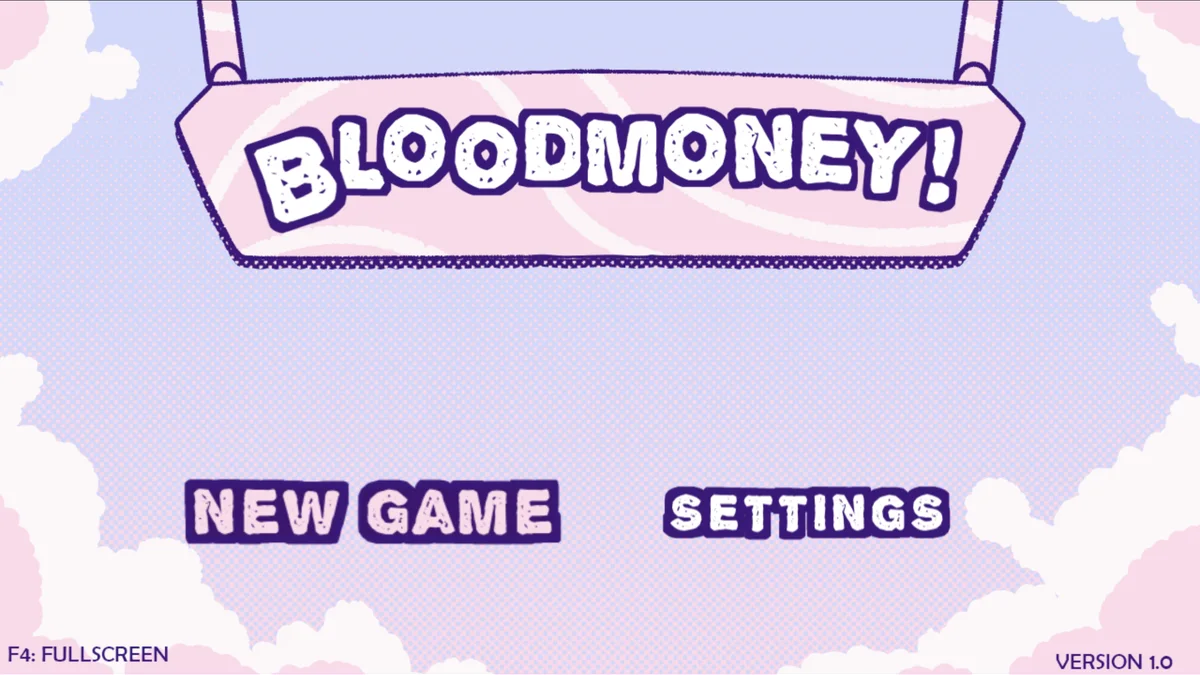
Raise $25,000 for an operation while deciding how much Harvey should suffer for every dollar.
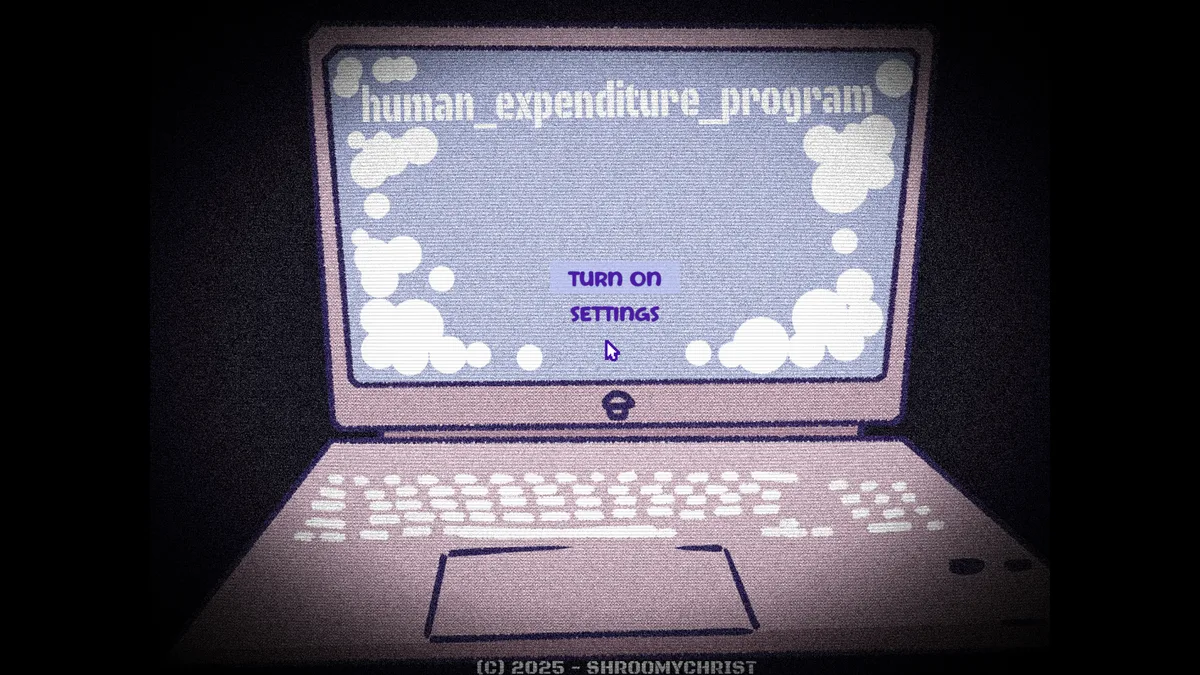
Feed, play with and look after Harvey inside a computer program that remembers what happened before.
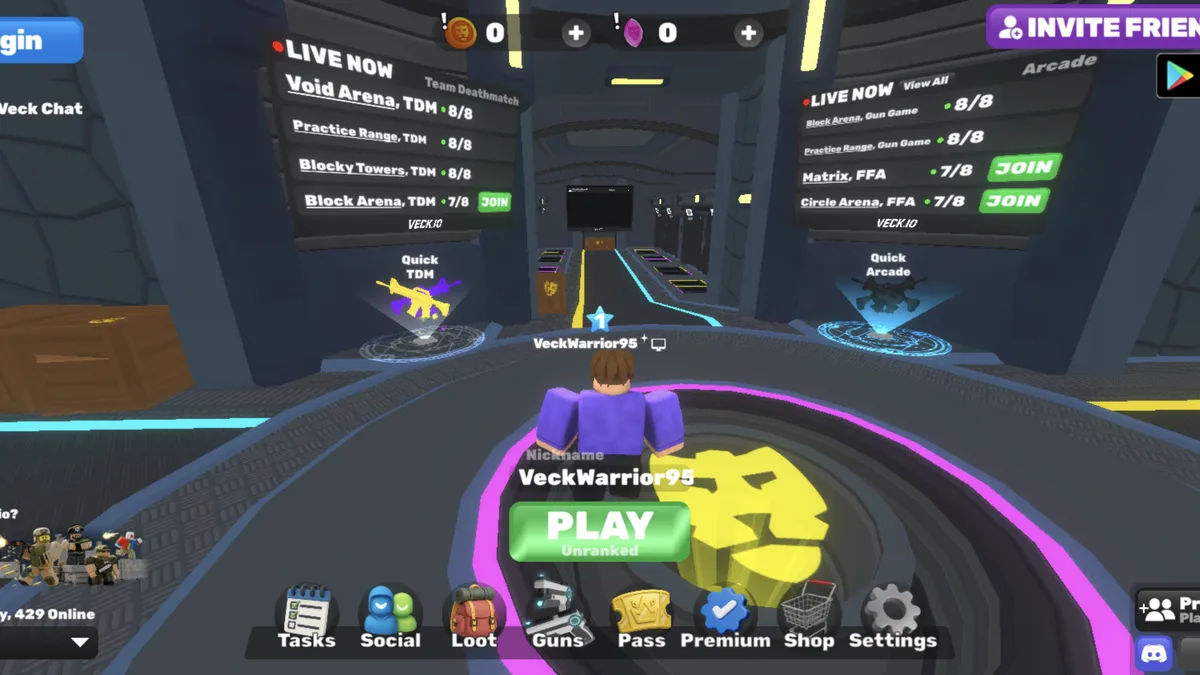
Choose a region, enter a fast multiplayer arena and fight through team, free-for-all and gun-game playlists.
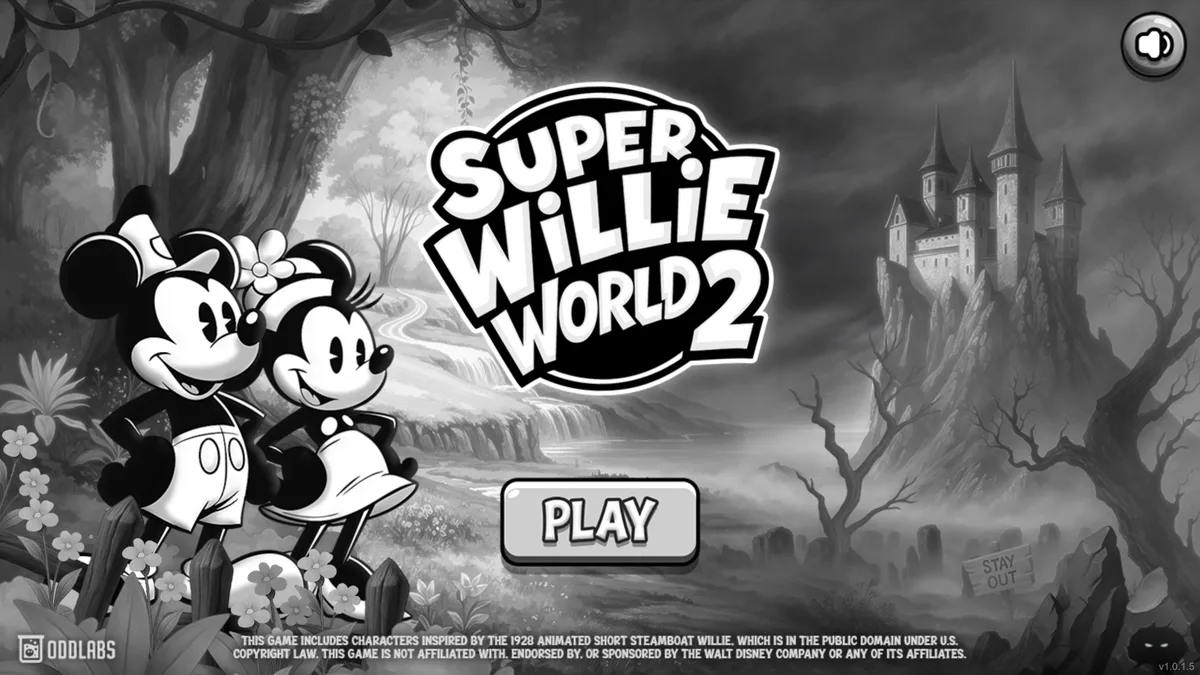
Cross 18 cartoon platforming levels and stop the Mad Doctor from filling the land with honey monsters.
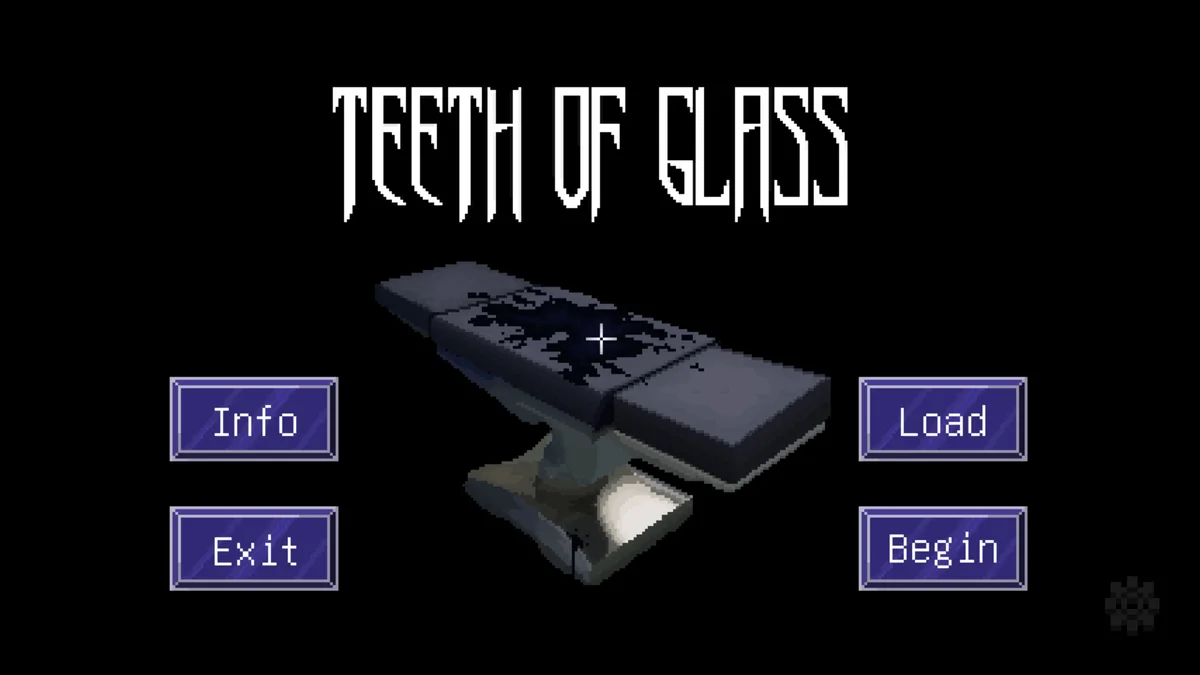
Help Doctor Joshua Hagstrom escape an otherworldly point-and-click nightmare and reach one of two endings.
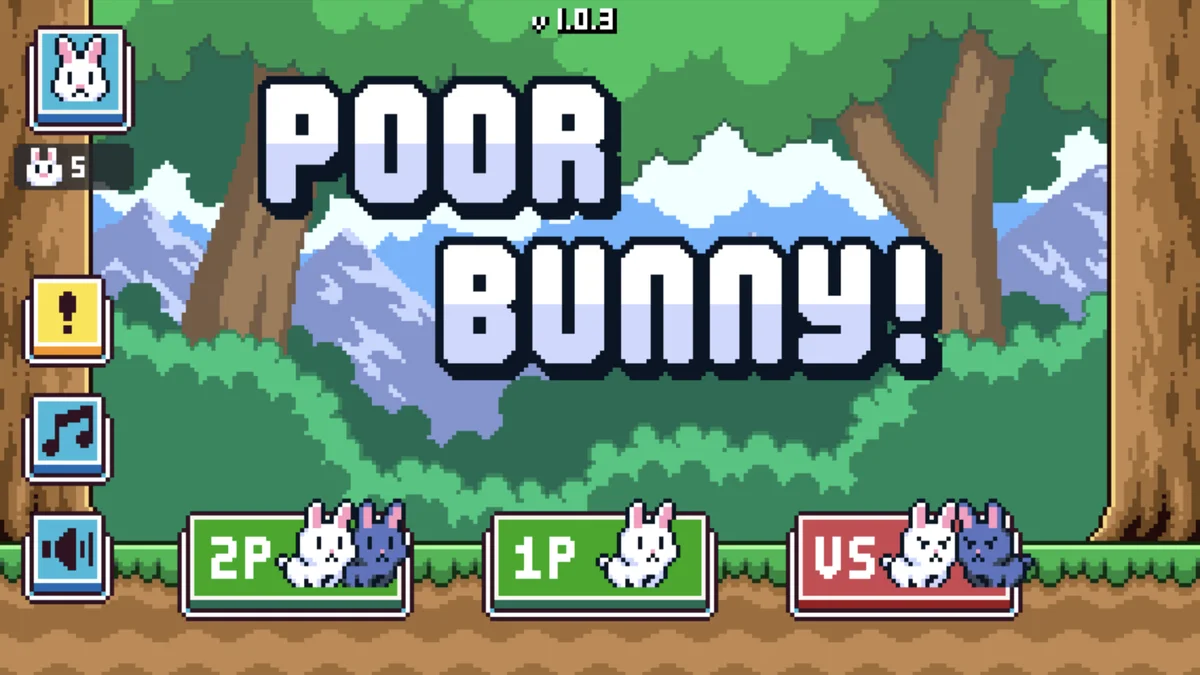
Collect carrots, dodge hazards and try not to become the title.
Want your creator card featured? Contact us. We only feature creator cards with their permission.
Game search and cover data provided by IGDB. This is an independent Nisu tool.
Yes. Search games across platforms, or choose Custom game to type a title and upload your own cover. Only use images you have permission to share.
Open the slot and use Clear cover only to keep the title, or upload a replacement. The preview shows the same centered crop used in your download.
Friends can read notes on your shared page. Spoiler notes require a click to reveal and are never printed in the downloaded image. Portrait images include your non-spoiler notes.
Edit your draft and publish a new link; existing links keep their original picks. Delete a card with its private deletion key or the Delete button on the device that published it.
Your draft saves in this browser. Download a draft file to move devices or keep a backup before clearing browser data. Private drafts are not uploaded until you create a share link.