
Story
A one-dollar deal with a human cost
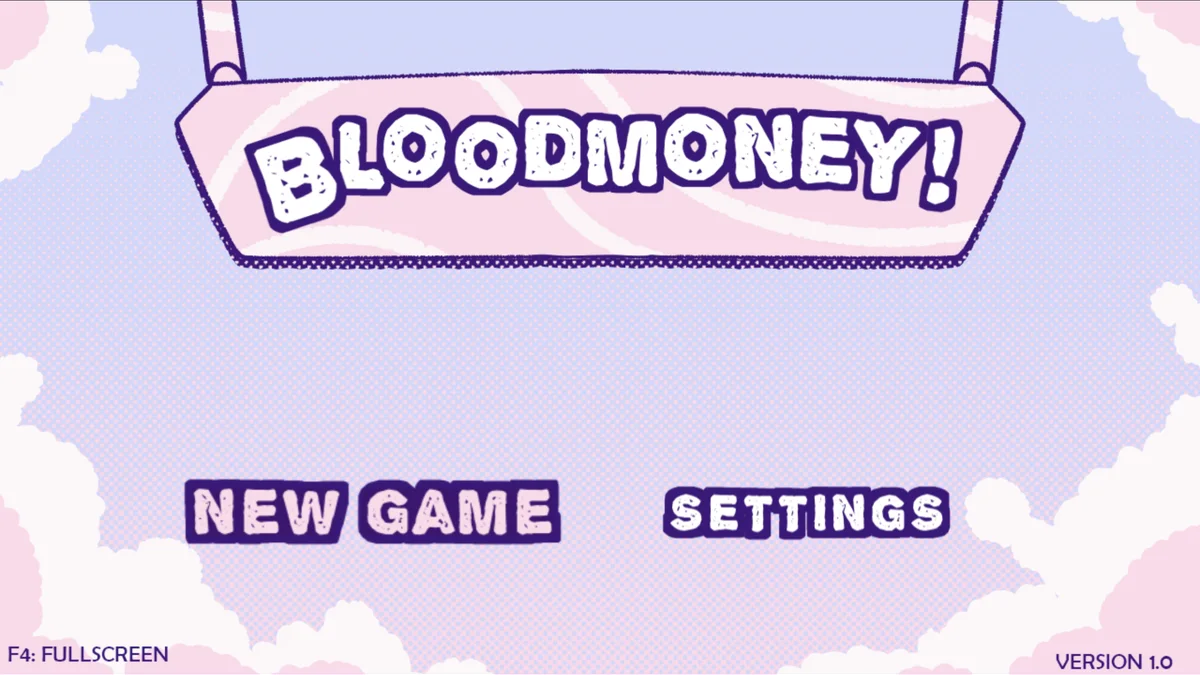
BLOODMONEY!
A pastel psychological-horror clicker about an urgent medical bill, escalating tools and three possible endings.
Play nowExplore unsettling stories, escape invisible mazes and solve point-and-click mysteries. Check each game’s content notes before you start.
Start with Teeth of Glass for inventory puzzles, or choose BLOODMONEY! for a story that changes as you spend money on stronger tools. HUMAN EXPENDITURE PROGRAM follows the same character through a different set of choices and minigames. Compare controls, themes and content warnings before you choose.
A pastel psychological-horror clicker about an urgent medical bill, escalating tools and three possible endings.
Play now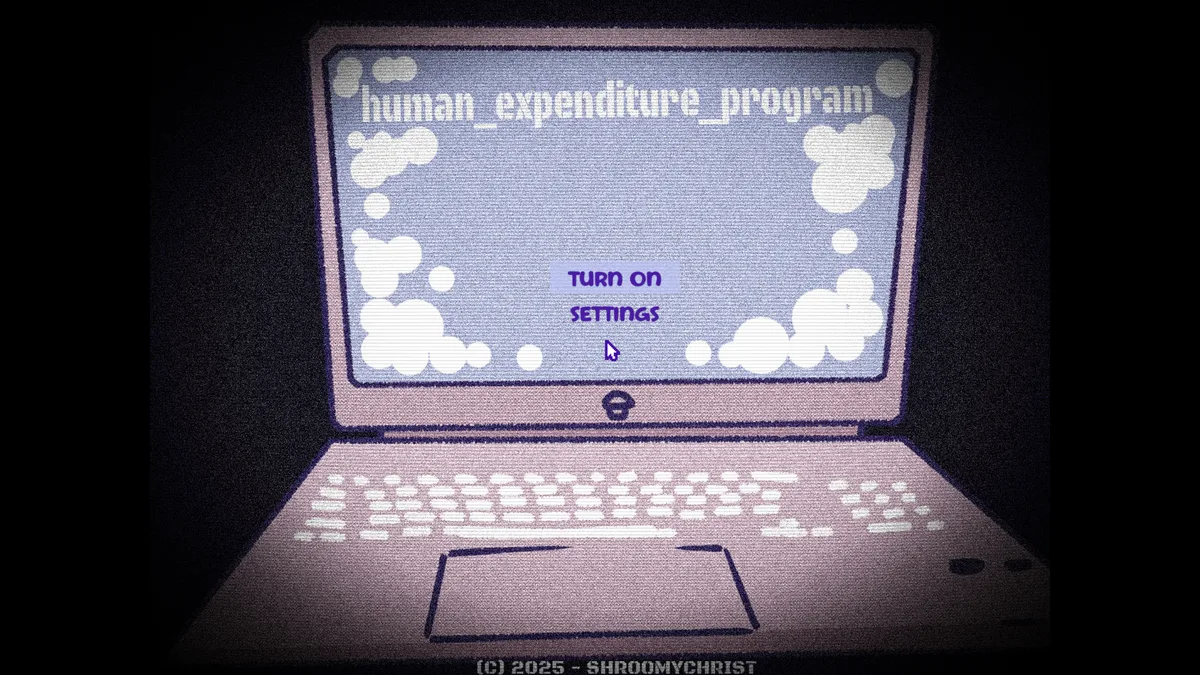
The official BLOODMONEY! follow-up turns Harvey into a virtual-pet responsibility with five minigames and two endings.
Play now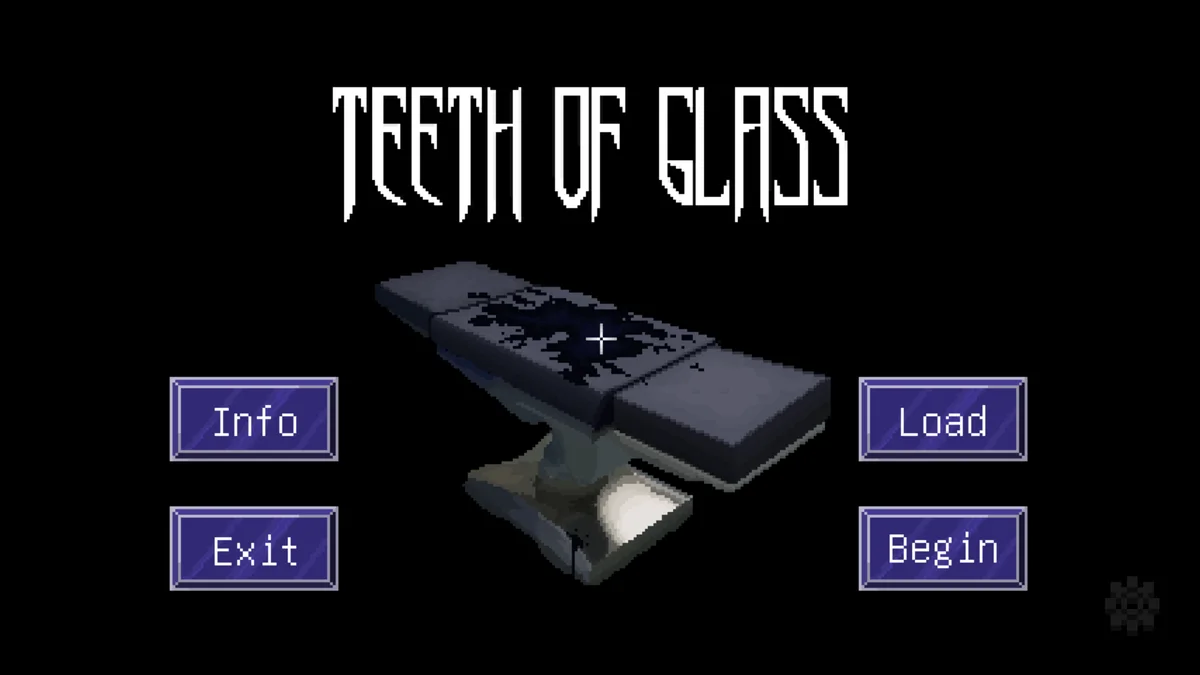
A short pixel-art horror adventure about a doctor, a mysterious patient and an otherworldly fever dream.
Play now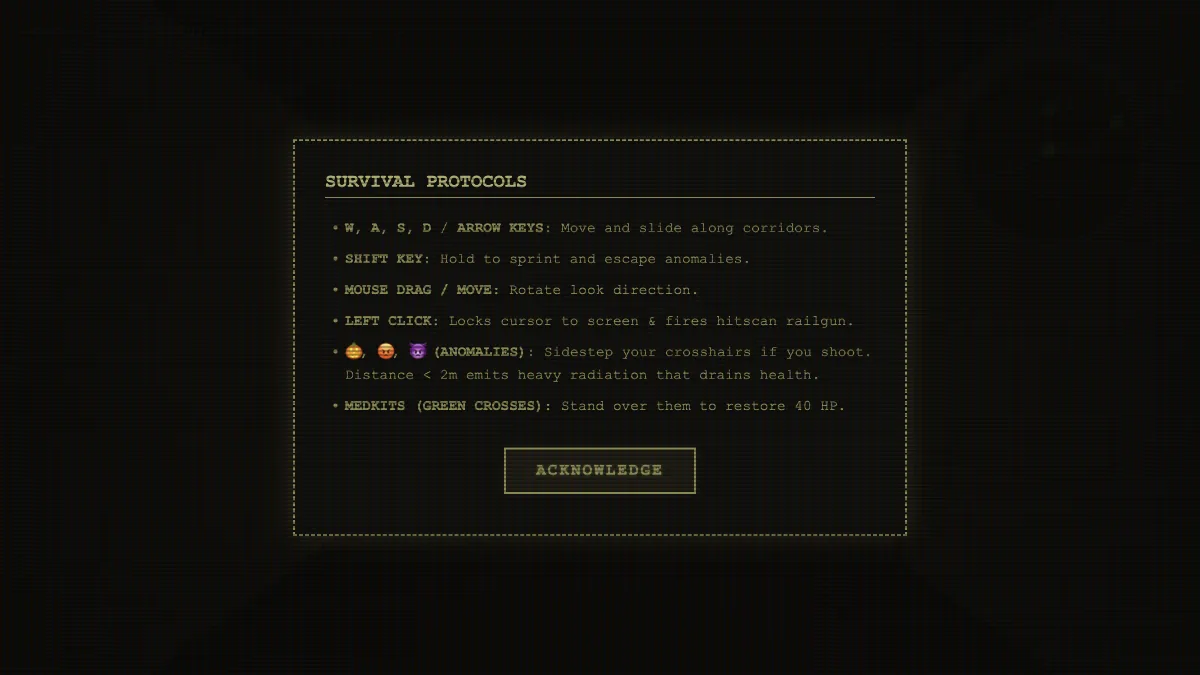
Descend into a procedurally generated maze and avoid the anomalies that patrol its corridors.
Play now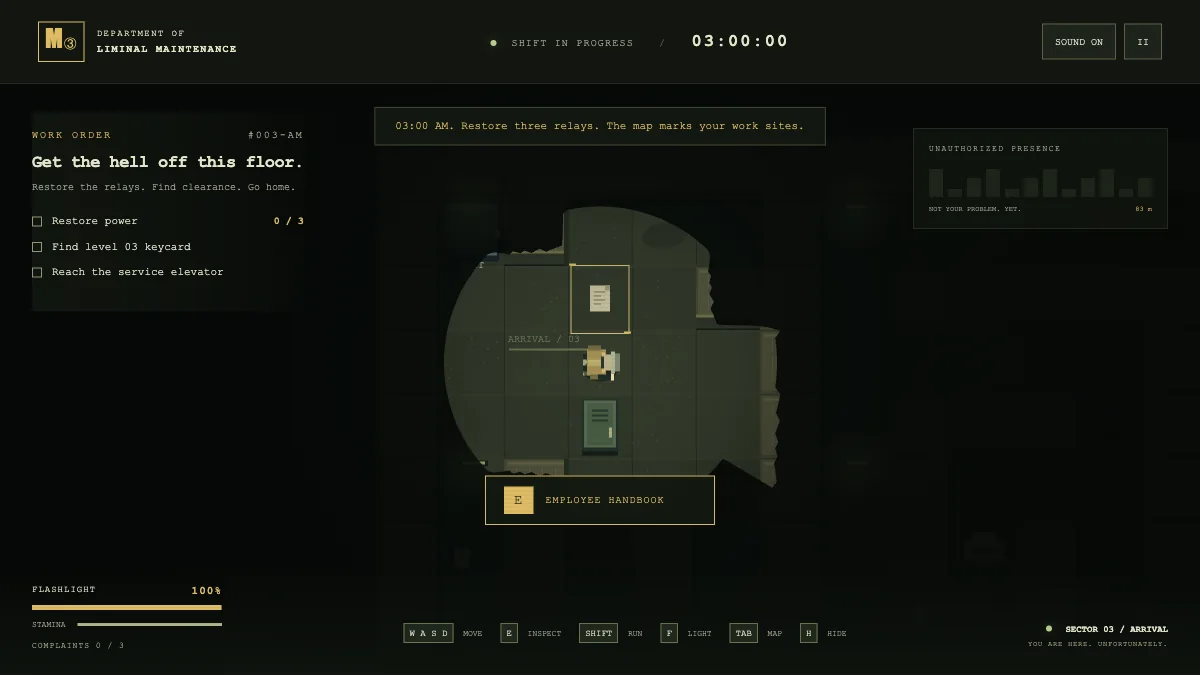
Clock in for a liminal maintenance shift and restore three terminals while an entity patrols the floor.
Play now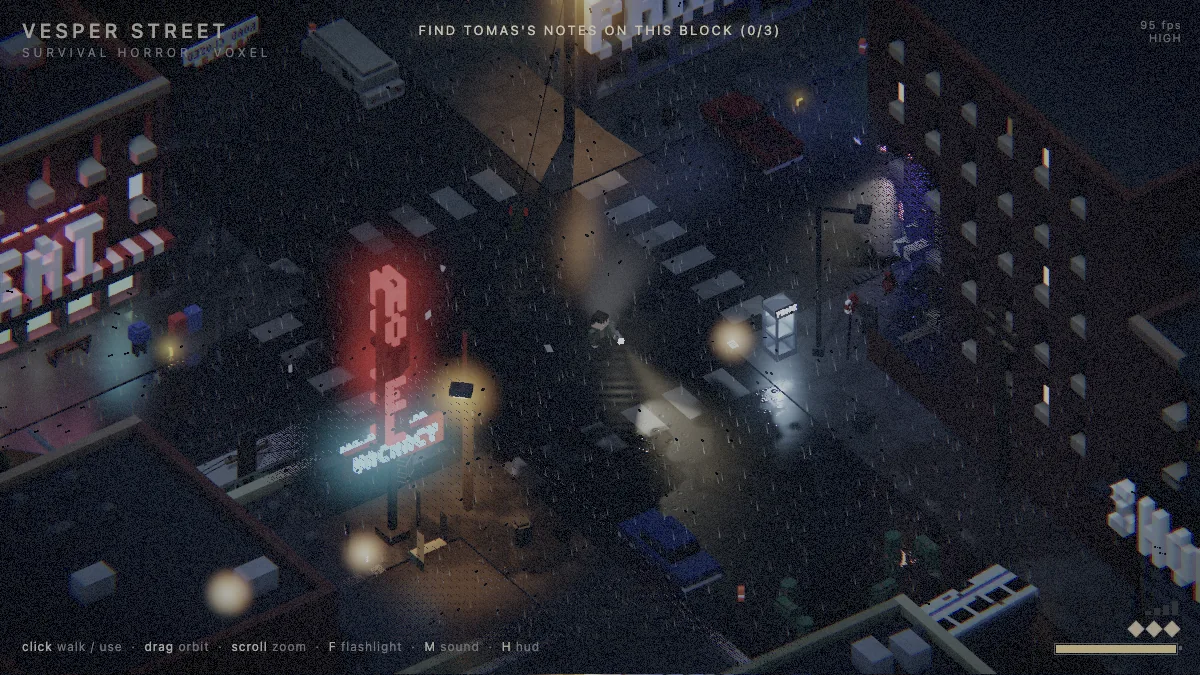
Explore a drowned town in an isometric voxel horror game where your flashlight holds threats at bay.
Play now
Search a first-person haunted house for three brass keys and a way out.
Play now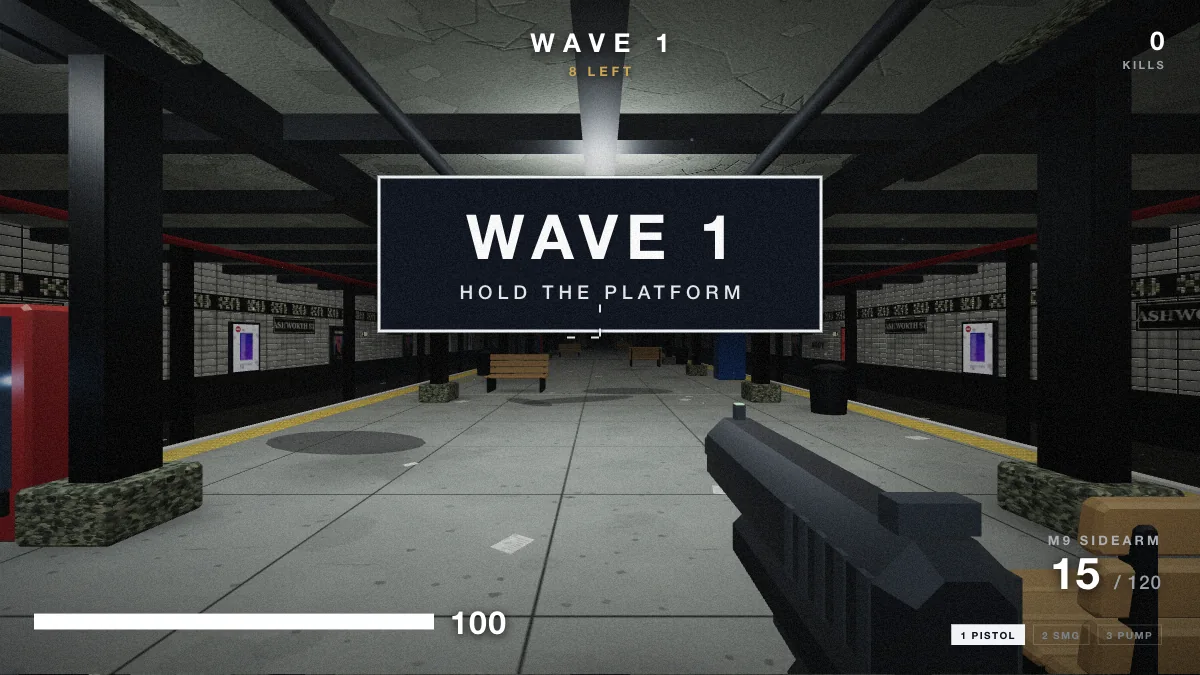
Hold a subway platform against waves of zombies in a first-person survival shooter.
Play nowBrowser horror games can build tension through a choice, a room you cannot fully see, or a rule you learn too late. Start with the kind of pressure you enjoy. If you like inspecting objects and figuring out where they belong, try Teeth of Glass. If the unsettling part for you is deciding what to do to a character, BLOODMONEY! builds its story around that choice. HUMAN EXPENDITURE PROGRAM changes the pace by asking you to care for Harvey and manage a daily routine.
The three experiences make different demands on your attention. In Teeth of Glass, a detail in one room can make sense only after you reach another. In BLOODMONEY!, you can pause before spending money on a stronger tool and see how the character responds to your choices. In HUMAN EXPENDITURE PROGRAM, give yourself time to learn the program and its minigames before looking up an ending.
A short game can still contain disturbing imagery, strong audio, flashing lights, or a sudden scare. Read the notes on the individual game page before loading it. If you are trying a first-person game on a laptop, check whether it needs both mouse and keyboard. A simple point-and-click game may be a better choice when you only have a trackpad. Keep the volume at a level you are comfortable with before entering the first scene.
For a change of pace, try Vesper Street’s isometric streets or Bridge Horror House’s first-person search for keys. If you get stuck, take a moment to name the problem. Look at the inventory when you need a tool. Check the controls when movement or interaction does not respond. For a story with several endings, remember which choice led to the outcome you saw so that a second playthrough has a clear purpose.
Games in Play on Nisu have a player on their own Nisu page. The creator section below takes you to the original browser release. Its controls, graphics requirements and save behavior may differ. For example, In the Walls of Eryx revolves around an invisible maze and a limited oxygen supply, while Assessment Examination builds suspense around answering a screening test. Choose the premise first, then check the developer page for the practical details.
These browser editions open on the developer’s page. Controls, saves and browser requirements depend on the original release.
Search a wrecked ship before stepping into a series of foggy first-person rooms.
Mark invisible walls with mud while keeping track of your oxygen.
Take a first-person tour through a model home. The browser version requires WebGL.
Work through an unsettling screening test in a short survey horror game.
Revisit a childhood fear in a short WebGL horror game about closing a garage door.
Take This Lollipop is Jason Zada’s personalized interactive horror film. The 2011 original drew on Facebook profile information, and the 2020 follow-up uses a webcam to place the viewer inside a fictional video call. The horror comes from seeing yourself in the scene.
In browser horror games such as Teeth of Glass or Vesper Street, you control what you examine or where you go. Choose those for exploration and puzzles. Choose Take This Lollipop for a short scripted experience, and review the creator’s camera prompts before granting access.
 Play now
