
Arcade
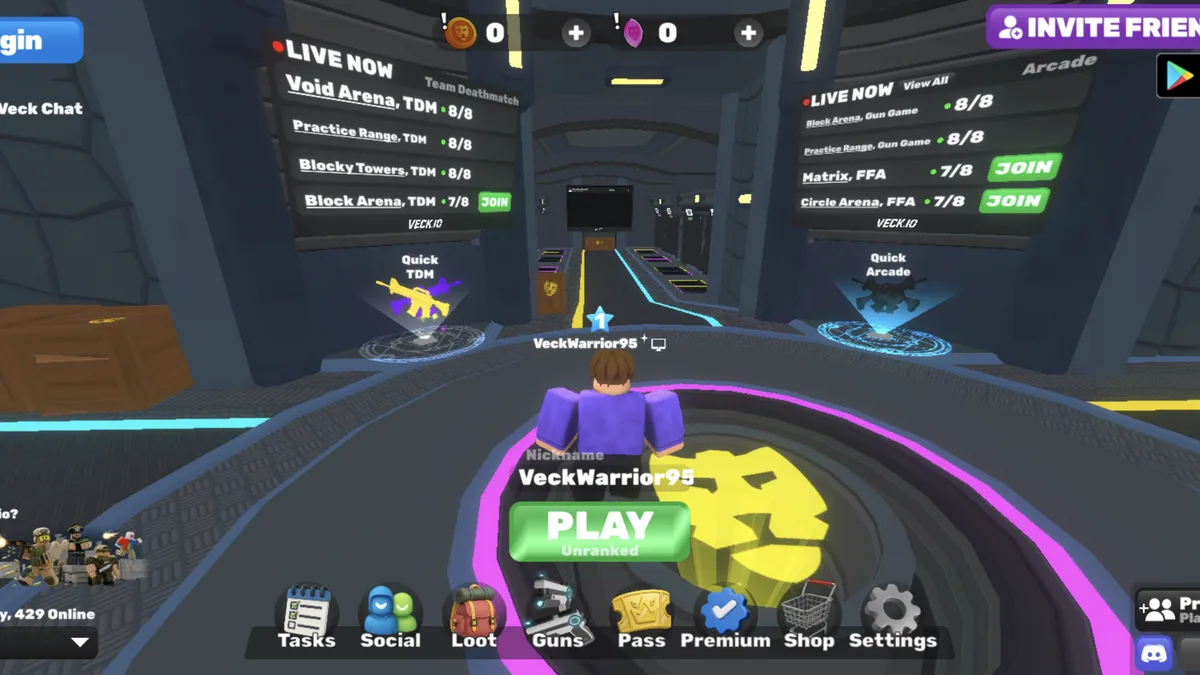
A live browser FPS lobby
Veck.io
A free multiplayer browser FPS with live lobbies, several arena modes, private rooms and unlockable cosmetics.
Play nowCompare online lobbies with same-keyboard games before inviting a friend.
A free multiplayer browser FPS with live lobbies, several arena modes, private rooms and unlockable cosmetics.
Play now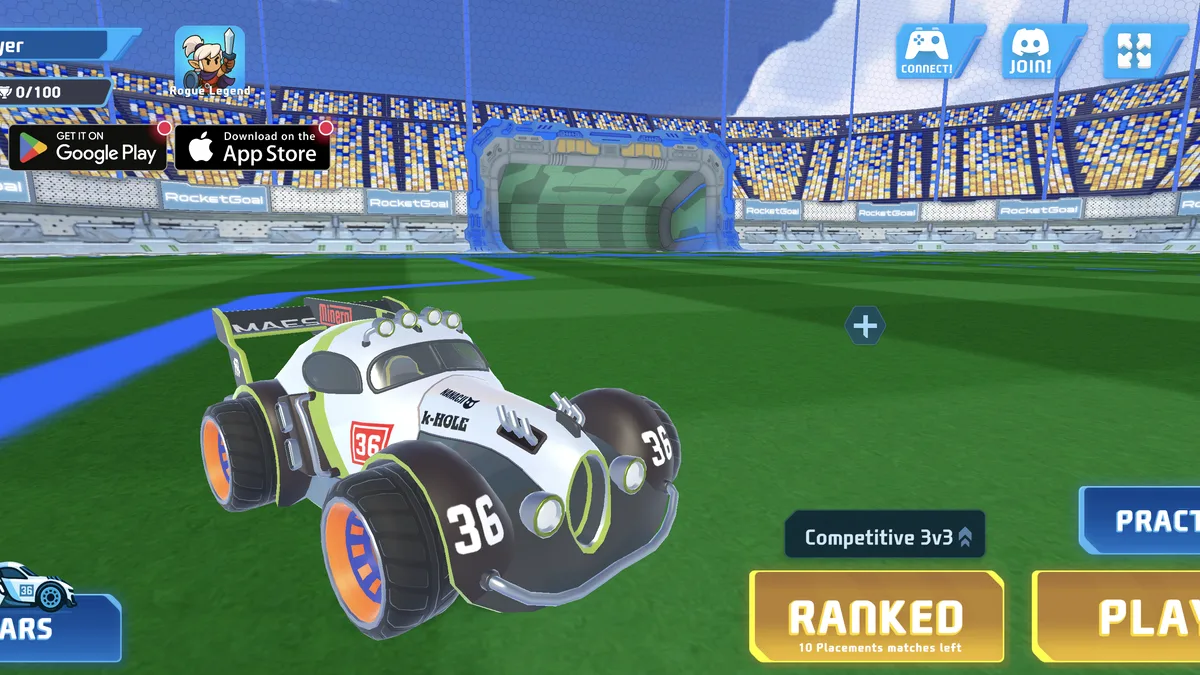
An online car-soccer game with practice, public matchmaking, private parties, rankings and unlockable vehicles.
Play now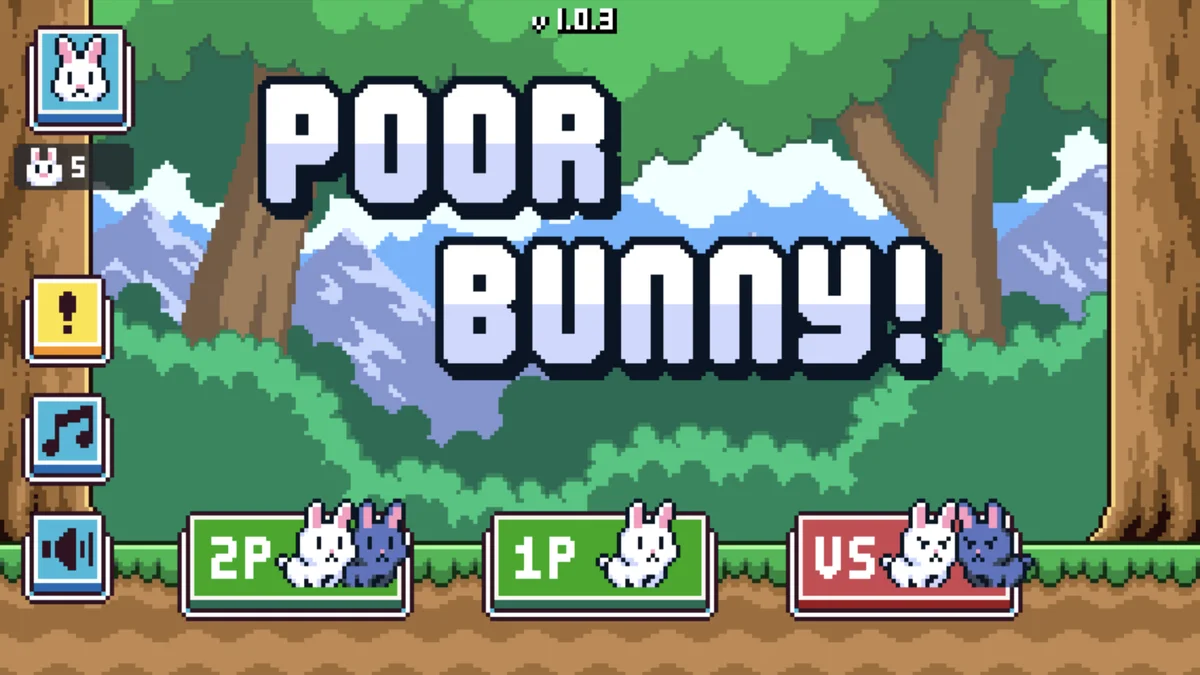
A one-screen high-score platformer with escalating traps, collectible carrots and local co-op or versus play.
Play now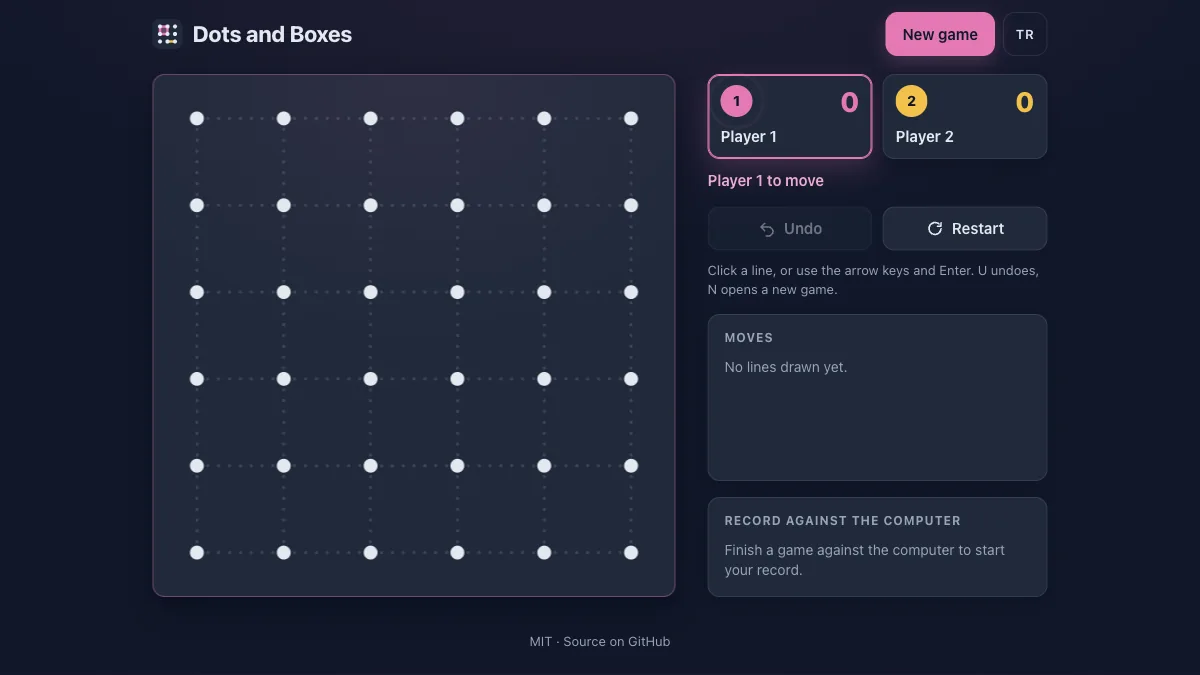
Take turns drawing lines, close boxes and try to finish with more completed squares.
Play now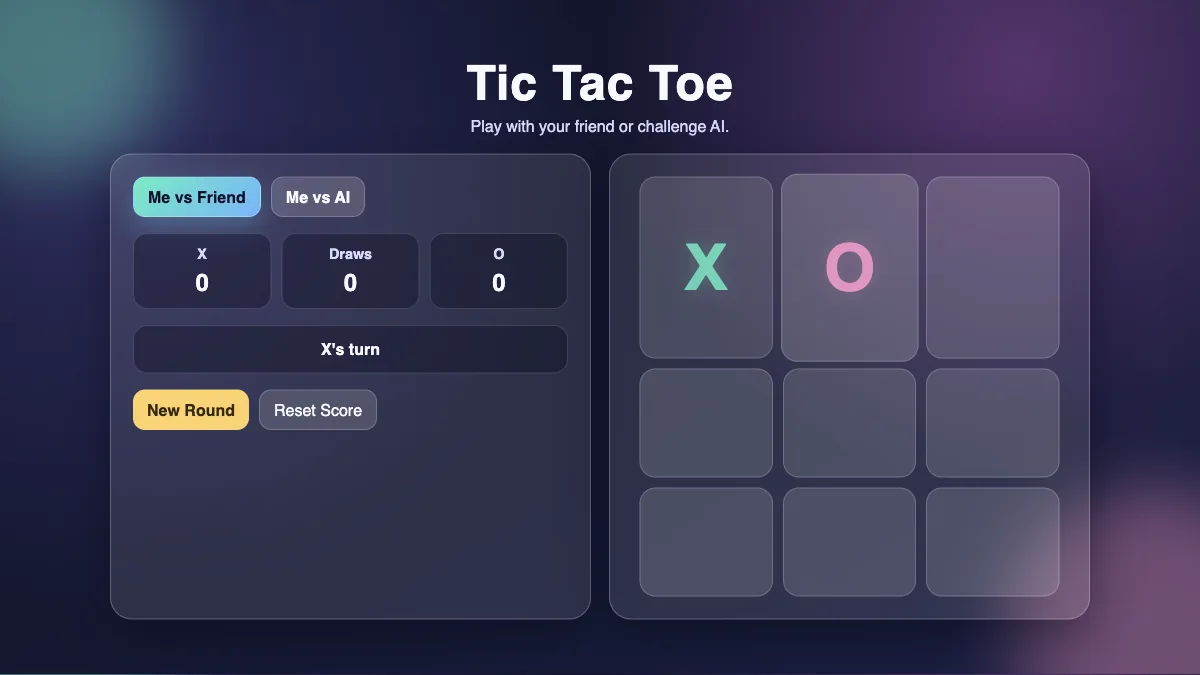
Share a three-by-three board and race to make a line of three marks.
Play now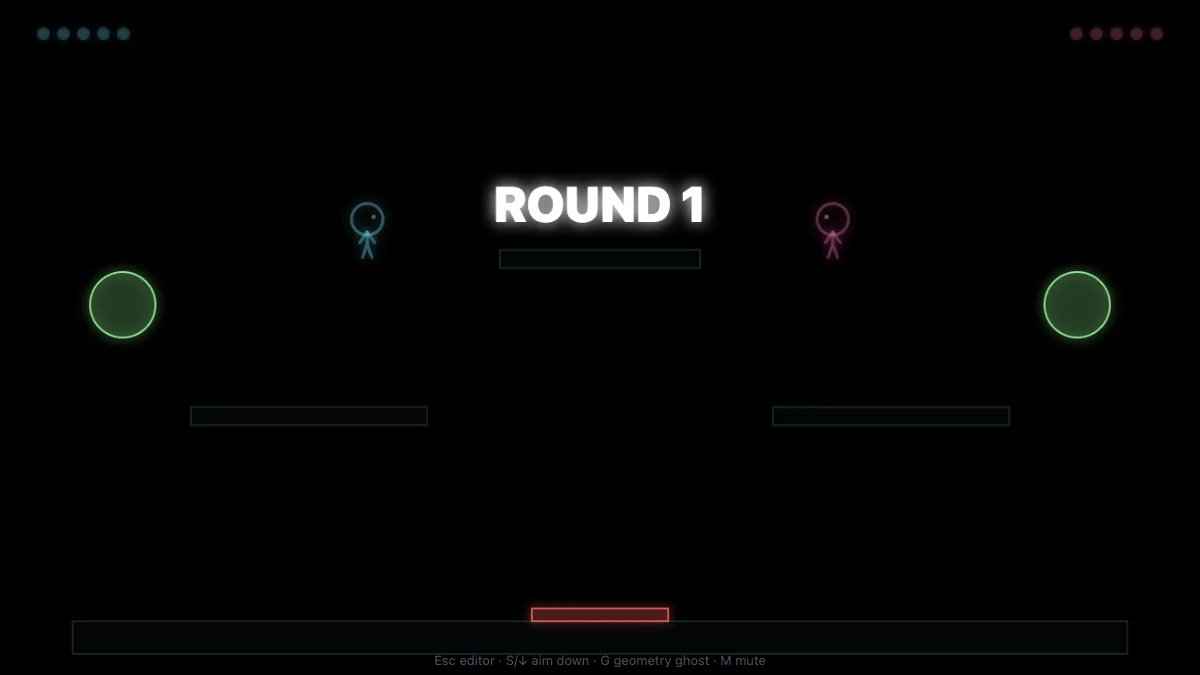
Build a stick-figure fighting arena or open a demo layout for a shared-keyboard duel.
Play now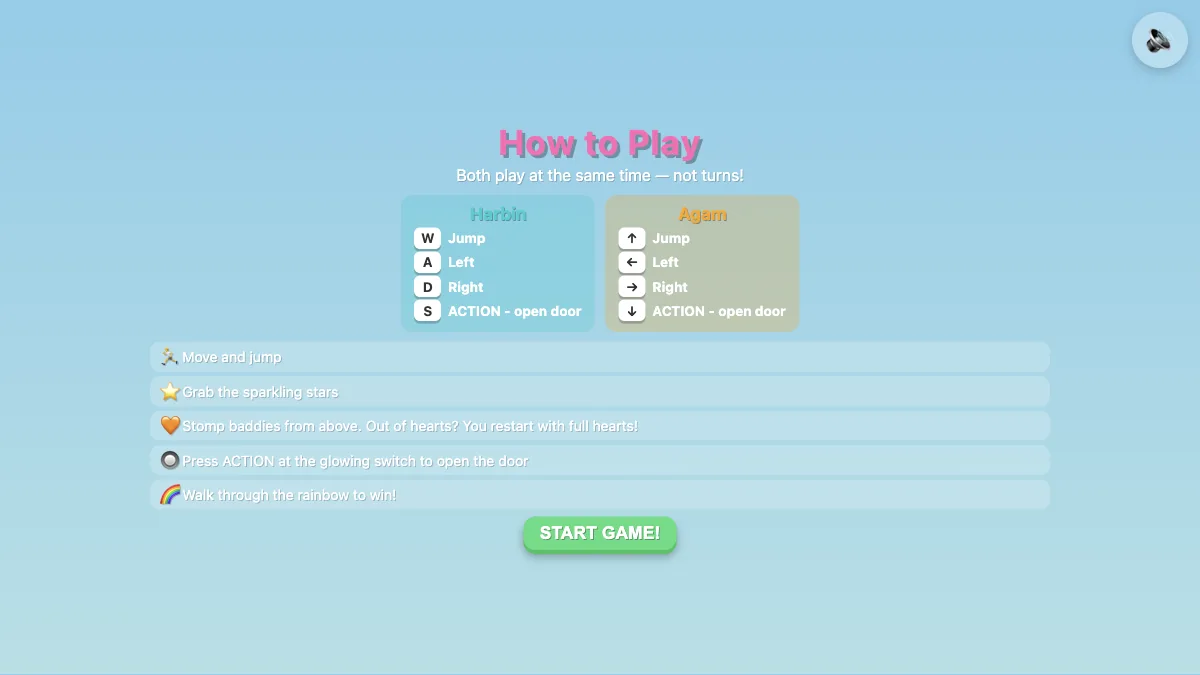
Share a keyboard in a co-op platformer with stars, switches, doors and hazards.
Play now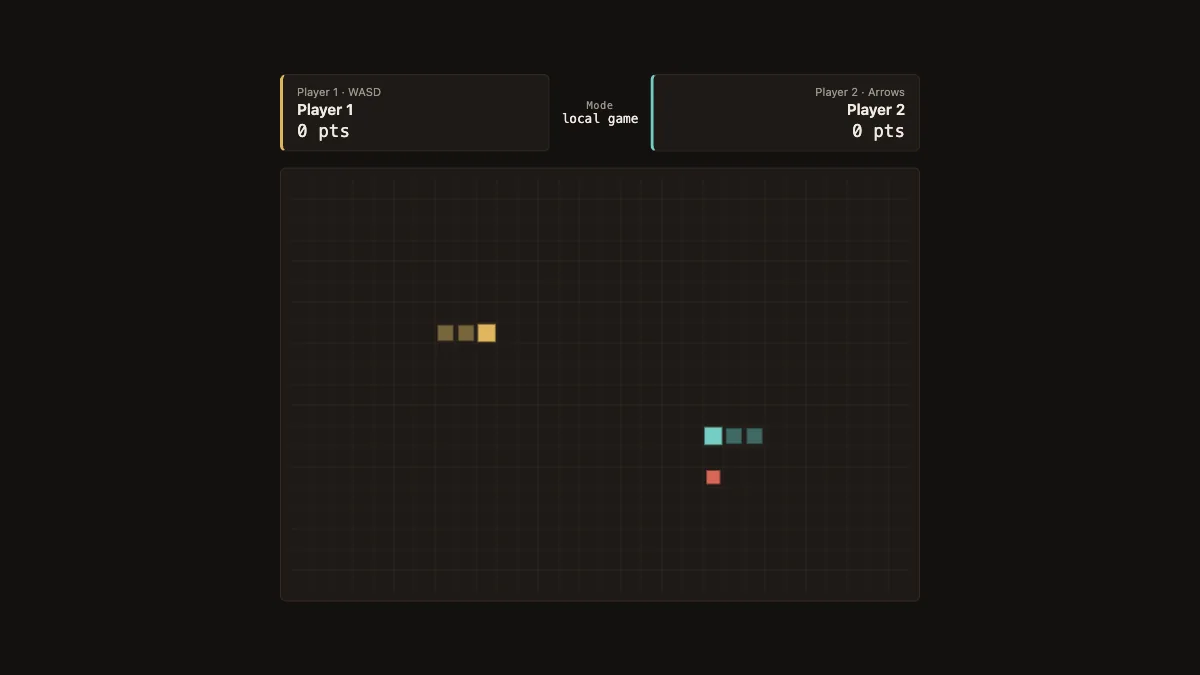
Steer two snakes on one keyboard and stay clear of walls, tails and your opponent.
Play nowFree multiplayer browser games cover two different setups. For an online game, each person opens the game on their own device and connects to a lobby or match. For local multiplayer, everyone uses the same screen. Some local games ask both players to press different keys at the same time. Others work by taking turns. Decide how you will play together before choosing a title, especially if one person is on a phone or cannot use the same keyboard.
For remote play on Nisu, RocketGoal.io offers car soccer with public matchmaking and a Party option. Veck.io puts you in an arena shooter lobby with public and private games. For a local session, Poor Bunny! lets two players share one keyboard. Co-op is for working together to collect carrots and survive. Versus gives you separate scores and turns the same hazards into a competition.
Send your friends the same game page so everyone starts from the same version. Once the online lobby connects, use the game’s Party or private game option when you want to choose who joins. Share any room information from inside the game with the people you are inviting. For a public match, check the available modes and regions in the game. An open page alone does not mean that everyone has joined the same session.
Try one practice round before picking a competitive queue. In RocketGoal.io, learn to steer, boost and recover after a shot. In Veck.io, check aim and movement before joining a faster lobby. For a local game, identify both players’ controls and test each set before starting the round. A keyboard may ignore some combinations of keys pressed together, so try a different keyboard if one player consistently loses input.
Pick co-op when you want to share a goal or teach someone the controls. Choose versus when each player wants their own score. Dots and Boxes works with one shared pointer and turns, while Snake Duel asks both players to move at the same time. Star Switch uses a shared keyboard for co-op on a laptop. Online lobbies also depend on the game’s live service and your connection. If a private room does not open, wait for the lobby to connect and recheck the invite details. For a group in the same room, a local game is a useful option when internet play is unavailable.
These browser editions open on the developer’s page. Controls, saves and browser requirements depend on the original release.
Share a room code and compete to find rare answers to trivia prompts.
Practice your inputs, then challenge a friend in this browser fighting game.
 Play now
