
GTA VI Streaming guide
GTA 6 Browser – How to Play With Xbox Remote Play
You can play GTA 6 in a supported browser by streaming from your Xbox Series X or Series S with Xbox Remote Play. Your console runs the installed game while you play Jason and Lucia’s story from another screen. With a PS5, use Sony’s Remote Play app. Xbox confirmed GTA VI cloud streaming on Xbox consoles at launch. Check your signed-in catalog for PC or phone availability before buying cloud access.
 Set up Xbox Remote Play
What is Grand Theft Auto VI?
Grand Theft Auto VI is Rockstar Games’ single-player open-world action-adventure set in Vice City and the wider state of Leonida. You follow Jason Duval and Lucia Caminos through a story campaign. Complete on-screen mission objectives to advance the story, and travel between locations on foot or by vehicle.
How to play GTA 6 in a browser
On Xbox, use Remote Play if you already have the game and a Series X or Series S. The same console copy runs whether you use a TV or another screen.
- Download GTA VI on your Xbox Series X or Series S and confirm it opens there. On the console, open Settings, then Devices & connections, then Remote features. Enable remote features and keep the console online.
- Pair a compatible controller with your computer or phone. Open Xbox Remote Play in your browser, sign in with the Microsoft account for that console and select it.
- Open GTA VI from the console library. On a new save, follow the first mission prompt and use the objective marker to find where to go. Before you disconnect, confirm that the game has reached a saved checkpoint.
Can you stream GTA 6 from a PS5?
Yes. On your PS5, open Settings, select System, then open Remote Play and turn on Enable Remote Play. Open the PS Remote Play app on your computer or phone, sign in with the same PlayStation account and select your PS5. Launch GTA VI from the console home screen. Sony lists 5 Mbps in both directions as a minimum and recommends 15 Mbps in both directions.
Using an Xbox One or a device without your own host console? Check Xbox Cloud Gaming availability.
GTA 6 at a glance
- Full name
- Grand Theft Auto VI
- Developer
- Rockstar Games
- Genre and goal
- Open-world action-adventure. Complete story missions as Jason and Lucia across Leonida.
- Console launch
- November 19, 2026 · PS5 (including PS5 Pro) and Xbox Series X|S
- Players
- One player in the GTA VI story campaign
- Browser access
- Xbox Remote Play from a Series X or Series S. Check Xbox’s signed-in cloud catalog for eligibility on other devices.
- Controller
- Use a compatible gamepad for Remote Play
- Price
- Paid game. PlayStation lists the U.S. Standard Edition at $79.99. Check your store for local pricing.
- Account
- Use the same Microsoft or PlayStation account on your receiving device as on the host console.
- Download
- Install the game on the host console for Remote Play. The receiving browser does not install GTA VI game files.
- Official game page
- Grand Theft Auto VI on Rockstar Games
How does GTA 6 run on Xbox Series X vs. Series S?
Rockstar targets 30 fps on both consoles. The developers gave different base resolutions and upscaling methods for the installed game in their November 18 technical Q&A.
- Xbox Series X
- Renders at a base 1440p and upscales to 4K using Rockstar’s temporal anti-aliasing (TAA).
- Xbox Series S
- Renders at a base 720p and upscales to 1080p using AMD FSR Upscaling 4.
The two base resolutions describe the image before upscaling. Rockstar’s launch material gives a frame-rate target and leaves a separate 60 fps mode unconfirmed. Xbox Cloud Gaming uses Series S graphics settings, and the stream’s delivered quality also depends on the connection.
GTA 6 controls and gameplay
For a browser stream, use the console’s controller layout. Open the Pause Menu, choose Settings, then select Control Scheme to check the layouts for movement on foot, aiming and driving. Rockstar lists separate layouts for cars, boats, aircraft and bikes, so use the on-screen prompt for the vehicle you are in. You can adjust aim and look sensitivity in Controller settings.
Story missions have their own objectives and checkpoints. Read the current prompt when the marker or task changes. After a failed objective, follow the game’s retry prompt if it offers one. See Nisu’s early-game map and GPS guide for navigation shortcuts.
Can you play GTA 6 on mobile?
A supported iPhone, iPad or Android device can receive Xbox Remote Play in a browser. Pair a compatible gamepad before you connect. Xbox lists 5 GHz Wi-Fi or a mobile data connection with 10 Mbps download. On PS5, use the PS Remote Play app on the same types of devices. Nisu has not verified how GTA VI plays with on-screen touch controls.
Is GTA 6 free to play?
GTA VI is paid on PlayStation and Xbox. Remote Play uses the copy installed on your console, with your Microsoft or PlayStation account. Xbox Cloud Gaming requires a separate game purchase and eligible cloud access. Xbox lists paid cloud playtime without Game Pass in supported markets. Check what your account offers before paying.
GTA 6 downloads, PC versions and APK files
The official console download comes from the PlayStation Store or Microsoft Store. Rockstar’s launch material lists PS5 and Xbox Series X|S and gives no native PC or Android release. With Remote Play, the game files stay on the host console. Sony requires the PS Remote Play app on the receiving device, while Xbox Remote Play uses a supported browser.
Three tips before your first session
- Test the console first. Open GTA VI on it before relying on Remote Play. This catches a pending install, update or license issue while you still have access to the console.
- Check the stream before starting a mission. If driving feels delayed, try a wired connection for the host or move the receiving device closer to your Wi-Fi access point before retrying.
- Keep the map and settings handy. If the route markers are hard to follow, check Navigation settings. If the camera feels too sensitive while aiming, adjust the controller sensitivity before the next mission.
GTA 6 in a browser: Remote Play vs. Xbox Cloud Gaming
Xbox Remote Play streams GTA VI from your own Series X or Series S. Xbox Cloud Gaming runs the game on Xbox’s servers. Xbox confirmed GTA VI cloud play on Xbox One and Series X|S at launch, including on Xbox One without a Series console.
To check cloud play on a PC or phone, open the Xbox cloud catalog on that device, sign in and search for Grand Theft Auto VI. Look for a Play option for your account before paying for cloud access. Nisu has not confirmed GTA VI cloud play in a signed-in browser.
If you meant the earlier game with Michael, Franklin and Trevor, see the separate GTA 5 browser guide.
Where to play GTA 6 officially
- Xbox Store for the native Xbox Series X|S version.
- PlayStation for the PS5 version and store links.
- Xbox Remote Play to connect to your Series X or Series S in a supported browser.
- PS Remote Play to download Sony’s app and connect to your PS5.
When did GTA 6 come out?
Rockstar released Grand Theft Auto VI for PS5 and Xbox Series X|S on November 19, 2026. Xbox Cloud Gaming on supported Xbox consoles started the same day. See the GTA 6 console unlock times for the release schedule.
Free driving and action games on Nisu
These are standalone browser games you can start without a console or cloud gaming account.
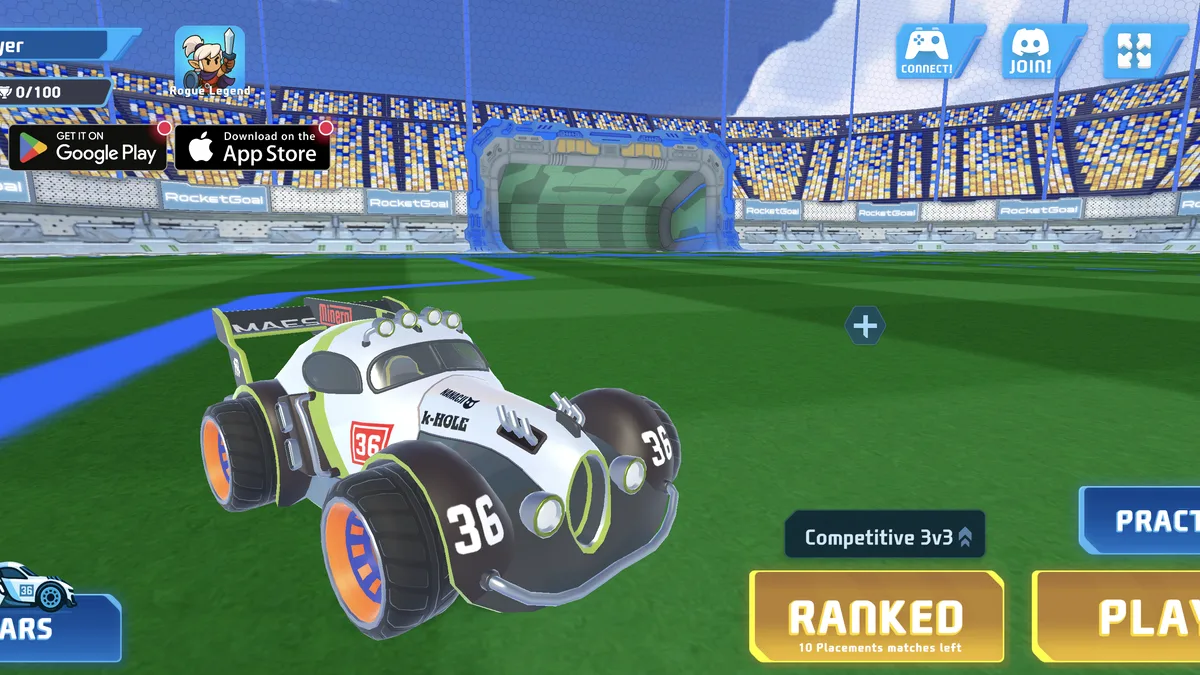
RocketGoal.io
An online car-soccer game with practice, public matchmaking, private parties, rankings and unlockable vehicles.
Play now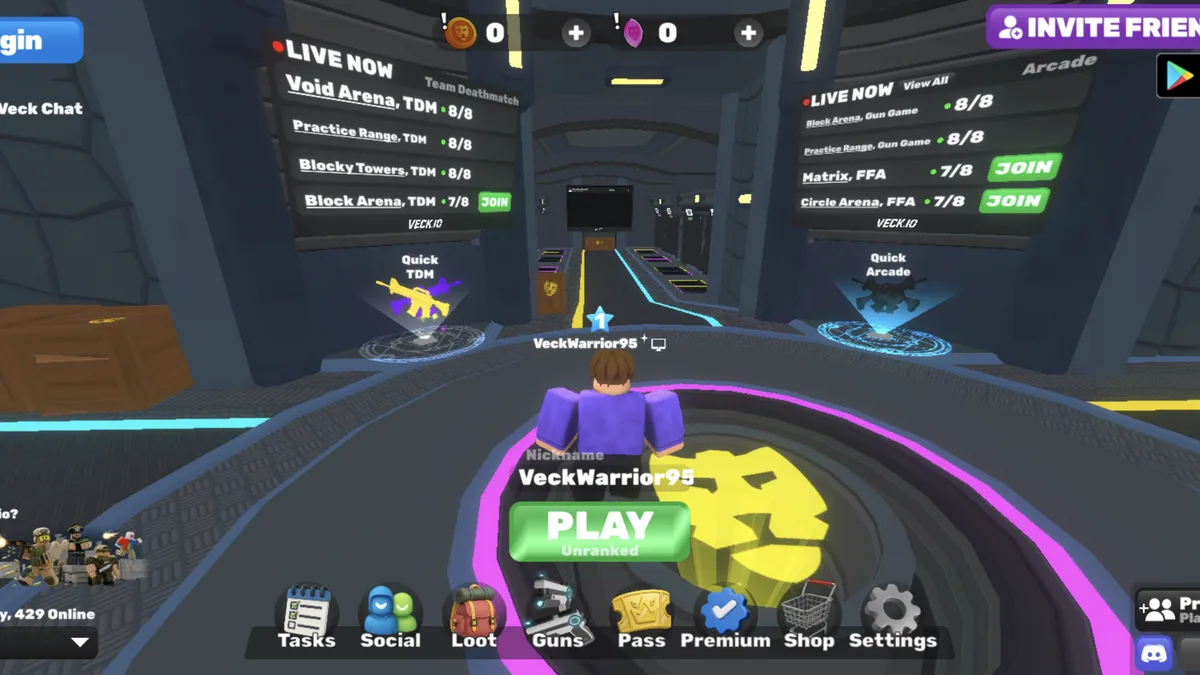
Veck.io
A free multiplayer browser FPS with live lobbies, several arena modes, private rooms and unlockable cosmetics.
Play now
Scarlet Shift
A mouse-controlled survival shooter where your blood drains constantly and defeated enemies keep you alive.
Play nowGTA 6 browser FAQ
What kind of game is GTA 6?

Grand Theft Auto VI is Rockstar Games’ single-player open-world action-adventure. You follow Jason Duval and Lucia Caminos through story missions in Vice City and the wider state of Leonida.
How do I start playing GTA 6 remotely?
Open Xbox Remote Play in a supported browser and select the Xbox Series X or Series S that has your copy of GTA VI installed and remote features enabled. Connect a controller, launch the game and follow the first story objective. With a PS5, start from the PS Remote Play app instead.
Can I play GTA 6 in a browser without downloading it?
Xbox Remote Play sends the game from your Xbox Series X or Series S to a supported browser, so GTA VI stays installed on the console. To stream without owning a console, first check whether GTA VI offers cloud play on your device in the signed-in Xbox catalog. The public launch announcements confirm cloud support on Xbox One and Xbox Series X|S.
Is GTA 6 free, and do I need an account?
GTA VI is a paid game. To play from your own console, sign in to Remote Play with the account you use on that console. Xbox Cloud Gaming also requires a separate game purchase and eligible cloud access.
Can I play GTA 6 on an iPhone or Android phone?
Yes. Use a supported iPhone or Android browser to stream from your Xbox Series X or Series S, or install Sony’s PS Remote Play app to stream from a PS5. Bring a compatible controller, since game-specific Xbox touch controls have not been verified.
What is the official GTA 6 website?
Rockstar Games’ official page for Grand Theft Auto VI is rockstargames.com/VI. It lists the console editions and links to official stores.
Open Rockstar’s official game pageWhy won’t GTA 6 load in my browser?
If your Xbox is missing, check that it is online, remote features are enabled and you used the matching account. If the console connects but the game fails to start, open the installed copy on the Xbox to check for a pending update or license prompt. For cloud play, check whether GTA VI shows a Play button on your device.
Can I pause GTA 6, and will I keep my progress?
Open the in-game Pause Menu and close it to resume. In Remote Play your console runs the game, so reconnect to that console and check the last saved checkpoint after a disconnect. Check your save in the game before closing the stream.
Is there an official GTA 6 APK or PC download?
Rockstar lists PS5 and Xbox Series X|S as the launch platforms. Its public launch materials do not list a native PC build or Android APK. A phone or PC can be a receiving screen for a supported stream.
Can I play GTA 6 online with friends through the browser?
The GTA VI story campaign is single-player on PS5 and Xbox. Remote Play and cloud streaming carry that same campaign to a different screen.
Are there any GTA 6 cheat codes or safe codes?
GTA VI has story-mode controller cheats and separate keypad codes for specific missions and safes. Use the guide that matches the prompt on your screen.
Sources
Public Rockstar, Xbox and PlayStation documentation checked . Nisu did not run the game or test a signed-in Remote Play or cloud session.
- Rockstar Games — official GTA VI game page
- Rockstar developers’ technical Q&A — Xbox Series X and Series S rendering
- Rockstar Games — November 19 launch announcement
- Rockstar Support — platforms, editions and streaming support
- Rockstar Support — pause menu and controller settings
- Xbox — Remote Play device and connection requirements
- Xbox Wire — GTA VI cloud launch on Xbox consoles
- Xbox — eligible cloud games and device requirements
- PlayStation — PS Remote Play app and setup