


Start in the browser and choose how to save
Pokebonk is Charcher’s free, unofficial 3D Pokémon survivor at pokebonk.com. You move through a crowded arena, collect upgrades and build a team as the run develops. The creator names Megabonk as an inspiration. This guide concerns that browser game; another project by Touchzada has a similar name and different features.
The English welcome screen offers Guest, Enter and Create account. Guest lets you start without signing up. The screen says progress is saved on the server and tied to the device, with an option to turn it into an account later. Choose Enter for an existing account rather than starting over as a new guest.
Our October 22 menu check showed beta v0.8.13. After choosing a partner, the menu included Play for Classic mode, Survival for Endless mode, Tasks, Pokédex, Lab, Achievements, Ranking, Clan and Settings. A seasonal event also appeared. Those entries can change during beta; a timer in an older recording is not a current event schedule.
The project distributes the game through its website, with no official app-store or downloadable release. On a phone, use the website in a normal browser. Nisu provides this guide, not a hosted copy, installer or account service.
Choose a partner by its passive, not a tier label
The current first-partner screen offers Bulbasaur, Charmander and Squirtle. Your selection becomes the first member of your League. The screen says the other two can join later after you complete their challenge and capture them in a run, so the initial choice is not a claim that the others are permanently unavailable.
Bulbasaur is the clearest starting point if you want a healing-focused passive. CD Good also recommends it for beginners in the October 17 recording around 2:33. That is a creator recommendation, not a measured Nisu win-rate ranking. The current menu independently labels it Healer and describes healing from Grass attacks.
Charmander’s current description rewards playing below a health threshold, while Squirtle starts with defensive benefits. Read the visible passive and starting attack before confirming. A player’s preferred starter can depend on comfort with taking damage, available upgrades and balance changes.
| Partner | Current menu role | Starting attack | What to compare |
|---|---|---|---|
| Bulbasaur | Healer; Synthesis | Vine Whip | Recovery and healing from Grass attacks |
| Charmander | Fiery Assault; Sea of Flames | Ember | Extra damage when health is low |
| Squirtle | Defender; Torrent Shell | Water Gun | Armor, shield and its low-health damage condition |
Read controls before entering a run
The partner chooser supports clicking a card, then confirming the displayed choice. Its keyboard hint shows Left and Right to choose and Enter to confirm. This controls the selection menu; it is not a complete movement key map.
In a run, movement and positioning matter because attacks and enemies can fill the screen quickly. CD Good’s recording shows the player collecting experience and selecting an upgrade when the run levels up. Around 3:07, the creator explains the run interface and the Ultimate key shown in that recording. Treat old keyboard bindings as a starting reference and read the current controls in Settings or the start screen.
For a first attempt, identify movement, your Ultimate, pause and any touch controls before committing to a crowded area. Keep enough room to move away from enemies. Keyboard, controller and phone support described in a recording does not mean every browser, controller layout or phone will perform equally well. We checked menus and recorded footage, not a completed run on each device.
Separate run upgrades from permanent growth
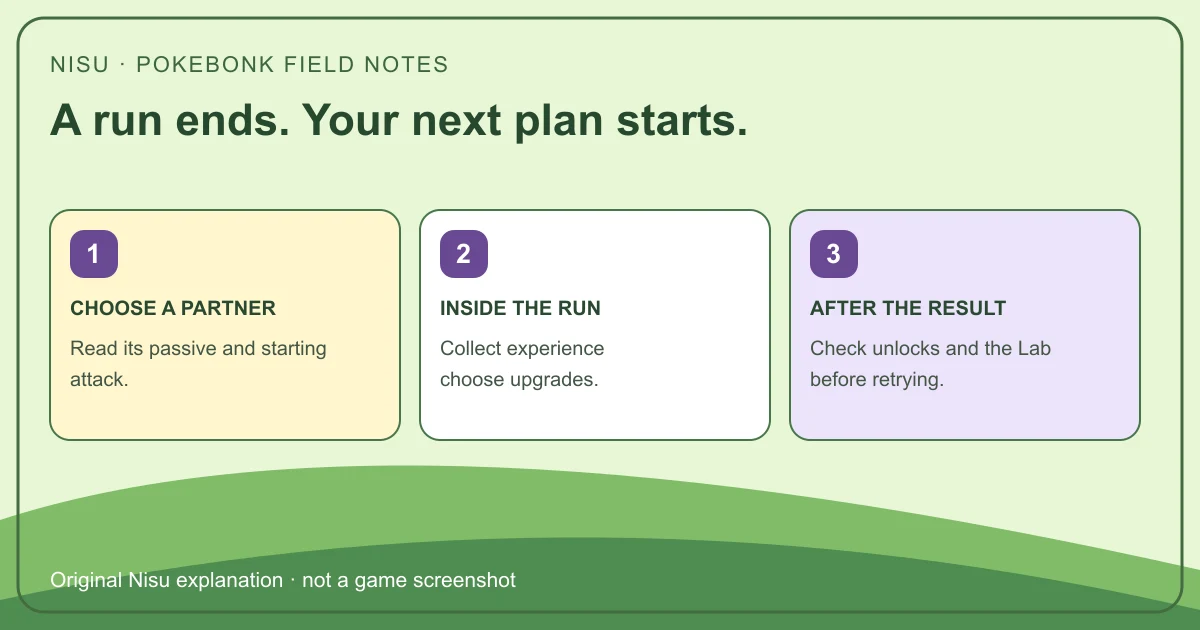
When you level during a run, the recording shows a choice of upgrades rather than a single automatic build. Moves and vitamins serve different purposes: read whether an option adds an attack, improves an existing attack or changes a passive stat. An attractive damage number is less useful if you cannot survive long enough to use it.
CD Good’s run-interface segment shows reroll and skip options, but their availability depends on unlocks and the current run. Do not assume every new guest starts with every slot or selection tool. If a slot is locked, check the Lab and its displayed condition rather than trying to fill it from a video’s finished build.
Use a short first run to learn what the game actually offers your account. Afterward, compare the result and the Lab before buying an upgrade with earned resources. Nisu has not tested a fastest unlock route or a strongest build, and the creator’s preferred combination is not a universal requirement.
Evolution and catching are different steps
The checked evolution segment around 4:40 in CD Good’s recording shows a partner changing form during a run. It demonstrates the idea of evolving inside this survivor game, rather than transferring a main-series Pokémon rule unchanged. Its particular level values belong to that recorded version; consult the current partner information for today’s requirements.
The catching segment around 5:09 shows a capture attempt and a failed result. Encountering a Pokémon therefore should not be described as a guaranteed permanent unlock. Read the encounter, challenge and capture result separately. If your goal is another starter, the current chooser specifically requires completing its challenge and capturing it in a run.
Check the Pokédex or League after the result to see what your profile has actually gained. Do not infer an unlock just because a Pokémon appeared on screen. Likewise, a count of 151 Kanto species in the game’s introduction is not a promise that a fresh profile can immediately select all 151.
Use the Lab to address the problem in your last run
The Lab segment around 5:51 in CD Good’s video shows permanent improvement categories and additional slot or selection options. These sit outside the immediate level-up choice. Read the current description and cost before spending resources, because a recorded price or maximum from October 17 may have changed.
If you repeatedly run out of health, compare recovery and defensive options with another damage purchase. If the problem is slow leveling or lack of useful choices, inspect the relevant growth or selection upgrades. These are ways to evaluate the menu, not a tested purchase order. Start with an affordable change you can explain instead of copying a fully developed account.
Sir Drae’s longer October 19 recording provides a Spanish-language example of a Bulbasaur run and the surrounding menus. It is useful for seeing the pace and visual clutter over a longer session. The build in that particular run is an example, not evidence of the strongest current setup.
Protect your guest progress before changing devices
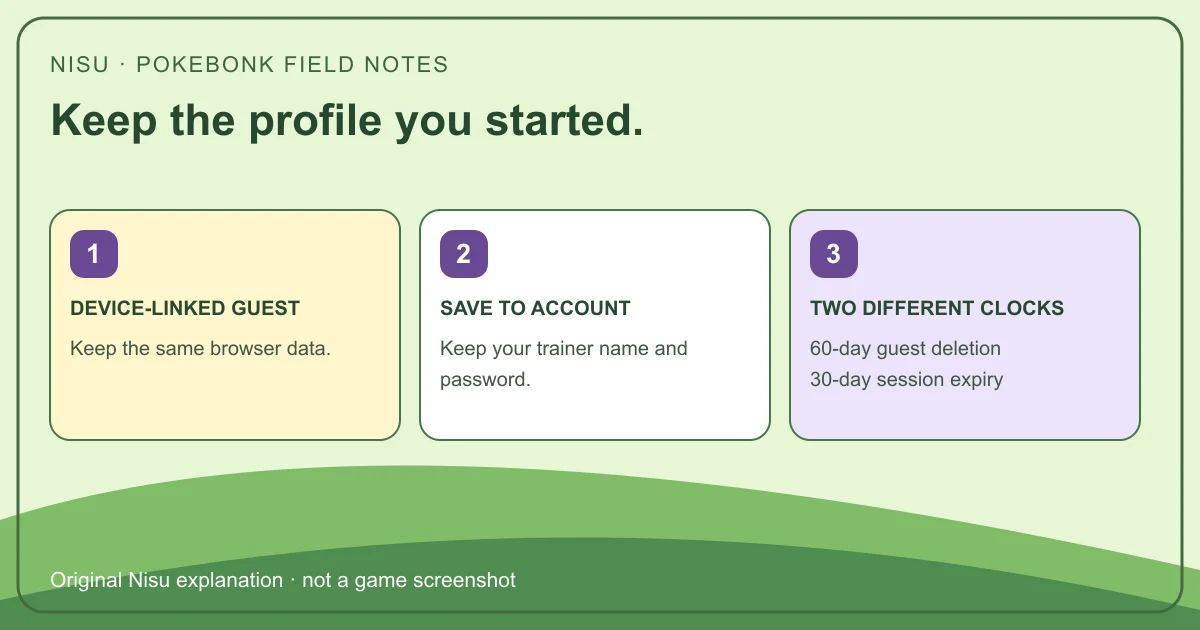
Guest progress is tied to the current device and browser session information. The welcome screen says the server saves it; the legal notice also says the browser stores guest and session information locally. Server storage alone does not make an unnamed guest safely recoverable from a different browser.
Use Save to account from the menu if you want to keep a profile you can identify later. Keep the chosen trainer name and password safe. Do not clear site data or start a separate guest as a first troubleshooting step when the existing profile matters.
The published retention rules distinguish two clocks: an unused guest account and its progress are deleted after 60 days, while a session expires after 30 days without use. An expired session does not by itself mean named-account progress was deleted. The project can also change or close; this guide does not promise recovery or permanent availability.
If Pokebonk stays on the loading screen
The original website requires JavaScript and WebGL. If it remains at Loading Pokédex, first allow the page time to finish and check your connection. Then confirm that the browser permits JavaScript and supports WebGL. A blank or stalled page does not establish that your save was erased.
Try a normal reload before deleting anything. If the game opens in a different browser, keep the original browser’s site data while you investigate; a second browser may show a different guest. Check the original site for a current service notice and note the version, device and screen where loading stopped.
The menu has a report-bug or idea control. Describe what happened and which browser you used; avoid sending passwords or publishing account details. Nisu cannot restore game accounts or guarantee that a performance setting will fix every device.
Clan rankings do not establish live co-op
Charcher’s introduction describes individual, regional and clan ladders. Clan totals combine members’ best runs. A shared ranking does not establish that friends can enter the same arena and fight together at the same time.
This guide does not transfer the separate Touchzada project’s multiplayer claims to Charcher’s game. If you want to play socially, check what the current Clan and Ranking screens offer, rather than expecting an eight-player room based on a same-name search result.
Watch a compact beginner explanation
CD Good (CD喜德) covers starting, partners, run upgrades, evolution, catching and the Lab. The original narration is Traditional Chinese; YouTube may offer translated captions or an audio track. We checked the relevant segments, rather than treating its chapter list as proof that every tip still applies to today’s beta.
Traditional Chinese beginner recording. Checked segments: 1:23 starting, 2:33 partners, 3:07 run upgrades, 4:40 evolution, 5:09 catching and 5:51 Lab. Recorded before the October 22 menu version.
Watch a longer run in context
Sir Drae’s Spanish-language gameplay links directly to Charcher’s original site. Watch how movement, upgrade decisions and screen density interact instead of copying the title’s enthusiasm into a best-build claim.
Spanish gameplay with Bulbasaur. An individual recorded run, not a current balance ranking or Nisu playtest.
Quick help
Is Pokebonk free, and do I need to install an APK?
Charcher’s project is free and runs at pokebonk.com in a browser. Its legal notice says it has no official download or app-store release. Use the original website rather than treating an APK listing as official.
Which starter should a beginner choose?
Bulbasaur is a reasonable healing-focused starting option: the current menu labels it Healer, and CD Good recommends it in the beginner recording. Charmander and Squirtle offer different passives; this is not a tested ranking.
Will I lose a guest save if I change browsers?
Do not assume a guest follows you. The game describes guest progress as device-linked and uses local browser information. Use Save to account and keep your credentials before changing devices or clearing site data.
Does a session ending after 30 days delete my progress?
Session expiry and guest deletion are different rules. The published notice gives sessions 30 inactive days and unnamed guest accounts 60 inactive days before deletion with progress.
Can friends play together because the game has clans?
A clan ladder does not confirm live co-op. The creator describes combined best-run scores. Do not import an eight-player feature from a different, similarly named Pokebonk project.
Why is Pokebonk stuck on Loading Pokédex?
Check the connection and whether JavaScript and WebGL are available, then try a normal reload. Preserve existing site data while investigating a guest profile; this guide cannot diagnose every device or restore an account.
Source and scope
Independent guide checked October 22, 2026. Nisu inspected the v0.8.13 welcome, guest and starter menus without playing a run or testing account recovery. Recorded examples are dated and attributed; balance values and creator preferences are not current universal rules. Pokémon and related artwork belong to their respective owners. Nisu is unaffiliated with the game, Charcher or Pokémon. Video images and playback use YouTube’s supplied media; no game, APK or franchise sprite pack is rehosted.