
Begin with the two actions you control
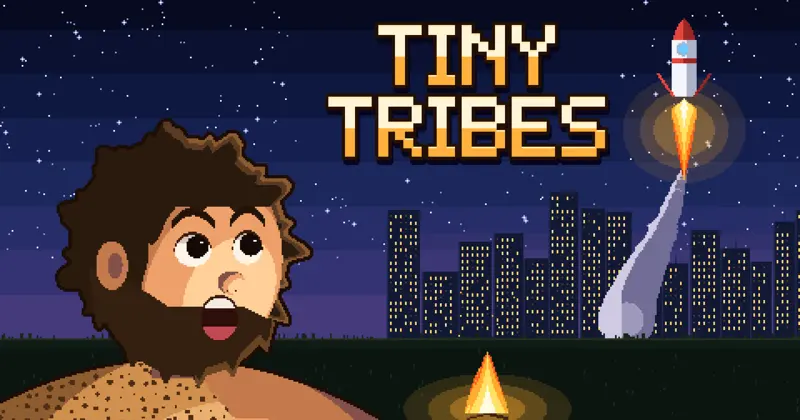
Tiny Tribes is Kaelrick’s island-building clicker on CrazyGames. You gather food by clicking the land and purchase discoveries by clicking cards on the right. The people handle their own work. Your first task is therefore to understand what a discovery changes, rather than trying to direct every person you see.
This guide covers that browser game, whose official listing names food, discoveries and an island map. It is separate from similarly named clothing brands, education services or other games. Start through the CrazyGames link above so the controls and advice here match the version you open.
| What you want to do | Published control | What to watch |
|---|---|---|
| Gather food | Click anywhere on the land | Check the resource display after the click. |
| Buy a discovery | Click a card on the right | Read the card before spending. |
| Move the view | Drag the map | Explore the island without trying to select a worker. |
| Zoom | Scroll or use + / − | Use the visible buttons if scrolling is awkward. |
| See more of the island | Hide the discoveries panel with X | Finish reading the cards before hiding them. |
Make one purchase, then look at what changed
Begin by gathering food and reading the discovery cards available to you. The official controls identify a card click as the purchase action, so do not treat every card like a harmless preview button. Check its displayed requirement and description before choosing it. Use the current interface for costs; this guide does not assume prices stay fixed.
After a purchase, look at the resource display and the map. The developer says upgrades appear in the world, with people performing visible work such as cutting trees or bringing ore back from the mountain. Connecting a purchase with a visible change helps you remember what it did on your own island.
For example, you might gather food, buy one available discovery, then stop clicking briefly to watch the tribe. That is a learning exercise, not a claimed fastest opening. Buying several unfamiliar discoveries at once makes it harder to identify which one changed production or opened the next choice.
Let automation change how you spend your attention
The official description says the first people begin hunting, farming and raising children on their own. It describes a village growing through later technologies into a city. Manual food gathering is an input you can use, but the broader task is to support the settlement as more of its work happens automatically.
When progress feels slow, first inspect the cards and the visible resource requirement for the next useful discovery. Decide whether you are short of a resource, waiting for activity already underway, or simply looking at the wrong part of the island. Those are different situations, even if all three feel like waiting.
The listing does not give an offline-earnings formula or a guarantee about progress while the browser is closed. Make decisions from the progress you can see in your current session. In particular, do not assume that hiding the panel, pausing your attention or closing the tab has the same effect on production or saving.
Use the map as a way to read progress
Drag to move around the island and scroll, or use the plus and minus controls, to zoom. A wider view helps you see how the settlement is spreading. A closer view is useful when you want to follow the visible changes after a discovery. You do not need to keep every building on screen while gathering food.
The developer describes roads, bridges, tunnels and later industry as visible parts of the growing settlement. Look for the change that corresponds to your latest purchase instead of assuming the whole island should transform immediately. This is particularly helpful when a discovery affects a place away from your current view.
The X control hides the discoveries panel to reveal more of the world. Read the card information you need first, then hide the panel when you want to inspect the island. On a small screen, the on-screen zoom buttons can be easier to distinguish from a gesture that moves the surrounding webpage. The listing supports both portrait and landscape orientation.
Treat a new island as a deliberate progression choice
The official description places the new-island option after later space progress: a launch pad, a rocket, people on the moon and a departing colony ship. It says you can then begin on a new island while keeping what the people learned. That describes an intended progression loop; it does not list every resource or object that carries across.
Before confirming a restart, read the current in-game explanation carefully. Check what it says will be retained and what will be replaced. Do not assume food, buildings, currency or an exact production multiplier carries over simply because the description says knowledge does. None of those detailed transfer rules is established by the store page.
You also do not need to force the restart during a first session. A smaller stopping point is to understand manual collection, make a discovery and recognize the resulting change. The developer’s short promotional timeline is not used here as a completion estimate for every player or device.
Choose a useful next-session goal
At the end of a session, note the discovery you are working toward and the resource shown by its card. On returning, check that the same objective still makes sense before spending. A simple goal such as learning what one discovery adds is more informative than trying to buy everything as quickly as possible.
If you want a different clicker on Nisu, 67 Clicker has its own upgrade loop and controls. Normal Maths offers a quieter change of pace built around working out unfamiliar operators. These are separate games in the Nisu cabinet; use the official Tiny Tribes button when you want to continue the island described in this guide.
Quick help
Do I have to move every worker myself?
No. The official controls say the people do their own work. You gather food, buy discoveries and move the map view.
What does the X button do?
The listing describes it as hiding the discoveries panel so you can see more of the island.
What survives when I start a new island?
The developer says the people retain what they learned. Read the current in-game confirmation for the exact retained and reset items before proceeding.
Source and scope
This independent guide draws on Play Tiny Tribes on CrazyGames, checked on Oct 10, 2026. Published requirements and rules come from the linked sources; practice routines and examples are Nisu editorial suggestions.

 Play now