

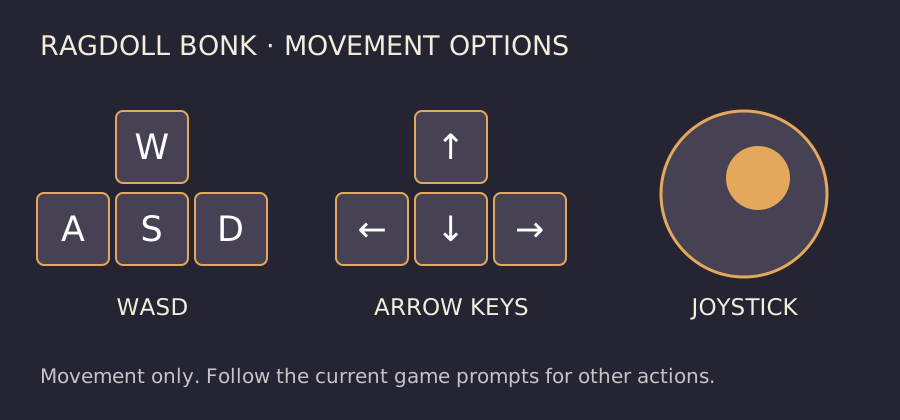
Move with WASD, arrow keys or the joystick
Poki’s control list names WASD, the arrow keys and the joystick for movement. It lists computer, phone and tablet support. Compare these options with the controls visible when the game loads on your own device.
Start by moving in a short loop and changing direction deliberately. Learn where you can move before trying to collect every object or stay close to several enemies at once. A clear route away from pressure gives you more choices than being surrounded.
The published control list does not specify a separate attack key, shield key or pickup shortcut. This guide therefore does not assign a mouse button or spacebar action from another ragdoll game.
Read the weapon’s space before rushing the next pickup
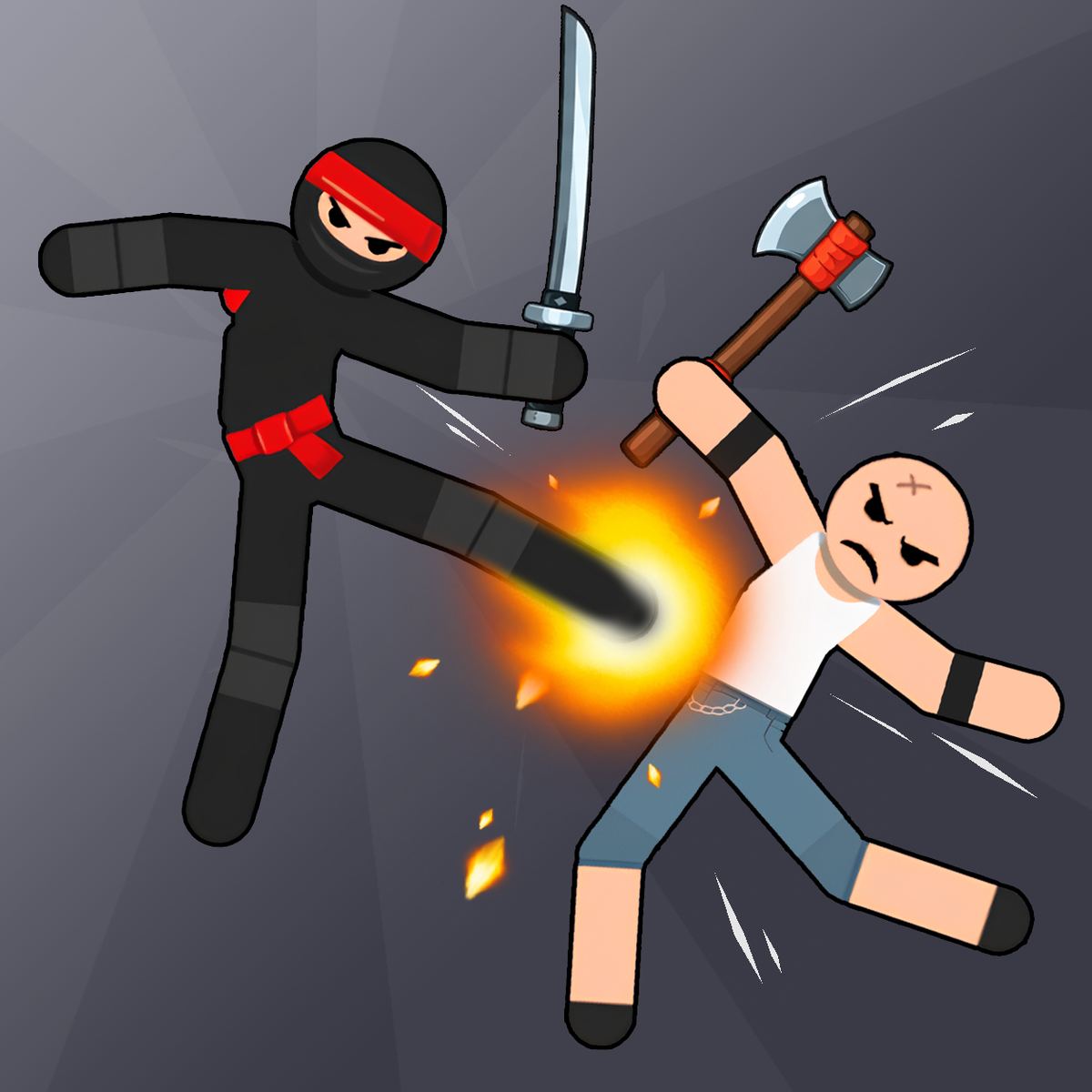
The official description presents a wave-based fighter with dropped weapons and increasingly difficult enemies. Your useful practice question is how your current weapon connects while your character and nearby opponents are moving.
For a first attempt, keep enough open space to observe a swing or collision. If you are hit while moving toward a pickup, ask whether you needed that weapon immediately or whether waiting for a clearer approach would have left you in a better position.
These are movement and spacing suggestions, not a claim that a named weapon has a particular reach or damage value. Promotional art showing a sword or axe does not establish a complete unlock list or a best weapon.
Treat upgrades as different answers to a problem
The publisher describes magnetic weapon pickup, shielding and a robot buddy that fights alongside you. Those are distinct kinds of help; read the current offer before deciding how it fits the run.
An upgrade description is not a promise that it appears at a fixed wave or that it works through a particular key. Compare the actual effect, cost and conditions on screen. No drop rate, unlock price or guaranteed combination was verified for this guide.
| Described option | Question to ask before choosing |
|---|---|
| Magnetic hands / weapon pickup | Am I losing useful opportunities while approaching dropped weapons? |
| Shielding | Am I taking hits during an approach or while leaving pressure? |
| Robot buddy | Would additional help in a fight address the problem I am facing? |
Make the next attempt more informative
After a loss, identify the moment you ran out of room or committed to an unsafe approach. On the next attempt, try leaving earlier, keeping a clearer route or delaying an optional pickup. Pick one adjustment you can notice during play.
If movement feels different on a phone, first check how the visible joystick responds to a short drag and a release. Do not assume a keyboard shortcut has a touch equivalent unless the interface offers it.
A useful early goal is understanding why the last hit happened. This guide does not attach an invented wave target, currency rate or guaranteed survival time to that practice.
Where to play and what this page provides
The official listing identifies Ragdoll Bonk as a LongStar game available free on Poki. Use the exact title and developer when distinguishing it from other similarly named ragdoll fighters.
This Nisu page provides a guide and the official game entry. It does not embed, rehost or distribute the game. Embedding permission and reliable embedded play were not established, so there is no misleading Play button for an unavailable Nisu version.
If the publisher’s page remains at a loading screen, wait for its normal loading flow and check any message it displays. Do not install an unrelated extension or download presented as a requirement by a different site. A loaded web page alone does not mean the game has reached playable content.
Quick help
Who made Ragdoll Bonk?
The official Poki listing credits LongStar.
Does this guide claim a completed Nisu playthrough?
No. Playable content was not reached during the browser check. The controls and game descriptions here are publisher-sourced, with practice advice kept separate.
Can I play it directly on this Nisu page?
No. The official entry opens its Poki game page; this article does not host or embed a copy.
Source and scope
Poki’s official LongStar game description and control list checked October 23, 2026. The game frame did not reach playable content during Nisu’s bounded browser check, and a candidate video did not pass playback verification. This guide uses official promotional art, published controls and editorial practice suggestions; no hands-on score, weapon statistics or full-wave clear is claimed.