


COMMANDER: the code shown awarding 25 Gold
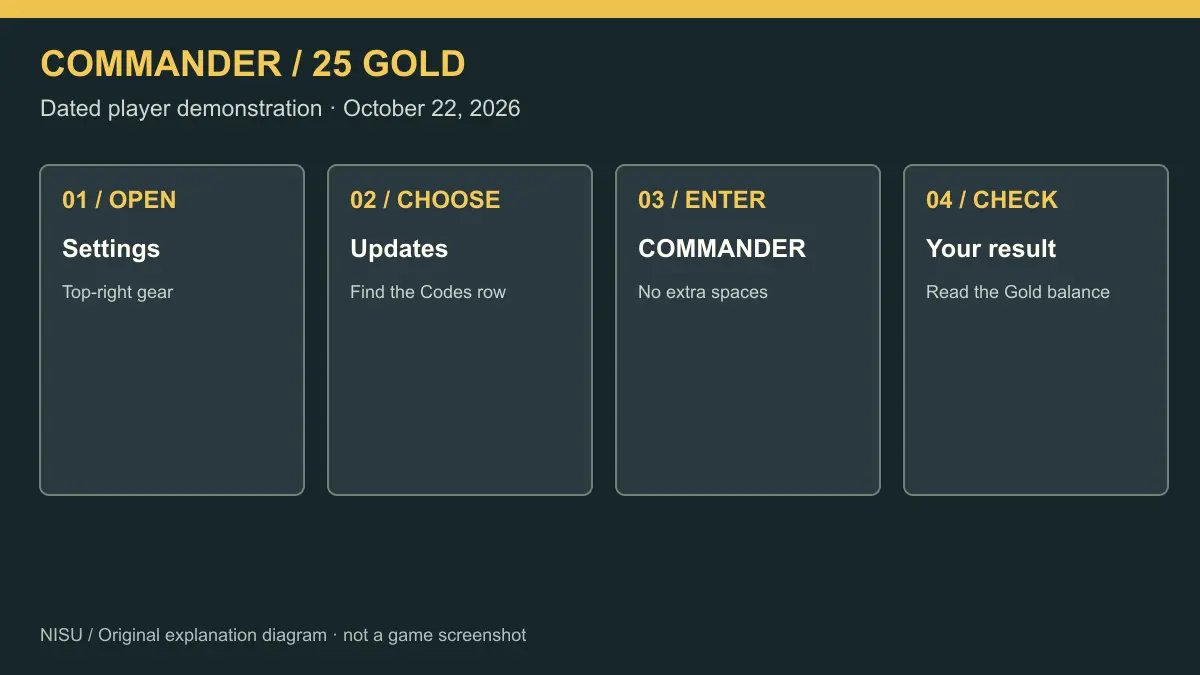
COMMANDER is the code shown working in Berlian kecil’s October 22 recording of Army Commander Tycoon. At about 1:30 the creator opens Settings and Updates; by about 1:50 the game shows a successful redemption for 25 Gold and the Gold balance changes from 0 to 25. The visible panel identifies Version 3, Build 1004.
That recording gives you a dated example to follow. Nisu has not redeemed the code on a Roblox account, and a successful result in someone else’s recording cannot guarantee the result on your account or server today. We do not publish an expiry date for this code.
| Code | Reward shown | Evidence and limit |
|---|---|---|
| COMMANDER | 25 Gold | October 22 player recording; Version 3 / Build 1004. Not a Nisu redemption test. |
Redeem inside Settings and Updates
Open the official Roblox listing linked above and check the creator before joining. The game’s title currently includes Update 3. Wait until the outpost and normal controls appear, then use the gear at the top right of the game screen.
In Settings, choose the Updates tab. The recording shows a Codes row with an Enter code field and a Redeem button. Type COMMANDER in capital letters, remove spaces before or after it, then press Redeem. Read the message beneath Codes and compare your Gold balance before trying again.
The sequence below is a player demonstration, not Nisu gameplay. The creator goes through the starting tutorial as well as the code, so you can compare the surrounding interface with your own. The demonstrated redemption is around 1:30–1:50; later parts return to building the base.
Player recording. Around 1:30–1:50, Settings / Updates shows Version 3, Build 1004 and COMMANDER returning 25 Gold. The recording then continues the outpost tutorial. Nisu has not redeemed the code.
If your redemption does not match the recording
First check the experience itself. Army Commander Tycoon by sad builderboy is the one at place 119263815547952. A code for Command an Army, Military Tycoon or another similarly named experience is not evidence of a reward in this game.
Use the uppercase spelling shown above and type it again if pasting adds a space. If the menu looks different, read the version displayed under Updates and compare it with the recording. Rejoining a server is a reasonable troubleshooting step when the interface has changed; it does not renew a code or prove that an older server caused the failure.
Follow the game’s own result. If it says you already claimed the reward, another submission is not a new reward. If it rejects the code or says it has expired, stop treating the old recording as proof of present availability. Keep the exact message and the visible version when asking the developer for help. We have not verified the game’s complete set of error messages or any account-specific eligibility rules.
| What you notice | What to check next |
|---|---|
| The Updates tab or code row differs | Compare the visible version and the dated demonstration. |
| The text is rejected | Retype COMMANDER without extra spaces, then read the exact result. |
| The game reports a previous claim | Check the balance; do not expect repeated submissions to pay again. |
| A guide promises an expiry countdown | Use developer information for a current deadline; this page makes no deadline claim. |
Build the outpost by following its tutorial
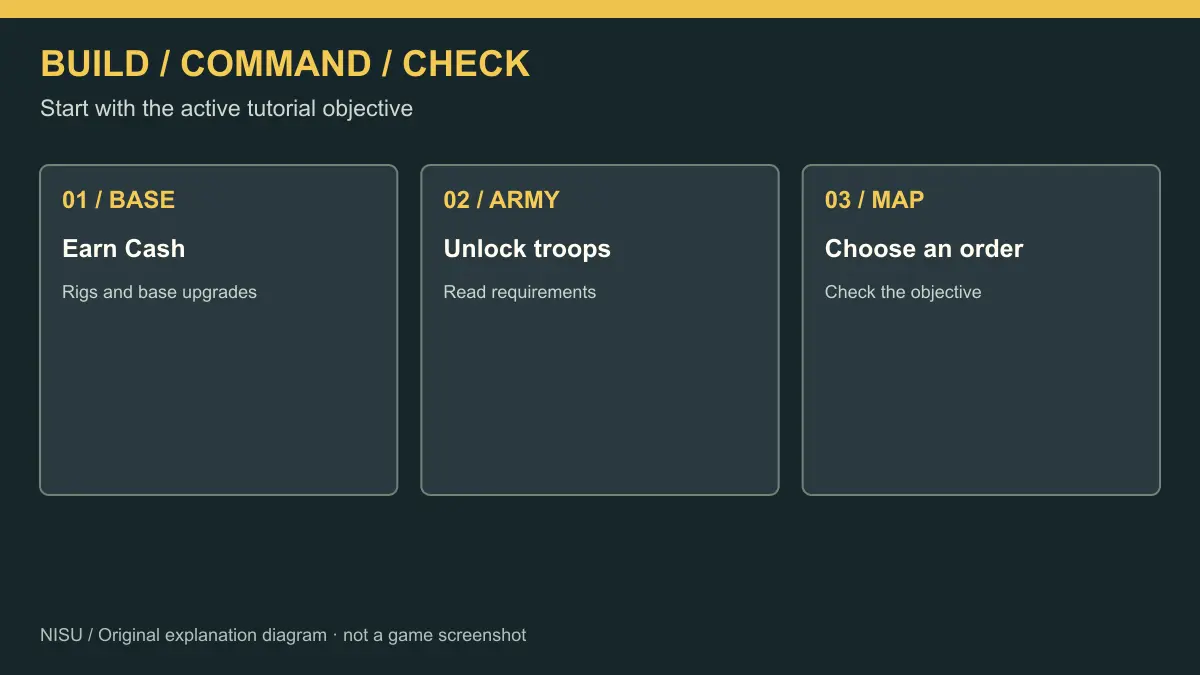
The official description sets out the basic loop: build a military base, recruit troops, unlock vehicles and aircraft, and capture strategic points for more income. It is a base-building and battlefield-command game. The code reward is a small addition to that loop, not a substitute for developing the outpost.
The October 22 recording starts with the tutorial trail and an oil rig, then a hand pump and a troop tent. Follow the highlighted objective and read the building’s name and cost before purchasing. The creator later builds or upgrades the Field HQ, Supply Depot and more rigs. Use the requirement on your own next upgrade rather than copying the creator’s cash balance.
Watch Cash and Gold separately. In the redemption scene, Gold is the yellow balance that rises to 25, while Cash continues changing independently. Keep that distinction when deciding whether an upgrade uses ordinary income or another currency. This guide does not recommend buying a Gold pack or spending Robux.
Use the command map to understand your next objective
Once you have troops available, the Command screen helps you see where they are going. Ricoko Tutorial & Showcase’s October 15 recording shows the map, lettered objectives, unit filters and the AUTO, FOLLOW ME, HOLD and BASE orders around 0:45. It is older footage and should be used to understand the command interface, not to establish the newest code or a guaranteed income strategy.
For an initial session, read the active tutorial objective before sending units away. Inspect the map and the order you have selected, then check what your troops actually do. The October 22 Updates panel also mentions separate squads under ARMY / SQUADS when Advanced commands are enabled; follow the current in-game instructions if you move on to that feature.
Unit prices, promotion requirements and the best route across a contested map can change or depend on progress. This page focuses on a demonstrated code and the starting loop rather than presenting an unverified unit database or promising a fastest promotion route.
Older player footage. The inspected section around 0:45 shows the Command map, unit filters and orders. The creator’s strategy is their recommendation; Nisu has not tested its income or promotion speed.
Quick help
What is the Army Commander Tycoon code shown in the current recording?
COMMANDER awards 25 Gold in Berlian kecil’s October 22 player recording, which shows Version 3 / Build 1004. Nisu has not redeemed it, and the dated demonstration does not guarantee availability on every account or server.
Where do I enter COMMANDER?
Open the top-right gear, choose Updates, enter COMMANDER in the Codes field and press Redeem. Those controls are visible in the October 22 recording around 1:30–1:50.
When does COMMANDER expire?
This guide does not give an expiry date. We have not verified a developer deadline, so a date repeated by other guides is not used for a countdown here.
Do I redeem the code on Nisu?
No. Redeem inside Army Commander Tycoon on Roblox. Nisu provides the instructions and embedded demonstrations; it does not award Gold or need your Roblox password.
What should I build first?
Follow the game’s highlighted tutorial objective. The October 22 recording begins with an oil rig, hand pump and troop tent, then expands the outpost. Read your own next building’s requirement and cost rather than treating that recording as an optimal spending route.
Source and scope
Independent guide checked October 22, 2026. Official identity and broad gameplay come from the Roblox listing. The redemption menu and 25 Gold result are visible in a dated player recording; Nisu has not played or redeemed a code. The older command-map video is labeled separately. No expiry, daily-update promise, optimal build order or complete unit database is claimed.