
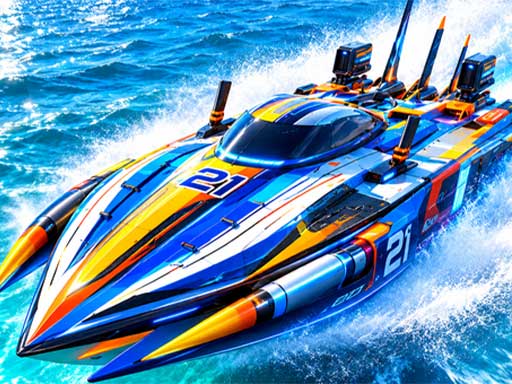

The SKY HIGH STUDIO browser game
Turbo Boat Runner 3D is credited to SKY HIGH STUDIO on its GameMonetize listing. The page was published October 29, 2026 and links to the distributed browser game. Its premise is a speedboat run across water, navigating turns and avoiding obstacles.
The game remains on the publisher’s distribution platform. Nisu provides this starting reference and does not host a copy, install a launcher or supply a separate downloadable build.
Read the published inputs and objectives
Start by checking how the current game responds to each movement key. The listing groups WASD together; it does not provide a full key-by-key movement map or a sensitivity menu. No extra binding is invented here.
| Listing instruction | What it establishes |
|---|---|
| W, A, S and D | Move and control the boat on a keyboard. |
| Collect coins | Coins along the route increase the score. |
| Avoid obstacles | Dodge hurdles and obstacles to keep the run going. |
Choose a clear path before chasing a coin
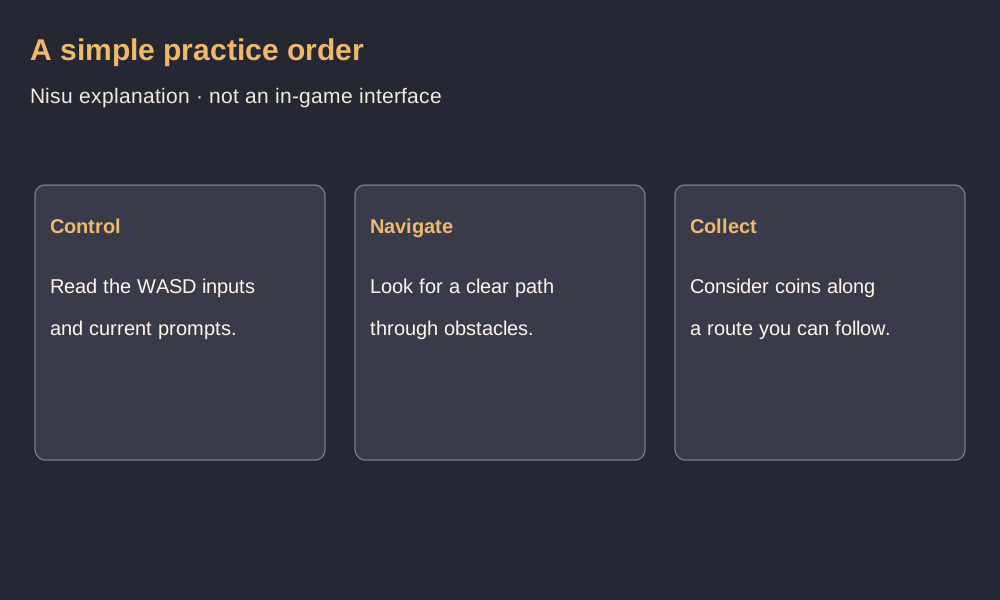
For an opening practice run, concentrate on finding a clear route through the next turn. Once you can make that movement deliberately, consider coins that lie along a path you can still follow. This is an editorial practice suggestion, not a tested optimal-scoring strategy.
If a coin line leads you toward an obstacle, compare the risk with simply continuing the run. This reference does not claim that collecting every coin is required, that a particular route is safest, or that a specific distance unlocks anything.
Mobile-ready is a listing label, not a tested control guide
GameMonetize marks the game as mobile-ready and gives an 800 by 600 game size. Its written instructions specify WASD, but do not document a touch gesture or an on-screen button layout. Check the prompts in the current game for your device.
Nisu has not played the game or tested keyboard response, touch controls, saved progress or performance. No boat upgrade system, multiplayer room, level count or unlock price is established by the source used here.
Quick help
What keyboard controls are published?
The GameMonetize listing names W, A, S and D for moving and controlling the boat. It does not explain each key separately.
What do coins do?
The written instructions say coins increase the score. This reference does not claim that coins buy upgrades or unlock boats.
Does it support phones?
The distribution listing marks it mobile-ready. Its touch layout and real-device compatibility were not tested by Nisu.
Source and scope
Checked October 29, 2026 against the original GameMonetize distribution listing and its instructions. The practice order is editorial. Nisu has not played or tested device compatibility, controls, saving or performance.