

Separate the PS2 game from Outbreak·Web
Resident Evil Outbreak is a Capcom PlayStation 2 title. The browser project at outbreakweb.com identifies itself as Outbreak·Web and explicitly says it is unofficial and not affiliated with Capcom. It is that specific project, not a new Capcom browser release, described here.
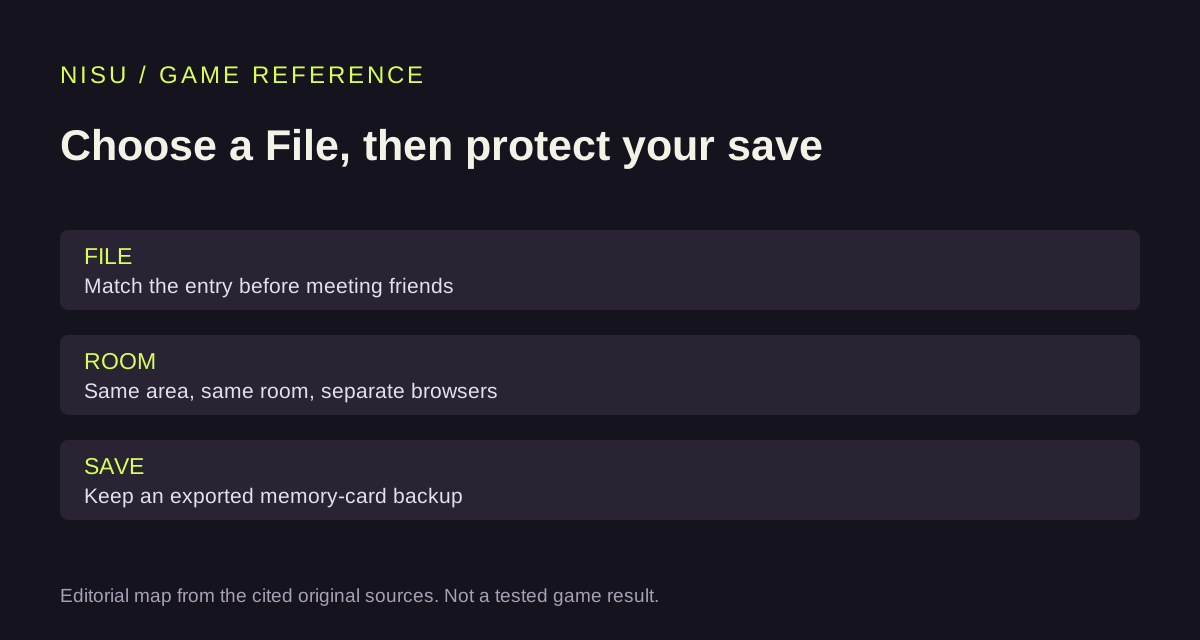
Its public catalogue lists File #1 and File #2 as different entries. Agree on the File before arranging a session with a friend; selecting a similarly named page does not by itself place you in the same game or room.
Read the host’s browser checks before starting
The project recommends current Chrome or Edge. Its public startup checks cover modern WebAssembly capabilities, including JSPI, as well as host-supplied isolation. WebGPU accelerates graphics; the loader also contains a software-rendering fallback. Neither path is a guarantee of a playable session on a particular device.
The host describes automatic loading. That still means data must reach the browser; it should not be read as a promise of an offline first launch. This article supplies no disc image, BIOS or game package and does not establish permission to redistribute Capcom’s files.
Use the project’s own controls panel
The project’s keyboard help says to click the game view so it receives input and press F1 to display controls. Its documented menu inputs are Enter for Start and J for confirmation. Settings → Controls provides remapping.
Read the current panel before changing assignments. A controller button or a touch interface does not remove the browser’s startup requirements. Nisu has not tested a keyboard, gamepad or phone session.
Follow the published online-room sequence
The project’s guide tells each player to use their own browser and a different player name. After choosing the same File, use NETWORK PLAY and meet in the same area. One player creates a room and chooses its scenario and rules; the other enters it and selects STANDBY. The room creator then starts the scenario.
Check the File, area and room before troubleshooting anything more complicated. These are the project’s published steps, not a confirmed live connection. No claim is made here about server uptime, a tested party limit or split-screen co-op.
Keep a memory-card backup
The host documents saving inside the game to a browser-local virtual memory card, with export available through Saves. Its name-transfer help also says progress does not travel with the player name.
Save in the game first, then keep an exported card outside the browser before clearing site data or changing devices. Treat the player name and the save backup as different things; retaining one is not a substitute for checking the other.
What was checked
This reference follows the project’s public catalogue, English interface instructions and startup checks, read on October 26, 2026. Nisu has not started the engine, loaded a game disc, completed a scenario or tested a multiplayer room.
Use the project’s current instructions for the selected File if its interface changes. The article does not mirror its player, reproduce its binaries or turn a third-party preservation claim into a Capcom authorization.
Quick help
Is Outbreak·Web a Capcom release?
The project says it is unofficial and not affiliated with Capcom.
Does a player name synchronize my save?
The project says progress does not travel with the name; it uses a browser-local virtual memory card.
Has Nisu tested an online room?
No. The instructions are attributed to the project’s public guide, not a completed multiplayer test.
Source and scope
Project instructions come directly from Outbreak·Web’s public catalogue and English interface. Capcom’s product record establishes the original PS2 title. Nisu has not run the game, downloaded game data or tested online play.