

IGI browser game: the OpenIGI project
For an IGI browser game, OpenIGI is an identifiable independent project with a browser route and a source repository linked from its homepage. It describes a reimplementation of Project I.G.I., not a publisher-endorsed browser release.
Start with the browser limits in its repository rather than assuming the website’s desktop features also apply to the web build.
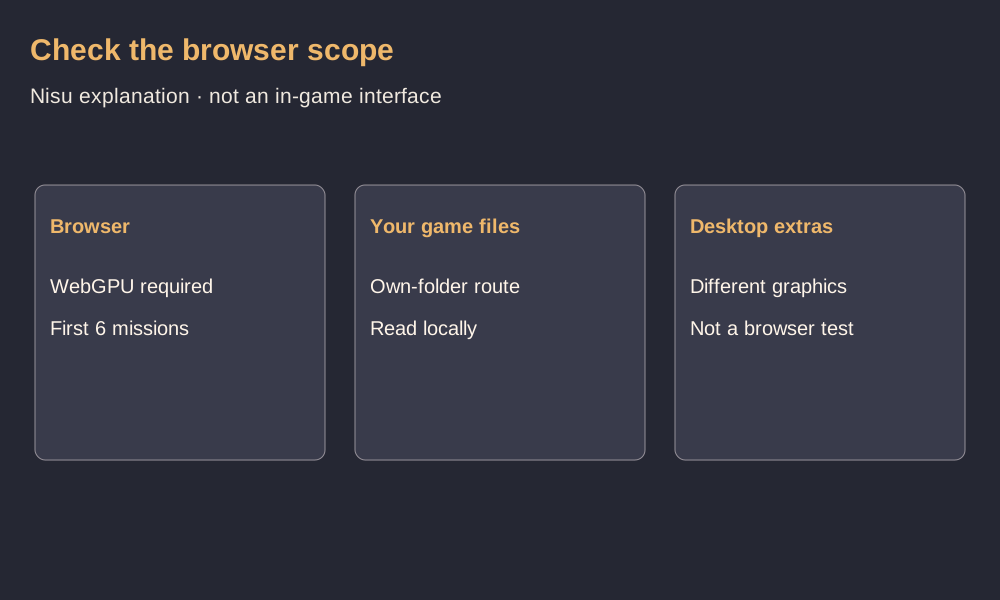
| Check | Published OpenIGI information |
|---|---|
| Browser renderer | WebGPU |
| Project I.G.I. browser scope | First 6 missions, original graphics |
| I.G.I. 2 browser support | Not listed as available |
| Multiplayer | Not supported in the status table |
| Game data | Use your own copy, per repository instructions |
Is there an official IGI 1 mobile game?
The original Project I.G.I.: I’m Going In is a Windows PC game developed by Innerloop Studios and published by Eidos Interactive in 2000. Nisu could not verify an official Android or iPhone release of that game. Google Play lists a similarly named IGI: Going In from Coding Addicted Publishers. Its listing describes a mobile shooter and provides no evidence that it is an official port of the Eidos release.
For a phone browser, OpenIGI advertises touch controls for phones and tablets. It is an independent project, and the documented way to use your own Project I.G.I. files requires a browser with WebGPU. The browser build lists the first six missions. Check those limits before moving game files to your phone.
Use the documented own-folder route
The repository’s browser instructions say to open the project site in a WebGPU-capable browser and choose your Project I.G.I. folder. It says those files are read locally rather than uploaded. The homepage exposes a Play from my own game folder option.
The source repository contains no original game assets. Its engine source does not, by itself, provide the files from a retail installation. Nisu does not supply game files or an unverified full-game download.
Browser graphics differ from the desktop build
The browser build uses the vanilla graphics preset to keep the original look. The project website lists Chrome, Edge and Safari. Support still depends on WebGPU being available on your device.
The site puts advanced graphics presets, HD texture packs and launcher-managed mods under its desktop route. Its background image is explicitly credited as a desktop screenshot. Neither that picture nor desktop ray-tracing features establish the browser’s visual quality or performance.
What this reference verifies
Nisu checked the OpenIGI site, its repository and the Android store listing on November 10, 2026. The check covered published requirements and listings. We did not install an app, select game files, or play a mission on a phone or desktop.
A visible Play button does not prove that your browser supports the required graphics features or that a mission will complete successfully. Follow the current project messages; this page does not promise full-campaign access, free game-data rights or a working session on every device.
Quick help
Is OpenIGI an official publisher browser release?
No. The project describes itself as an independent reimplementation unaffiliated with the game’s publishers.
Does the browser build cover the full campaign?
The checked OpenIGI status table lists the first six Project I.G.I. missions for the browser, with original graphics.
What do the browser instructions require?
The repository specifies a WebGPU-capable browser and your own Project I.G.I. folder.
Does the desktop screenshot show browser graphics?
The homepage identifies its background as a desktop screenshot. It does not establish the browser build’s graphics or performance.
Source and scope
OpenIGI documentation, original release credits and the Google Play listing were checked November 10, 2026. Nisu did not test gameplay, phone compatibility or permissions for hosted game data.