
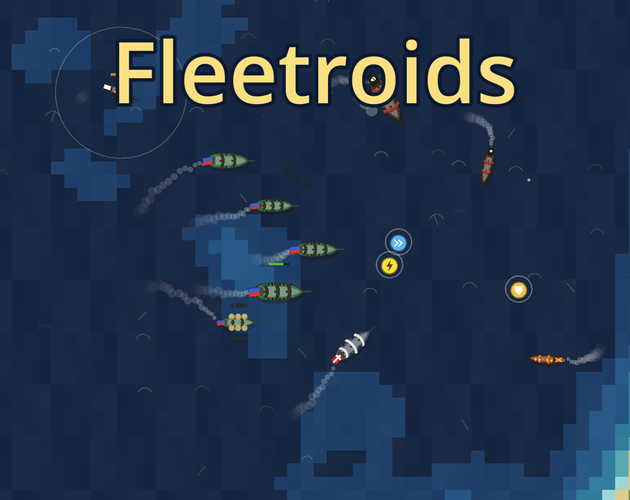

Start with the Sans-TitreGem naval game
Fleetroids is Sans-TitreGem’s naval arcade game on itch.io. You begin with one vessel and can command up to ten. Its central positioning problem is getting the sides of your ships facing the enemy so their guns can fire effectively.
Use this reference to learn the published inputs and choose a first practice goal. Nisu does not host the game, and the suggestions below are planning advice rather than a tested winning route.
Separate steering, sails and firing
Practise steering and sail adjustment before adding both firing directions. When a shot misses, first ask whether the target was beside your ship or ahead of it. That separates a positioning problem from a mistaken key press.
| Input | Published action |
|---|---|
| A / D | Steer |
| W / S | Adjust sails |
| Q / E | Port / starboard broadside |
| Space | Fire both broadsides |
| F | Formation |
| R | Refloat |
| Esc | Menu |
A surrender is the boarding opportunity
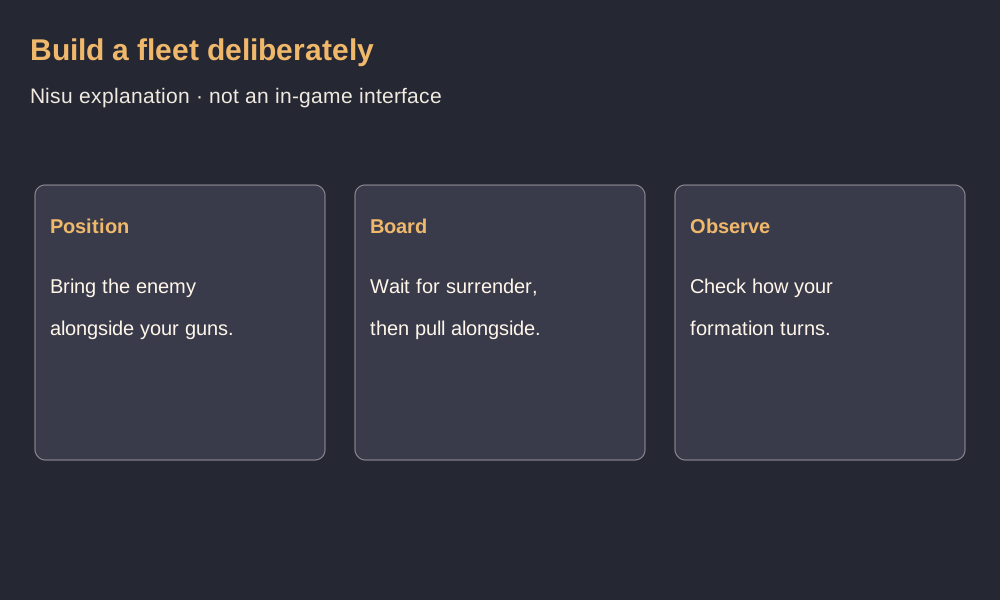
The creator describes a sequence of damaging an enemy until it surrenders, then moving alongside to board it. Captured vessels join your formation. Boarding is therefore a separate step after the fight, not something this guide treats as an automatic reward for firing.
For an opening practice session, try completing that sequence once before expanding aggressively. Notice where the captured ship follows and how much room the enlarged formation needs to turn. This is a way to observe your fleet, not a promise of a particular capture rate or damage threshold.
Expand your route after you can handle your formation
The shallows are the calmer starting waters in the creator’s description; farther out, stronger currents and sea threats enter the picture. A larger fleet still needs to turn its broadsides toward targets.
Set a manageable practice goal before sailing farther: make a deliberate turn, bring a target to one side, and recover your heading after firing. If those actions still feel uncertain, work on them before treating a distant encounter as a test of ship strength. No specific distance, safe zone boundary or guaranteed escape route is established here.
Touch controls and browser saves
The author says touchscreen play uses on-screen buttons and that progress is saved in the browser. Treat those as creator statements, not a Nisu compatibility or save-recovery test.
Before switching devices or clearing browser data, check the game’s current save options. A browser save alone does not establish an account, cloud synchronization, export function or a way to recover deleted local data.
Quick help
How do you add ships in Fleetroids?
The author describes forcing an enemy to surrender, then moving alongside to board it. Captured ships join your fleet, with a stated limit of ten vessels.
Which key fires both sides?
Space is the published input for both broadsides. Q and E select port and starboard firing respectively.
Does progress transfer to another device?
The creator states that progress is saved in your browser. Cross-device transfer and cloud synchronization are not established by that statement.
Source and scope
Checked October 29, 2026 against Sans-TitreGem’s original listing. Inputs and features are author descriptions; Nisu has not played the game or tested saving. The practice suggestions are editorial.