
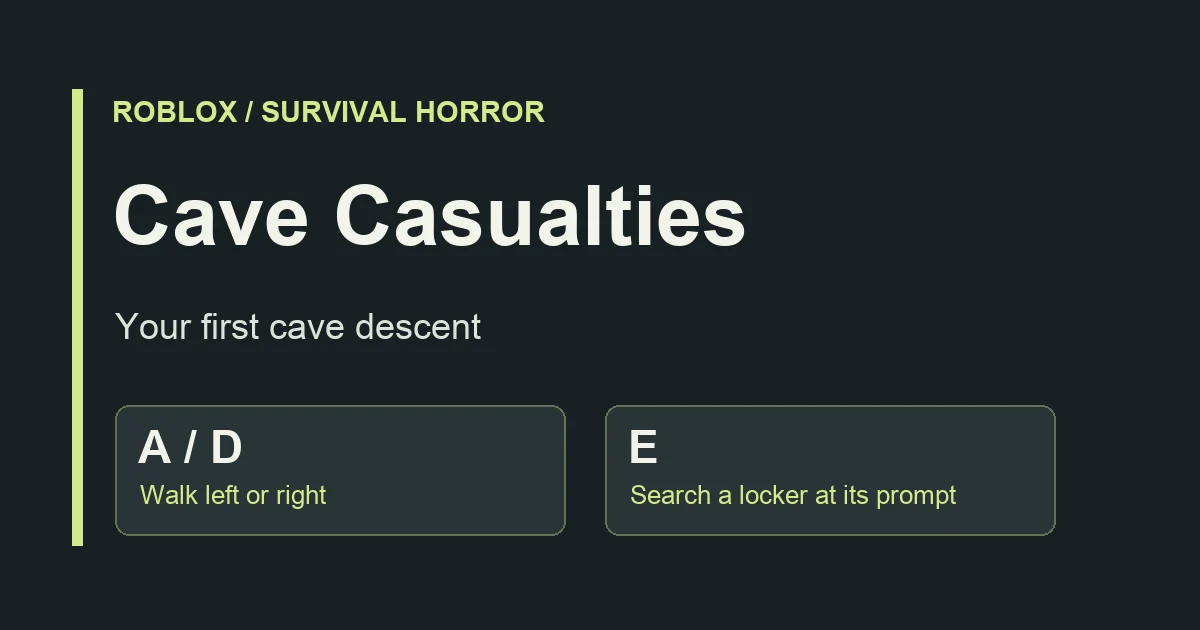

Where to play Cave Casualties
Cave Casualties is Bleedout Interactive’s cave-survival horror experience on Roblox. Open the official Roblox listing in the sources below, sign in and choose Play. On desktop, follow the Roblox Player prompt if it appears. The Roblox listing is the entry point for this game.
Look for Bleedout Interactive under the title. The developer describes Cave Casualties as an independent game inspired in part by Casualties: Unknown, a separate release.
What to do on your first descent
The developer’s current goal is to descend as far as you can and return alive. Make the first run short enough to learn the controls and find your way back. The starting facility shown in November 14 footage has movement and treatment prompts. Read them before leaving.
Search a locker when the on-screen prompt appears and check which number keys correspond to your items. After a drop that leaves your character hurt, check the Body screen for the affected limb. The game tracks issues including wounds, infection, exhaustion and anxiety.
- Before dropping, look for a way back up. If you are using a rope, follow its on-screen climb and lower prompts.
- After a hard landing, look at the Body screen. The recorded interface shows separate status for each limb, including bleeding or a bandage already in place. Use the available treatment prompt before continuing.
- Use the depth readout to track your first run. If your condition deteriorates or you lose your return route, use that point as a landmark for the next attempt.
Cave Casualties desktop controls
These keyboard controls come from November 14 footage and the tutorial prompts transcribed from it. Follow the current in-game prompts if an update changes a binding. Touch and controller inputs were not verified.
| Key | In-game action |
|---|---|
| A / D | Walk left or right. |
| Shift | Run. |
| Space | Jump. |
| C while walking | Dodge-roll. |
| E | Interact with a locker when the search prompt appears. |
| Number keys | Use the item assigned to that slot. |
| M | Open the map. |
| U | Open the Crafting screen. |
| W / S on a rope | Climb up or let the rope out, as shown by the rope prompt. |
Quick help
How can I tell if my character is bleeding?
Use the Body screen to look at each limb. The published gameplay shows a bleeding status next to the injured limb, along with its health or bandage condition.
Source and scope
Checked November 19, 2026. The official Roblox listing and public experience record establish the developer, entry and current goal. Controls and interface details come from dated player footage, published stills and tutorial transcriptions. Nisu did not launch the Roblox client or play a run.