


Download the demo, not an unreleased full game
ArcheAge Chronicles has a free public Steam Next Fest demo open on October 21, 2026. XLGAMES schedules it from October 19 at 10:00 PDT until October 26 at 10:00 PDT. A Steam account is enough to download it; the announcement does not require an invitation, test key or separate application. The full game and its planned Early Access launch still have no announced release date on the Steam listing.
Open the official Steam page linked above and find the separate Download Demo section. Follow Steam’s installation prompt and launch the demo through your library. A Coming Soon message for the main product is compatible with a separately available demo. Adding the unreleased game to your wishlist is optional; it is not the download action.
If the button is missing, check that you opened app 3218230 rather than an old ArcheAge listing, then compare your time with the schedule below. Refresh the listing or open it in the Steam client. A Reddit player asked about this exact missing-button problem before the event; that report does not establish a permanent regional block. We verified the current store section, not an installed game session.
The demo closes at one global moment
The announced closing time is October 26 at 10:00 in Pacific Daylight Time, which is 17:00 UTC. Players east of Europe can reach the calendar date October 27 before it closes. Use the timezone, not only the day number, when arranging a final session.
These are conversions of the publisher’s fixed schedule. They are not separate regional opening windows or a guarantee against maintenance. Check the official Steam announcements before setting aside a long session near the end.
| Timezone | Opens in 2026 | Closes in 2026 |
|---|---|---|
| Pacific (PDT, UTC−7) | October 19, 10:00 | October 26, 10:00 |
| UTC | October 19, 17:00 | October 26, 17:00 |
| New York (EDT, UTC−4) | October 19, 13:00 | October 26, 13:00 |
| London (BST at opening, GMT at close) | October 19, 18:00 | October 26, 17:00 |
| Shanghai / Singapore (UTC+8) | October 20, 01:00 | October 27, 01:00 |
| Seoul / Tokyo (UTC+9) | October 20, 02:00 | October 27, 02:00 |
Choose a combat style before worrying about a tier list
The October 19 launch announcement names four playable classes: Warrior, Ranger, Berserker and Mage. The official descriptions distinguish close combat, mobile ranged attacks, riskier offense and elemental magic with control. Those roles can help you choose a first character; they do not establish a damage ranking or the easiest class for every player.
Use the demo to check whether you enjoy that class’s movement and attack rhythm. Read the in-game skill descriptions before spending progression points. This guide has not benchmarked damage or completed the dungeon with any class, so it does not label one the best starter.
Additional gender options are in development, according to the October 17 producer letter, but are not ready for this demo. A roadmap intention is not a character-creation option you can select today.
| Class | Officially described direction | What to assess in your first fights |
|---|---|---|
| Warrior | Frontline melee pressure | Whether close positioning and weighty attacks suit you |
| Ranger | Mobility and precise ranged attacks | Whether you can keep distance while aiming |
| Berserker | Offense that takes greater risks | Whether the aggressive rhythm feels comfortable |
| Mage | Elemental attacks and crowd control | Whether spell positioning and control suit you |
Use the opening quests to learn the controls
The publisher describes about two to three hours of quest content around Diamond Shores. Begin with that route, read the prompts and inspect your current control bindings before testing optional challenges. The Steam page describes jumping, dodging, blocking and parrying as part of the action combat; exact keys should come from your installed build and selected input device.
For a first session, check camera sensitivity and readable interface settings, then practice one defensive action against ordinary enemies. This is a suggested learning sequence, not a route we have personally cleared. A keyboard layout copied from another MMO or from the September network test may not match your settings.
If you play with friends, select a compatible server and pay attention to your current channel. The producer letter says the demo improves party quest sharing and the logic for joining a shared channel. It does not mean every open-world activity is automatically shared just because your friends are online.
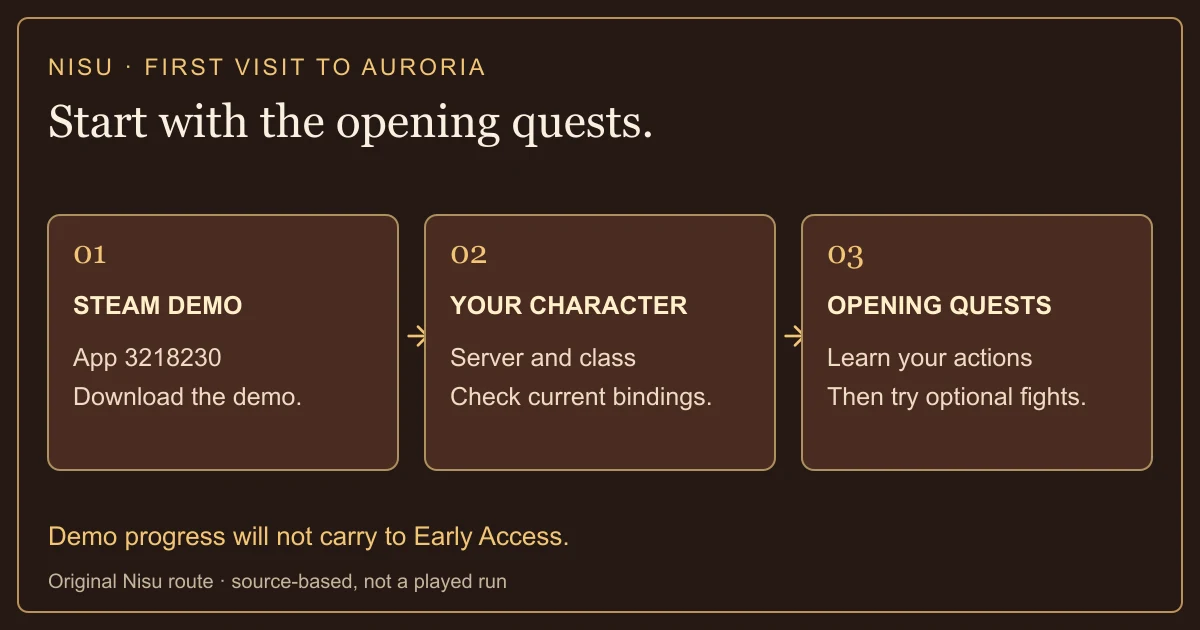
Try the optional challenges without expecting the whole MMO
Throne of Hinnon is an extra dungeon outside the demo’s ordinary quest route. The producer warns that it is a high-level challenge relative to the progression available during this test. Its entrance requires a hidden key; this guide does not invent a location or claim an easy clear.
The PvP channel becomes available much earlier in the demo than in the planned normal progression. The October 17 instructions place access after leaving the first town and reaching the Nui Statue at the next destination. You do not need to assume that every zone or every starting encounter is mandatory PvP.
Housing and trading are excluded from this demo. The store’s broader Early Access description mentions those systems and more regions, but that description is not a checklist of what you can play during Next Fest. Judge the demo’s combat, presentation and opening quests within the scope XLGAMES actually announced.
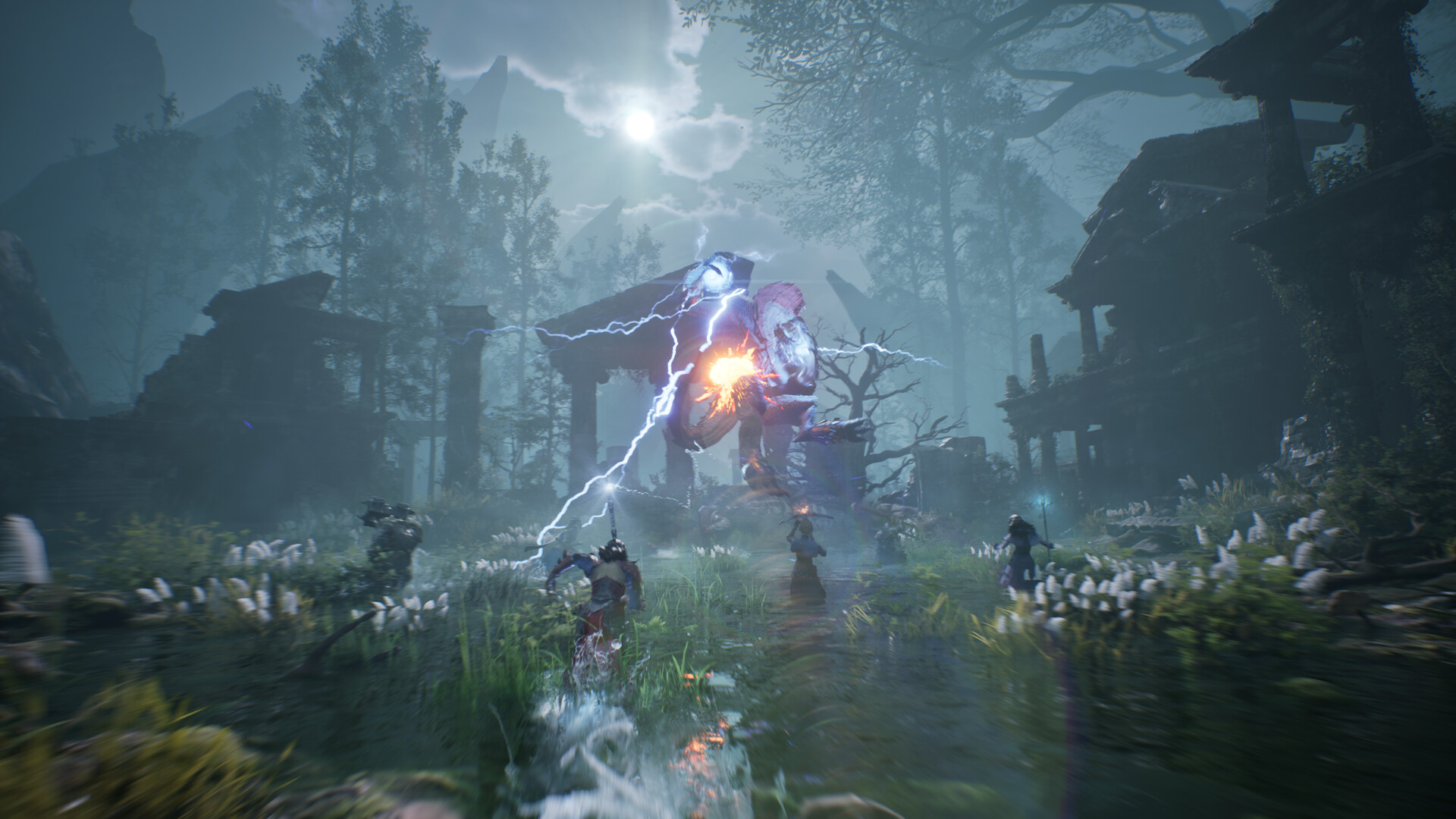
Check the PC, language and server requirements
This demo is offered through Steam for PC. The checked store requirements specify 64-bit Windows and DirectX 12. A controller-related store tag is not a guarantee that every controller works, and a PC demo announcement is not a console or mobile demo release.
The producer lists North American East and West, Central Europe, and East and South Asia servers, with worldwide demo access. English, Korean, Simplified Chinese and Traditional Chinese are supported. Steam currently lists Korean full audio; do not infer English dubbing from the English interface checkmark.
The 100 GB figure is available SSD storage in the system requirements. It is not a measured demo download size. Steam’s actual installation prompt is the place to check transfer size and required space for the current package.
| Requirement | Minimum listed on Steam | Recommended listed on Steam |
|---|---|---|
| OS | Windows 10 64-bit | Windows 11 64-bit |
| CPU | Core i5-10400 / Ryzen 5 3600 | Core i7-12700 / Ryzen 7 5700X |
| RAM | 16 GB | 32 GB |
| Graphics | RTX 2060 SUPER / RX 6600; 8 GB VRAM | RTX 4060 Ti 16 GB / RX 7700 XT 12 GB |
| Storage / API | 100 GB available on SSD; DirectX 12 | 100 GB available on SSD; DirectX 12 |
| Publisher target | 1080p Low, Quality upscaling, 30 FPS | 1080p High, Quality upscaling, 60 FPS |
Demo progress does not transfer to Early Access
XLGAMES’ October 1 demo announcement explicitly says that progress and save data will not carry over to Early Access. Treat this week as an opportunity to learn a class and assess the game, rather than an early start on a permanent character. Keeping a screenshot or notes about settings can help you remember your choices; it does not transfer the character.
The October 15 progression article separates character levels and stat points from weapon traits. Questing and exploration supply much of the described experience, while trait points come through challenges around Raeven’s Coilstones. Each weapon has its own trait tree. This explains why simply repeating easy enemies may not resolve every difficult fight.
Check your current character and Traits screens when you struggle. Read what a point changes before committing it, and distinguish a statistical improvement from learning an enemy’s attack pattern. The developer’s examples are not a verified optimal build, and we have not tested respec costs or a maximum demo level.
Separate a store problem from a launch problem
For a missing download button, start with the correct Steam product and event window. For an installation failure, read the specific Steam error and check available SSD space. For a game that opens but cannot connect, check the current official announcements and selected server before repeatedly reinstalling.
The store lists XIGNCODE3 kernel-level anti-cheat and a third-party EULA. Read those conditions before installing. This guide does not recommend disabling security software, downloading an unofficial fix or running a repack to bypass a launch error.
If you need to report a problem, include your timezone, server, Windows version, hardware and the exact error. Distinguish a black screen before the menu from a failed server connection after login. Those are different failure points, and an isolated player report does not prove that every region is offline.
Watch the official October demo trailer
The official October 19 trailer is a short introduction to the demo’s presentation. It is publisher footage, not a Nisu capture, performance test or complete tutorial. Use the written schedule and demo limits above to decide what you can actually access.
Official October 19, 2026 demo trailer. Publisher footage; Nisu has not installed or played the demo.
Quick help
Why does Steam say Coming Soon if the demo is available?
The main product is unreleased, while the separate Download Demo section is available during Next Fest. Use the XLGAMES listing for Steam app 3218230 and check the event window.
When does the ArcheAge Chronicles demo end in China?
It ends October 27, 2026 at 01:00 in Shanghai time (UTC+8), equivalent to October 26 at 10:00 PDT. This is a timezone conversion of the publisher’s schedule.
Do I need a beta key or invitation?
No. XLGAMES says the free public demo is available to Steam users without a test key, separate application or invitation. You still need Steam and a compatible Windows PC.
Will demo progress carry over?
No. The official October 1 announcement says demo progress and save data will not transfer to Early Access.
Can I try housing, trade or every class gender option?
Housing and trade are excluded. The four announced classes are playable, but the additional gender options under development are not ready for this demo.
Is the 100 GB requirement the demo download size?
No. It is the available SSD storage requirement on the Steam listing. The actual current package size must be checked in Steam; Nisu has not downloaded the demo.
Is the full release free, and when does it launch?
The demo is free. That does not establish the full game’s price. The checked Steam listing still gives the planned release as To be announced.
Source and scope
Independent guide checked October 21, 2026 against the live Steam listing and XLGAMES announcements. Nisu checked public pages and media, but has not installed or played the demo. Interface steps and hardware targets are source-based; no tested build, dungeon clear or performance guarantee is implied. Official promotional media remains © XLGAMES Inc. This guide is not affiliated with XLGAMES.
- Official Steam listing: current demo section, full release status, languages and PC requirements
- XLGAMES October 2 announcement: schedule, classes and excluded content
- Official Steam announcements: October 1 save-data limit; October 15 progression; October 17 producer letter; October 19 demo launch
- Player question about the missing demo button; not authority for current availability