

A Long Flight PC flight controls
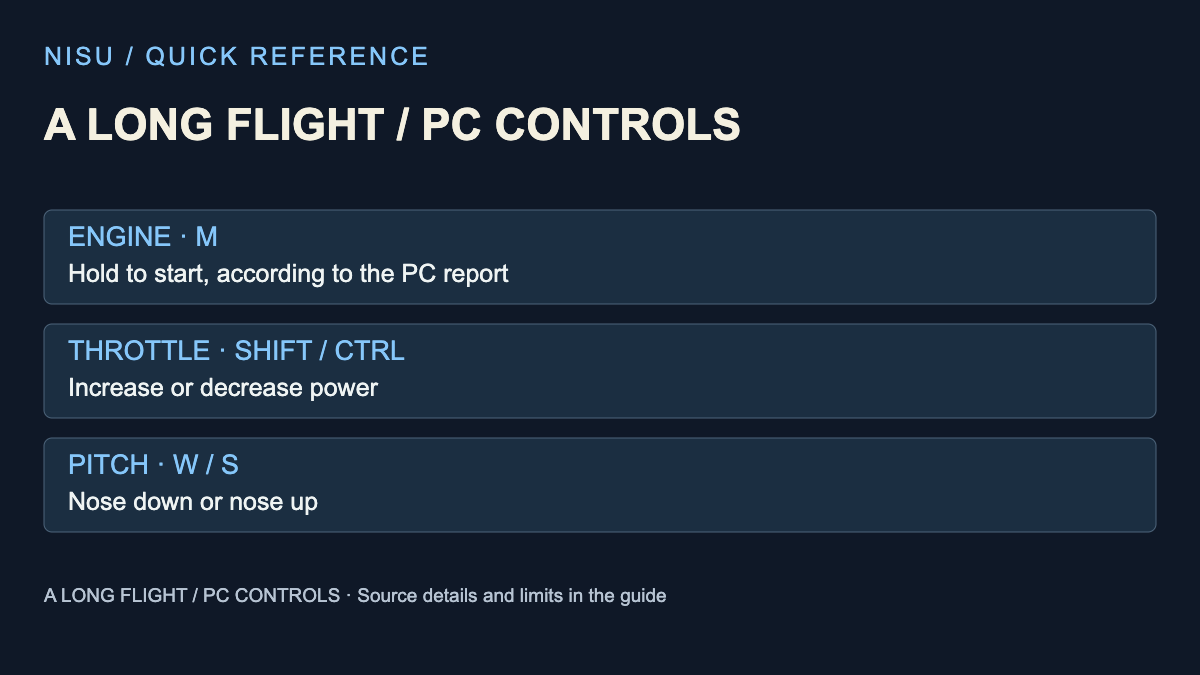
Start with M for the engine, then keep throttle and aircraft attitude separate. VSC Games documents M in the official description; the other PC bindings below come from Vignesh Raja’s October 26 controls report for Pro Game Guides.
This is the desert-survival Roblox experience by VSC Games, place 129631837832236. Check that identity before using a key list from a similarly named flight simulator.
| Key | Aircraft action |
|---|---|
| M (hold) | Start engine |
| Shift / Ctrl | Increase / decrease throttle |
| W / S | Nose down / nose up |
| A / D | Bank left / right |
| Q / E | Rudder left / right |
| B | Brake |
| P | Toggle parking brake |
| L | Lights |
| V | Outside view |
Which key makes the plane go up?
S is the reported nose-up input. Shift changes throttle rather than directly lifting the aircraft. W points the nose down; it is not the usual walking-forward action once you are flying.
Treat this as a distinction between controls, not a guaranteed takeoff sequence. An aircraft that has not been repaired or supplied is a different problem from choosing the wrong steering key. The developer describes repair, fuel collection and resource management as part of the game, but does not publish a universal takeoff speed.
For a first check, change one input at a time and watch the aircraft response. If you are unsure whether you changed power or pitch, return to the two separate rows above before combining inputs. This is an editorial practice suggestion, not a flight routine tested by Nisu.
Getting into the seat and handling parts
The same PC report lists E for taking a seat, F for picking up or placing parts and holding F to detach a part. Its object-handling controls belong to the ground context; Q and E have separate rudder functions in flight.
Read the prompt attached to the object or seat you are targeting. If a control seems to do something unexpected, first establish whether you are interacting with a part, standing beside the plane or sitting in the cockpit. A remembered key alone does not identify the active context.
Engine or movement not responding?
Confirm the exact game and active input context first. The developer’s M instruction concerns starting the engine; it does not establish that all repairs are finished, fuel is available or the aircraft is ready to leave the ground.
Separate the observation from its possible cause: no engine response, an engine running without movement and an aircraft moving without climbing are different symptoms. Note what happened before changing several things together. The public sources checked here do not establish a single guaranteed repair for every symptom.
The game remains in early access. Follow a changed on-screen prompt if a later update differs from this reference. Mobile and controller bindings were not established by the PC report, so this page does not translate keyboard keys into guessed touch buttons.
Quick help
How do I start the engine in A Long Flight?
The official developer description says to press M. The PC controls report specifies holding M.
Does Shift make the plane climb?
It increases throttle. S is the reported nose-up control; those are different inputs.
Are these A Long Flight mobile controls?
No. This reference covers PC keyboard bindings. Follow the current touch interface on mobile.
Source and scope
Checked October 27, 2026. The official Roblox listing confirms the game identity, survival premise and M engine instruction. Additional keyboard bindings are attributed to Pro Game Guides’ October 26 report. Nisu has not joined a server, flown an aircraft or tested repair, mobile or controller inputs.